Version: 1.12 Last Updated: 10 Mar 2017 Release: 08 Jul 2015 Category: Internet
Rate this software:
360 downloads
View Screenshots(11)
Comments
Download
Liked it? Tell others:
The Image Collector Details
Works on: Windows 10 | Windows 8.1 | Windows 8 | Windows 7 | Windows 2012 SHA1 Hash: 1015b4f2d491b90c9de728cb8d279c87146f9b33 Size: 2.38 MB File Format: exe
Rating: 2.0
out of 5
based on 23 user ratings
Downloads: 360 License: Free
The Image Collector is a free software by Joseph Cox and works on Windows 10, Windows 8.1, Windows 8, Windows 7, Windows 2012.
You can download The Image Collector which is 2.38 MB in size and belongs to the software category Internet. The Image Collector was released on 2015-07-08 and last updated on our database on 2017-03-10 and is currently at version 1.12.
Thank you for downloading from SoftPaz! Your download should start any moment now. It would be great if you could rate and share:
Rate this software:
Share in your network:
The Image Collector Description
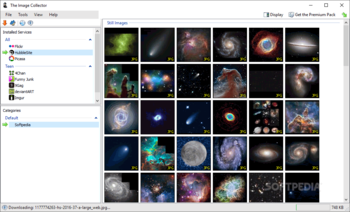
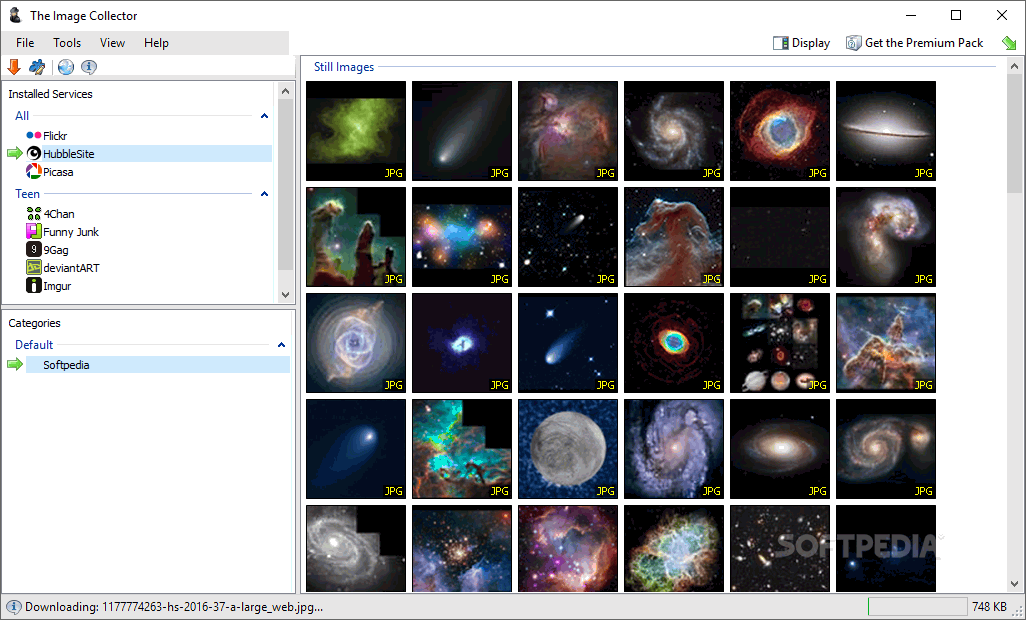
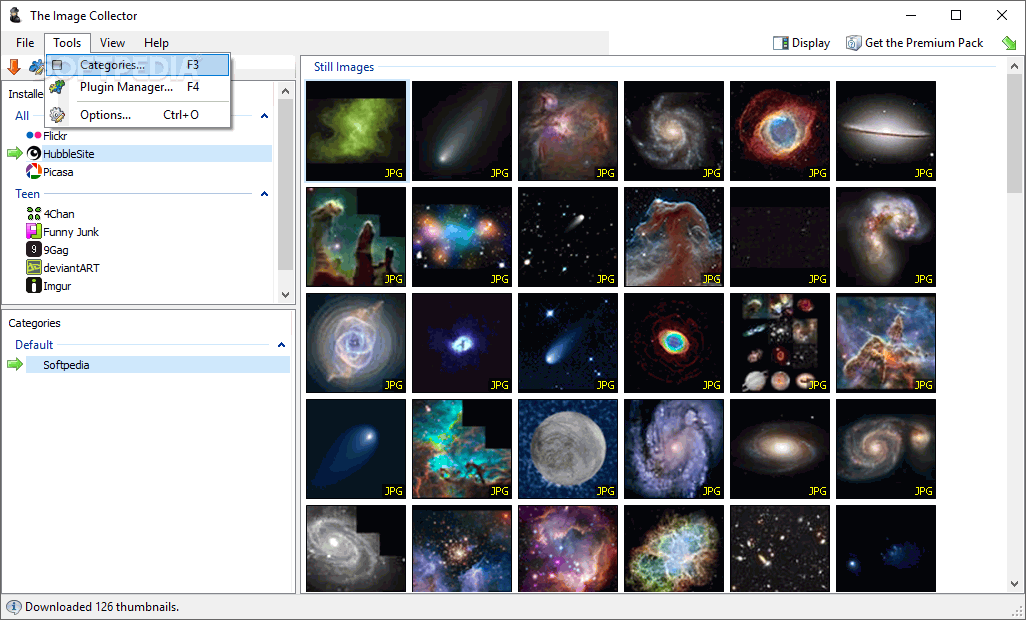
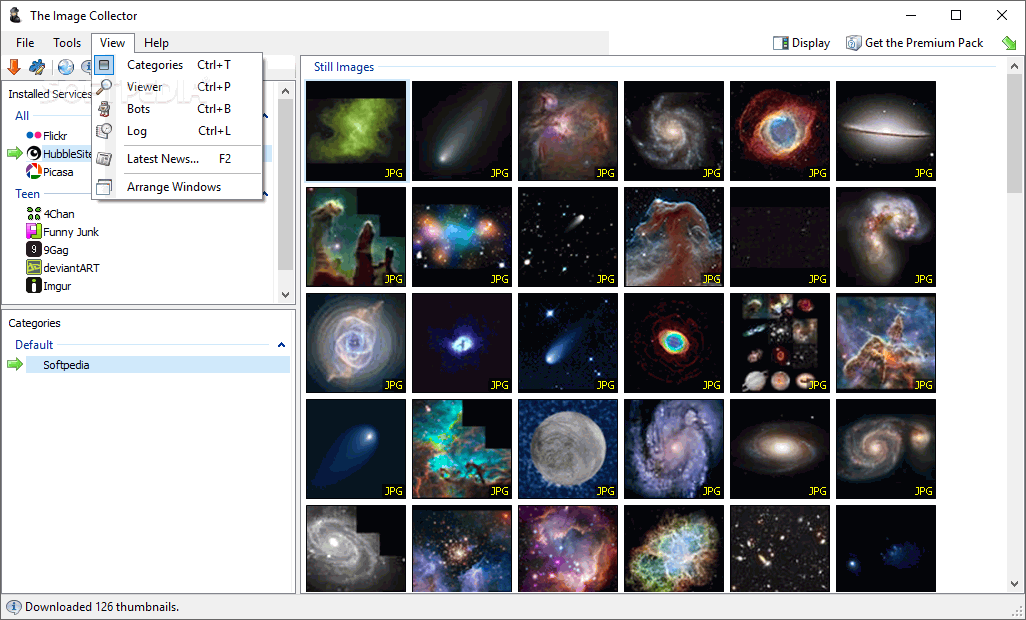
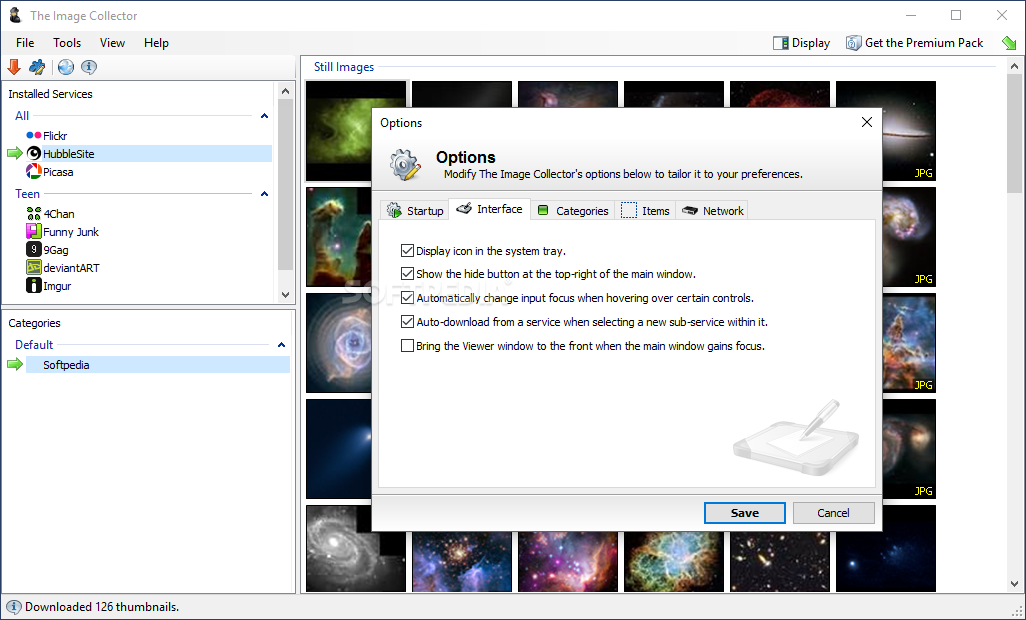
The Image Collector (referred to as TIC) is an application that has been designed to allow the quick viewing, categorisation, and downloading of images from a range of web services.
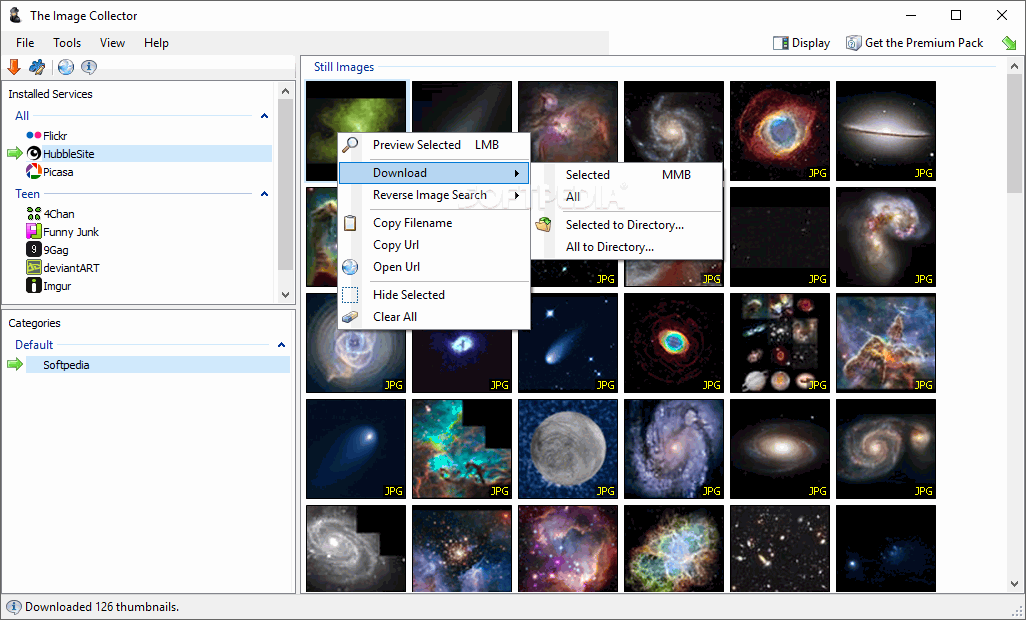
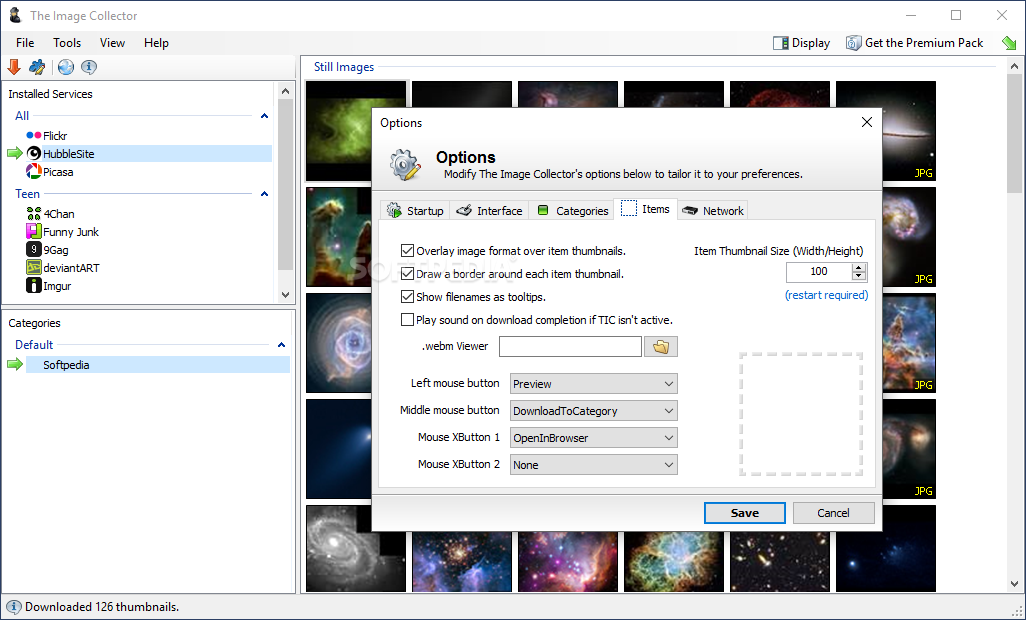
TIC allows you to choose the web service you would like to download from, fetches the latest available images and displays their thumbnails in a scrollable grid. You can then left-click an image to download and display its full version; if you want to keep that image, middle-click on it and it will be downloaded to the selected category.
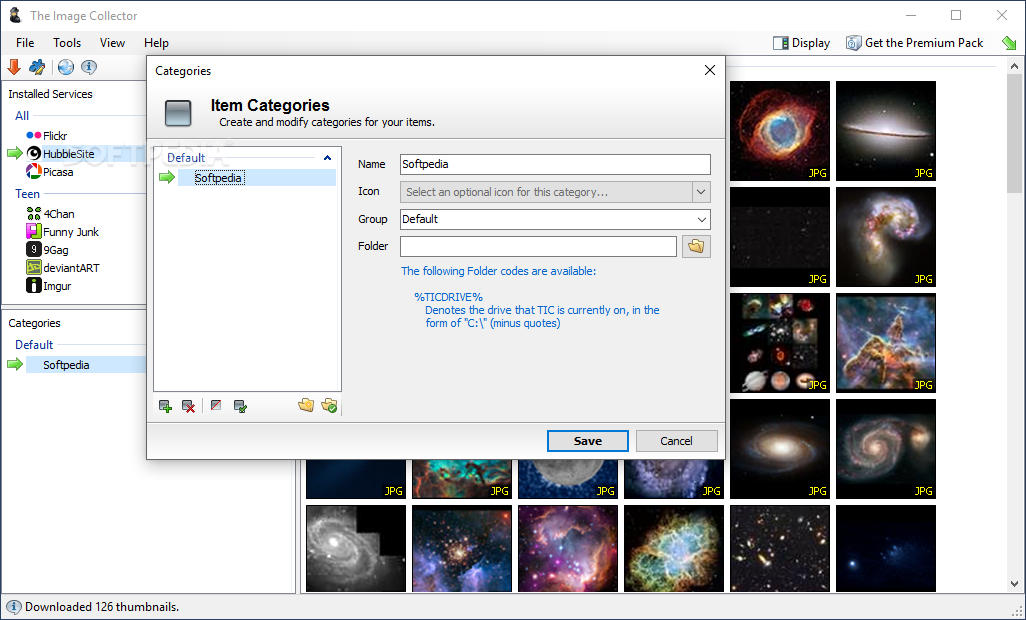
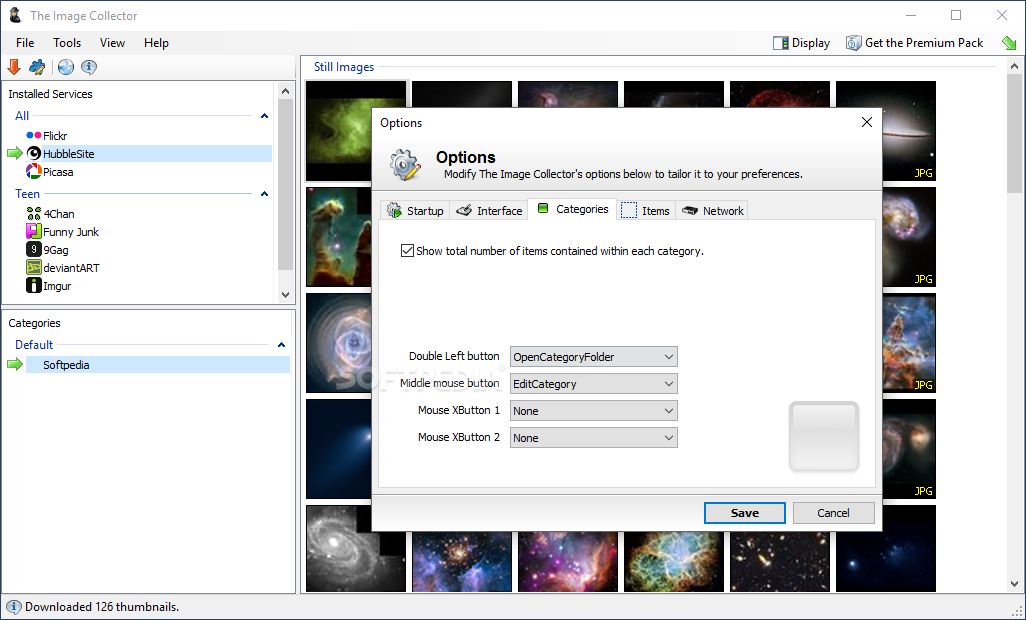
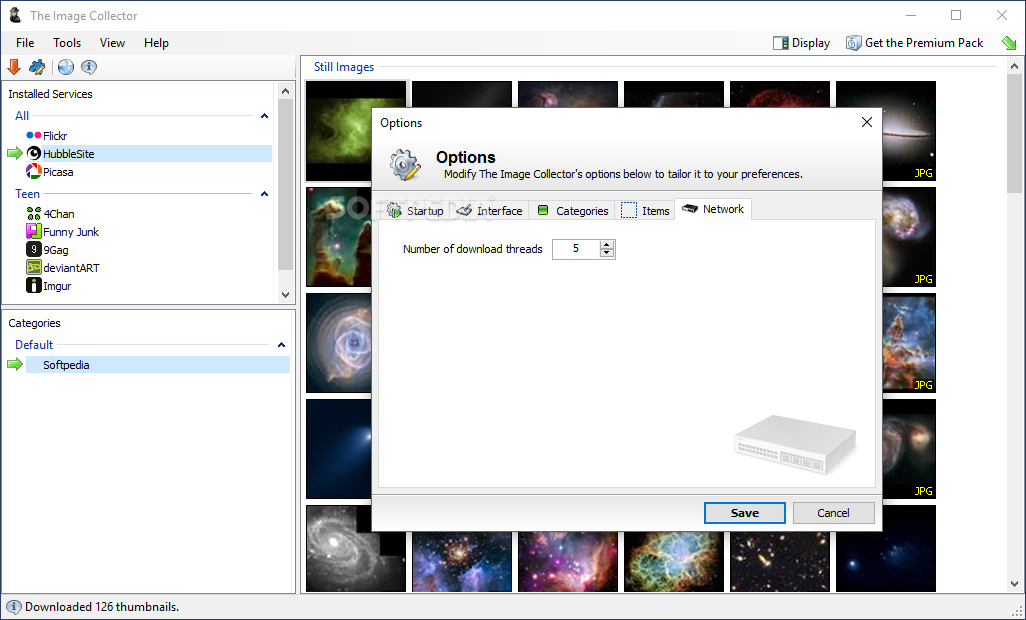
Categories point to a location on disk, so you can activate a category and download an image, and it'll be automatically placed into that category's location. This, combined with queued downloading, allows images to be downloaded and categorised very quickly. There is no need to wait for images to complete downloading before viewing and downloading more.
Due to the way The Image Collector works, its main focus is on providing quality control. It will not - at least not by default - go and bulk download images. You can vet and categorise images before downloading, so you are at least assured you are not downloading images you do not want. TIC has been designed to make this process as quick and smooth as possible so you can get the images you actually want to keep.



 Windows 7 and above
 View Screenshots(11)
 Comments
 Download




 Similar Software


 Recently Searched
 Software Categories
 Trending Software
 Like Us


