


 Windows XP and above
| Rate this software: | |
| 1132 downloads | |
 View Screenshots(1)
 Comments
 Download




The program is meant to easily document and record the time spent on different tasks with space provided for comments.everytime you time anything. The program is provided in a zipped file and created to be run by windows user who at least have Microsoft Office Access 2003 installed on their computers.
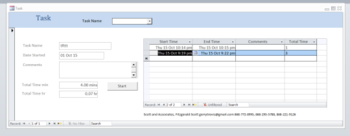
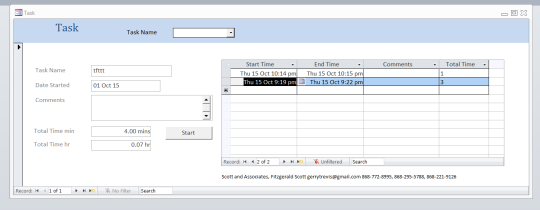
Enter a new record, type in the name of your task and press start and the system starts to record the time you are spending on the task. Need to record time for an old task? Choose the task from the list and then press start. The time spent is recorded every time and the total time spent on the task over time is displayed.
Want to see how much time you spent on the task this week, this month, this year? Right-click on the start time column and go to town using the "Date filter" option if youre using Access 2007 and above or the simpler version of that for Access 2003. To remove the filter simply click on "Filtered" which will toggle back to "Unfiltered".
Whats new in this version:
Mainly superficial changes, adjusted the trial use number
 Similar Software


 Recently Searched
 Software Categories
 Trending Software

 Like Us

Free Windows software, games, themes and wallpapers with direct download links since 2011.

