


 Windows NT and above
| Rate this software: | |
| 1032 downloads | |
 View Screenshots(1)
 Comments
 Download




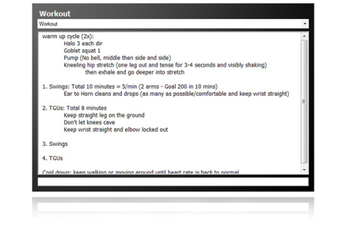
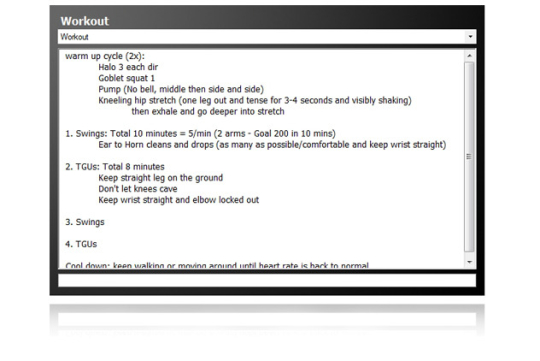
TouchDocs is a simple tool used to put your most important information at your fingertips. With TouchDocs you can organize your most important information any way you like and have it at the touch of a button (Alt + Q). Have a todo list, a homework list, famous quotes that "move" you or just a place to jot down ideas. TouchDocs automatically saves your files when you are done editing. TouchDocs is meant to be user friendly and require minimal effort from the user. You just add a document and start typing. When you are done, just click on another application or hit the hot key again (Alt +Q) and go back to what you were doing.
Now you can also do screen captures from the touch of a button as well. Just press (Alt+Q, S) when TouchDocs is running and you will be able to select a portion of the screen to copy to the clipboard. To escape the screen capture mode, just click anywhere on the screen and it will go away.TouchDocs is a simple and free alternative to OneNote and other more expensive applications. In future releases I plan to add security to different documents and make enhancements to the UI.
Whats new in this version:
 Similar Software


 Recently Searched
 Software Categories
 Trending Software

 Like Us

Free Windows software, games, themes and wallpapers with direct download links since 2011.
