Traffic Inspector icon

Traffic Inspector

1 big stars
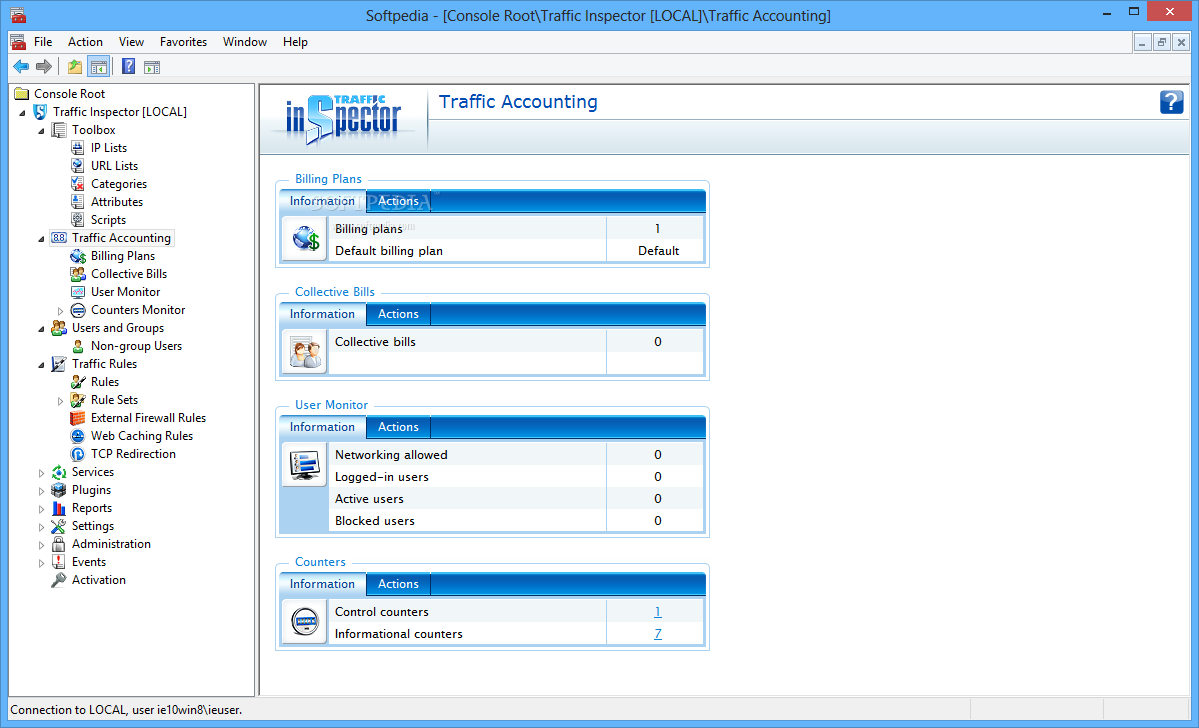
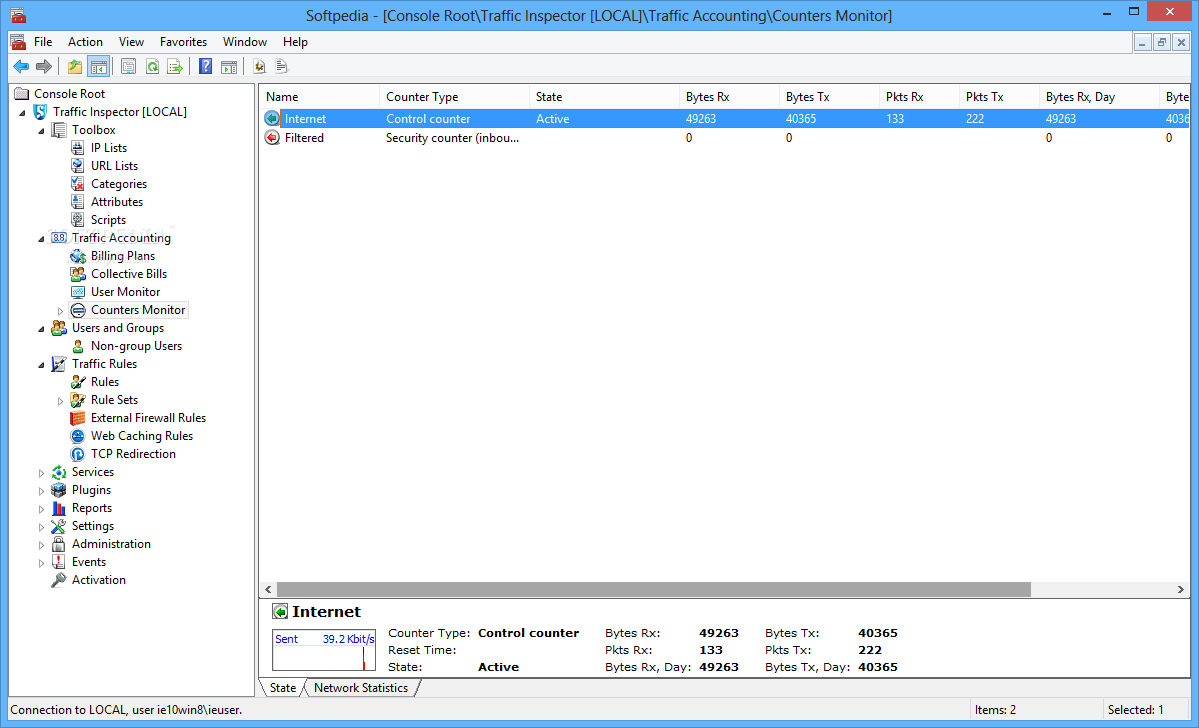
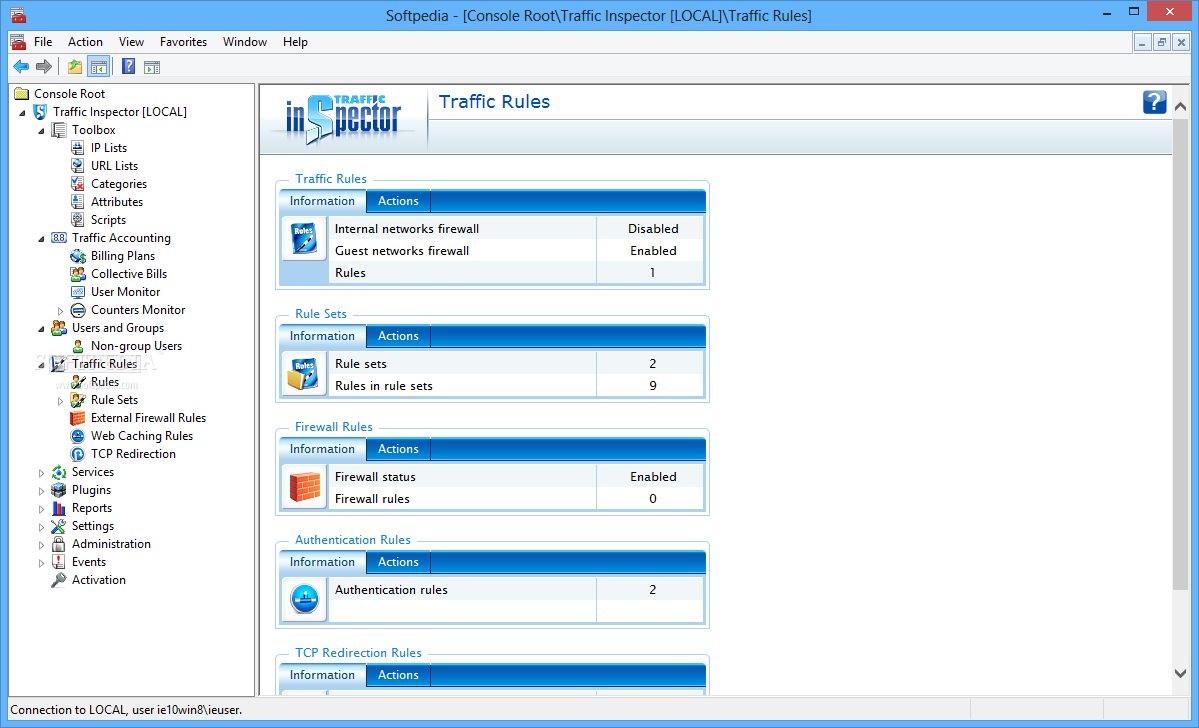
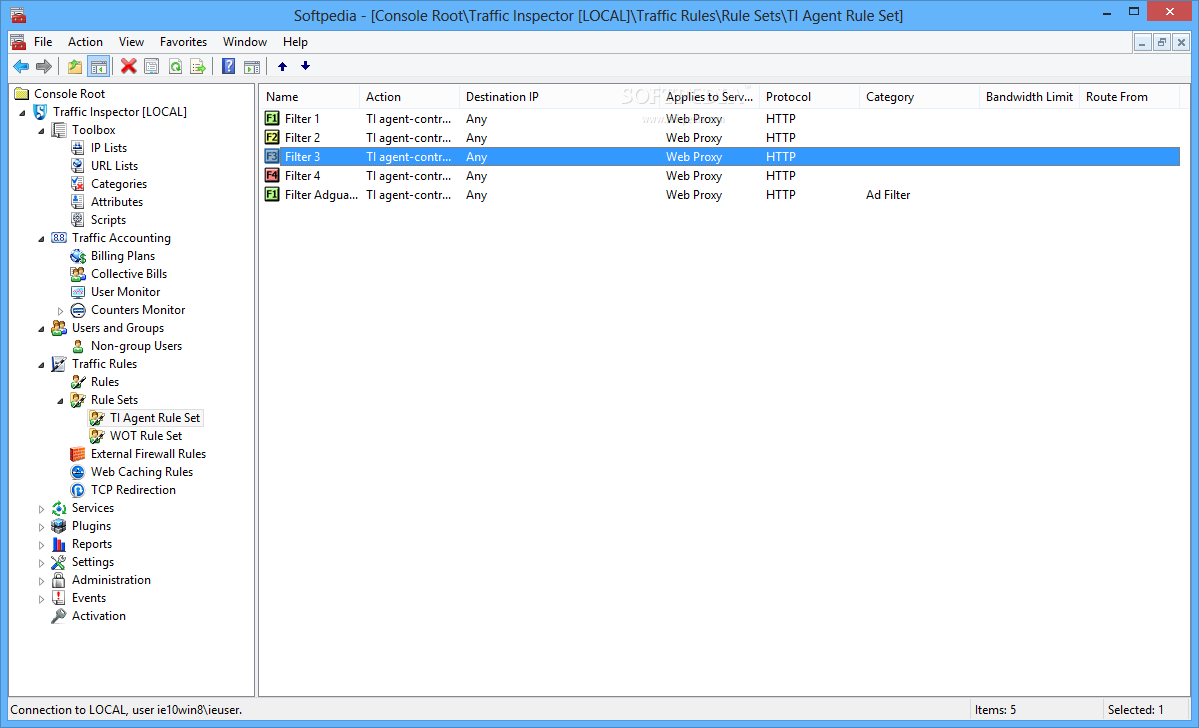
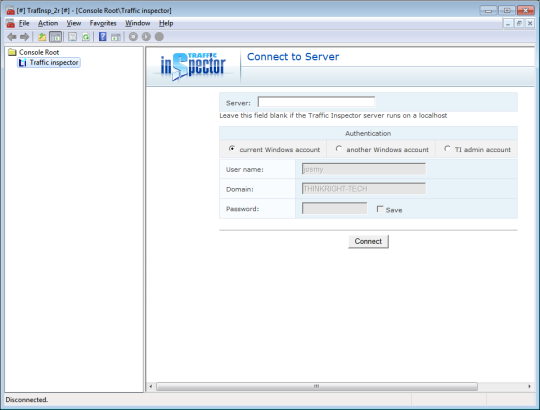
Traffic Inspector screenshot
Name: Traffic Inspector
Works on: windowsWindows XP and above
Developer: Smart-Soft
Version: 2
Last Updated: 25 Apr 2017
Release: 29 Jan 2013
Category: Security > Keylogger or Monitoring
Rate this software:
396 downloads
screenshotsView Screenshots(27)
commentsComments
downloadDownload
Liked it? Tell others:
tags

Traffic Inspector Tags

Security Monitoring
details

Traffic Inspector Details

Works on: Windows 10 | Windows 8.1 | Windows 8 | Windows 7 | Windows XP | Windows 2000 | Windows 2003 | Windows 2008 | Windows Vista | Windows 2012
SHA1 Hash: 49b26b661e7610ed90c2a2206254f1ff24d0d5d5
Size: 34.15 MB
File Format: zip
Rating: 1.8 out of 5 based on 23 user ratings
Publisher Website: External Link
Downloads: 396
License: Demo / Trial Version
Traffic Inspector is a demo software by Smart-Soft and works on Windows 10, Windows 8.1, Windows 8, Windows 7, Windows XP, Windows 2000, Windows 2003, Windows 2008, Windows Vista, Windows 2012.
You can download Traffic Inspector which is 34.15 MB in size and belongs to the software category Keylogger or Monitoring.
Traffic Inspector was released on 2013-01-29 and last updated on our database on 2017-04-25 and is currently at version 2.
download button
Thank you for downloading from SoftPaz! Your download should start any moment now. It would be great if you could rate and share:
Rate this software:
Share in your network:
features

Traffic Inspector Description

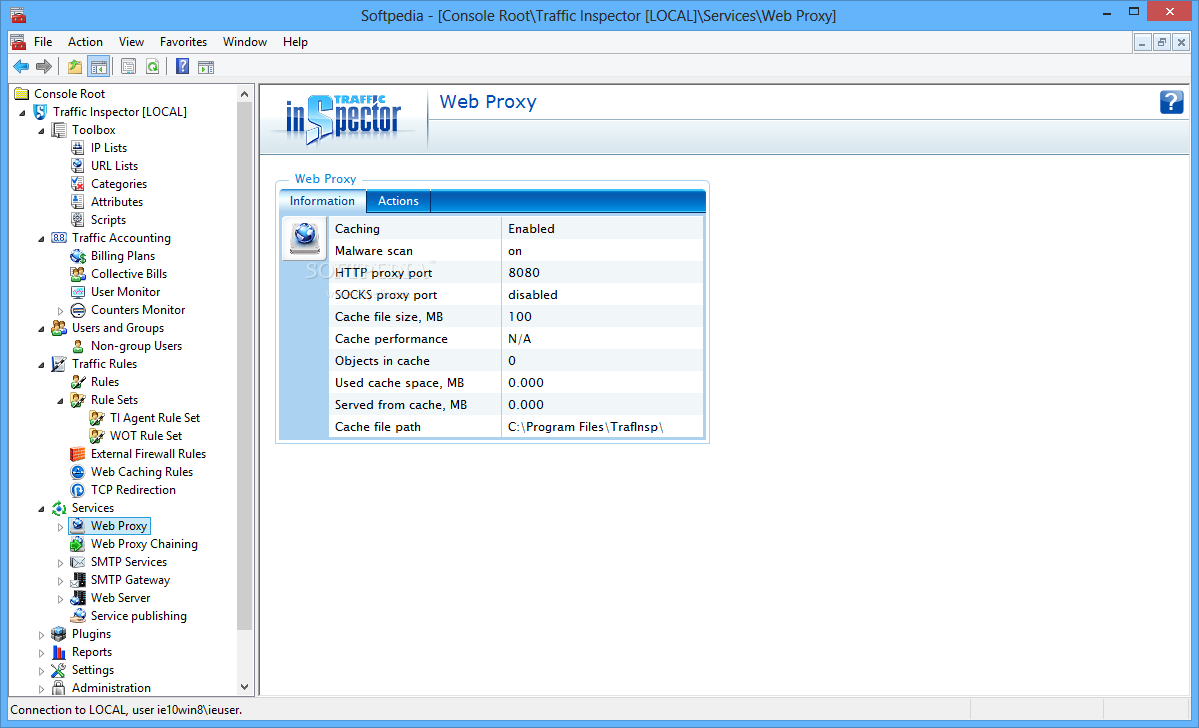
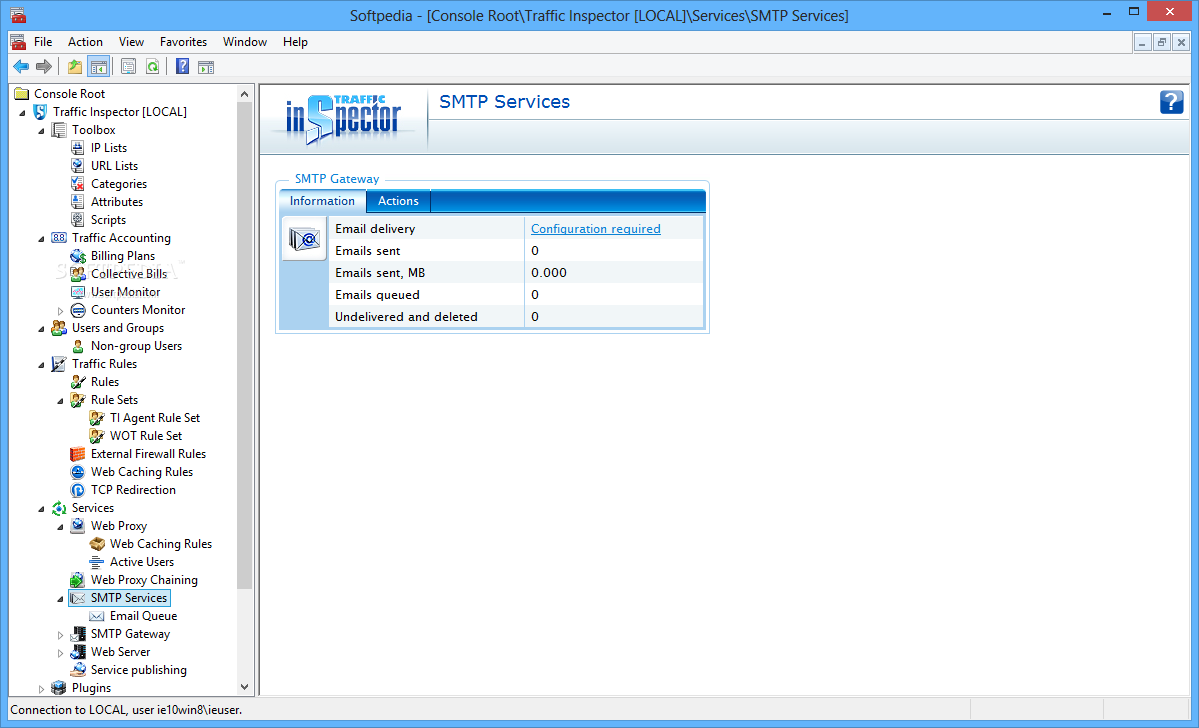
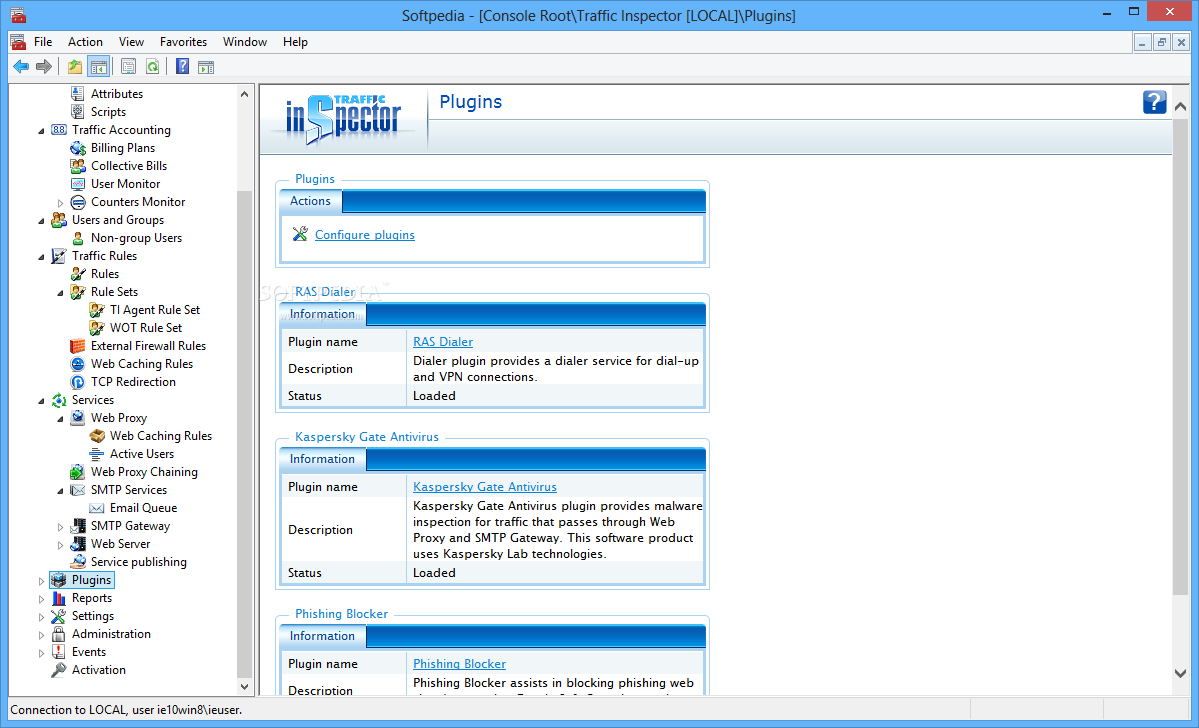
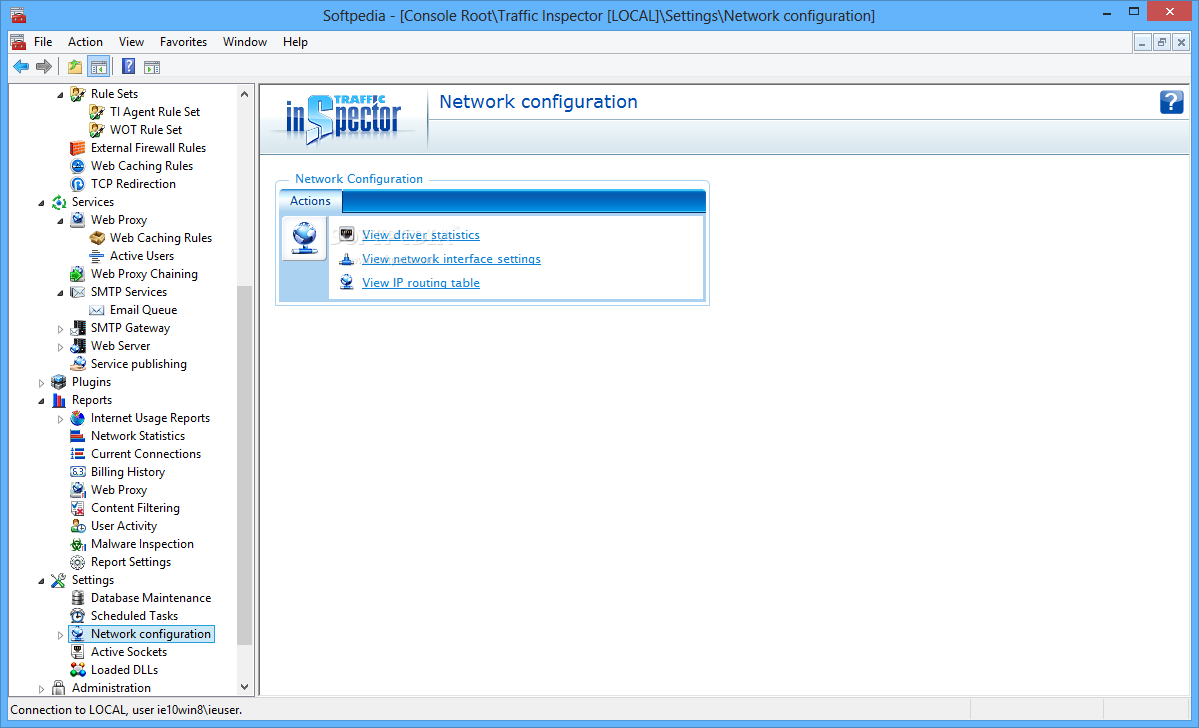
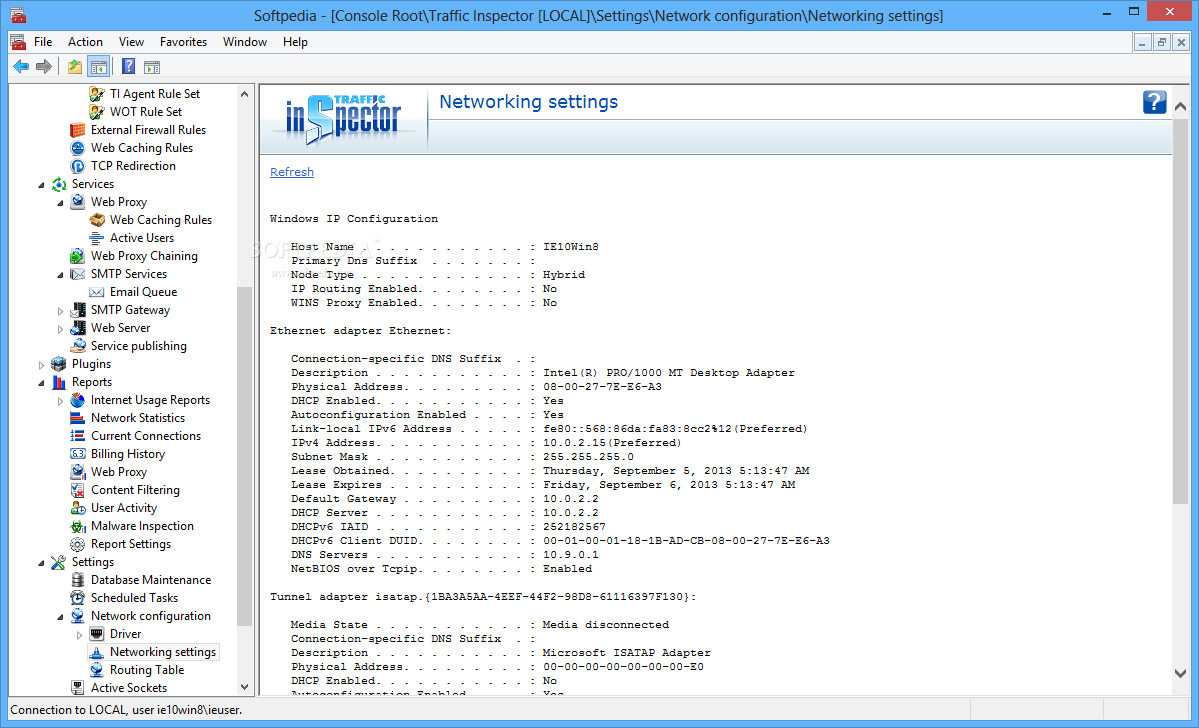
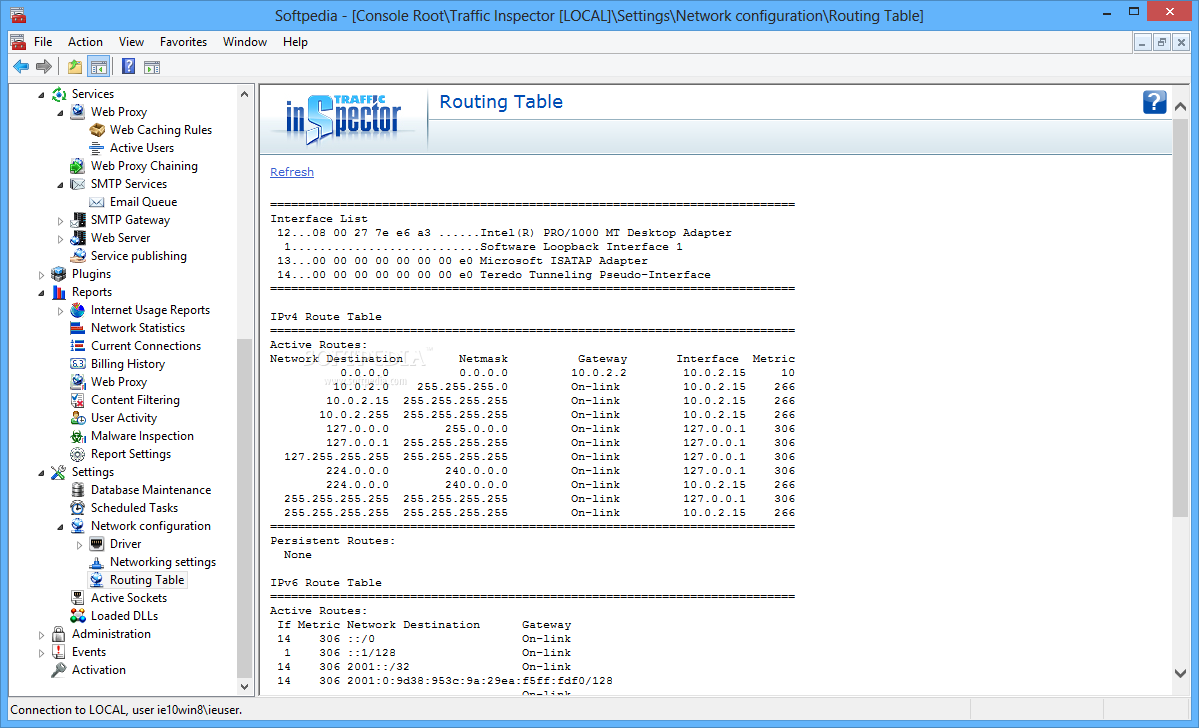
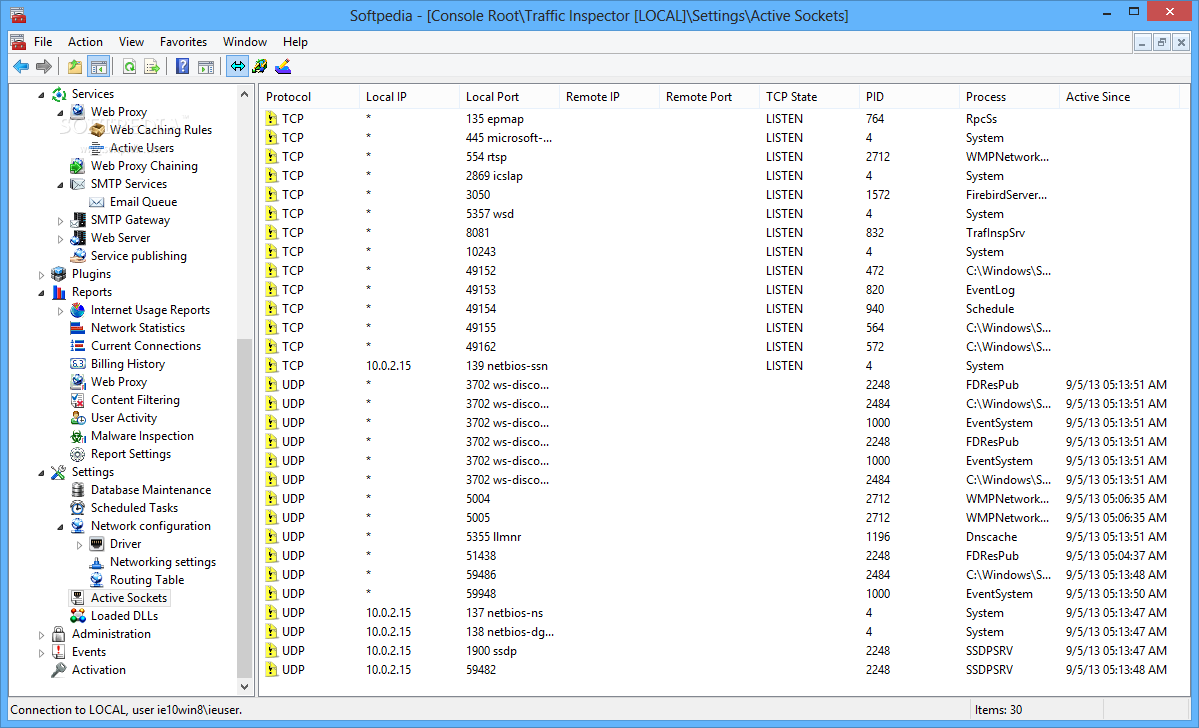
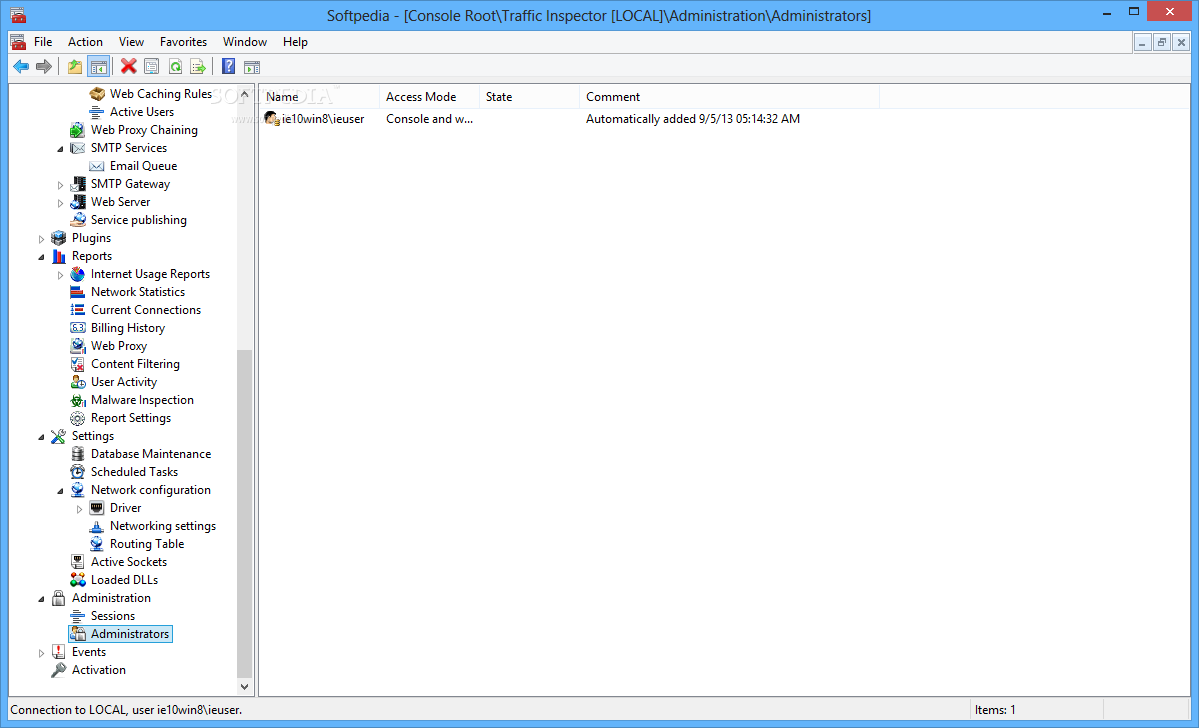
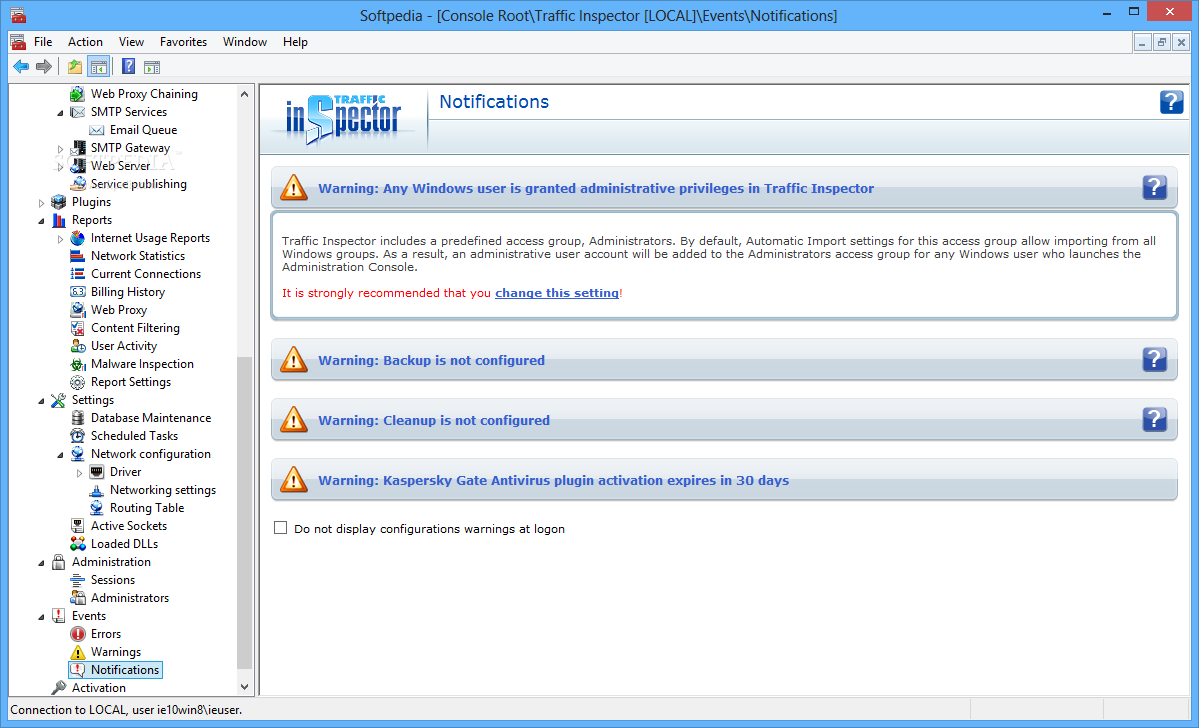
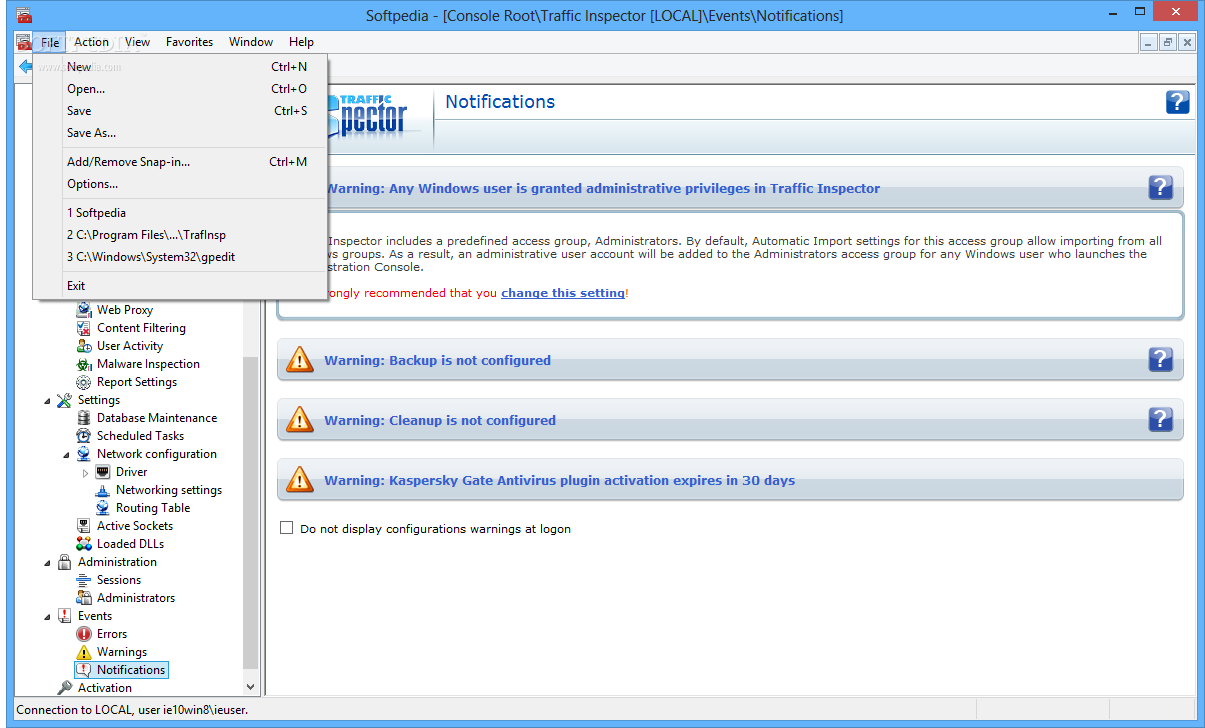
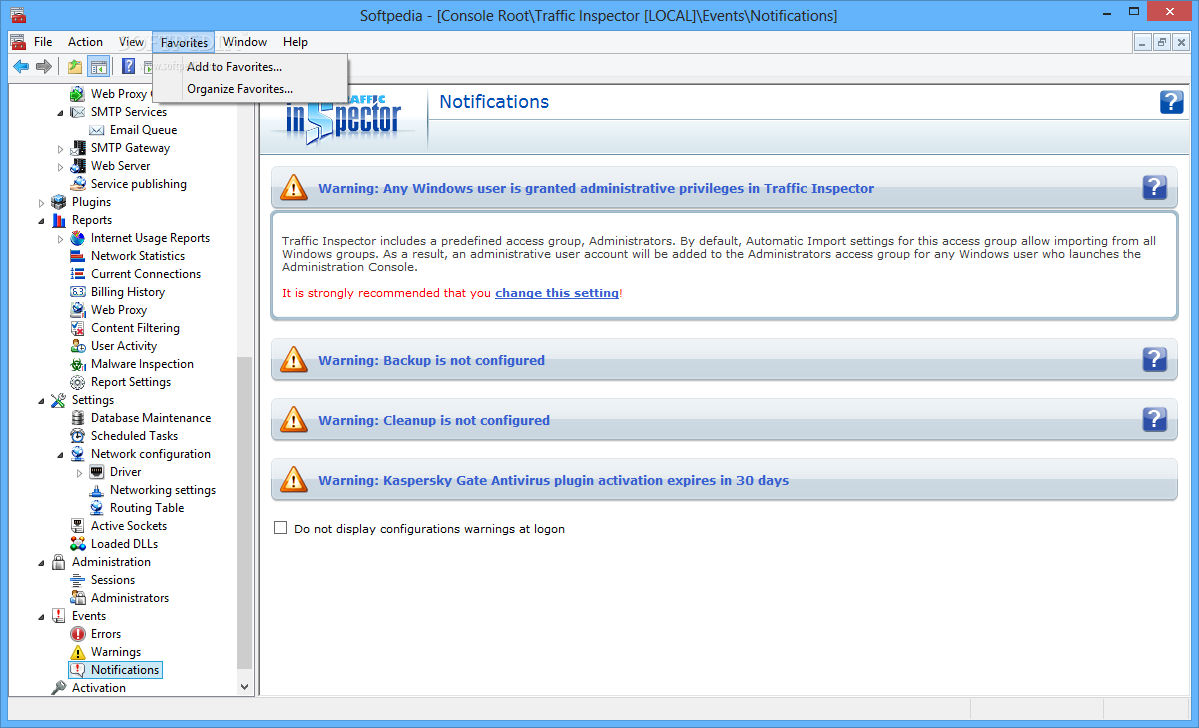
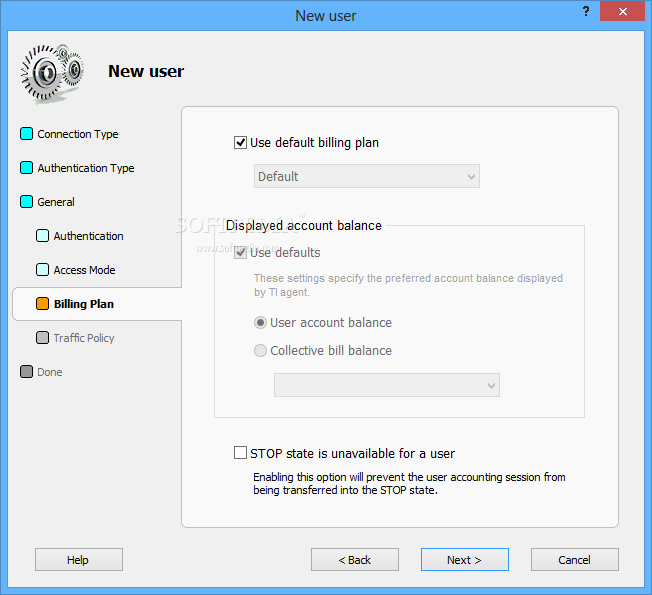
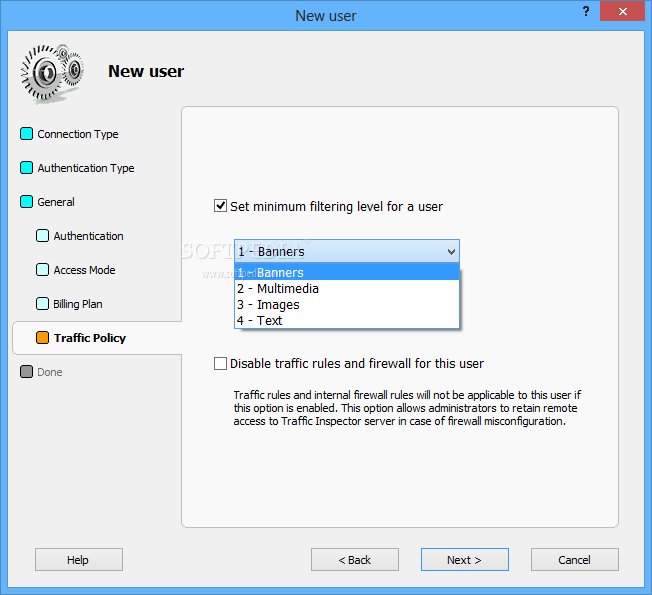
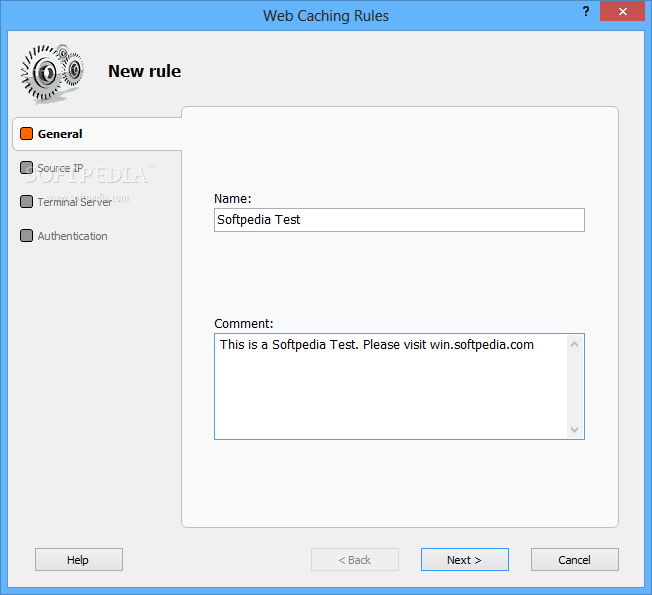
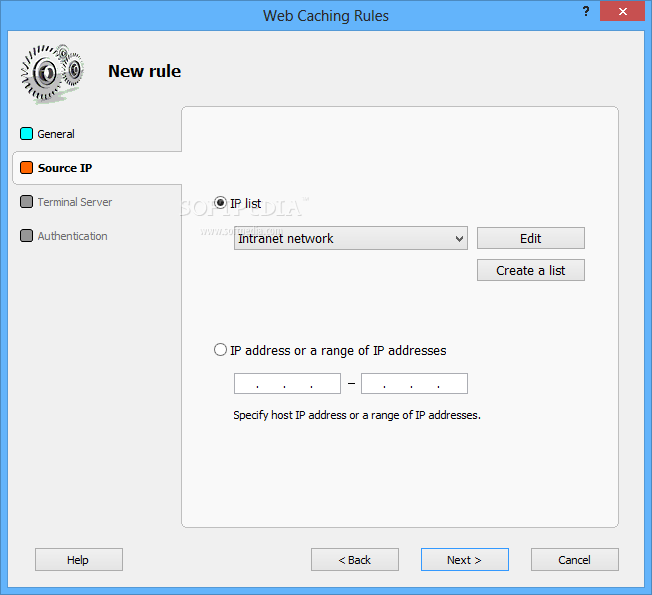
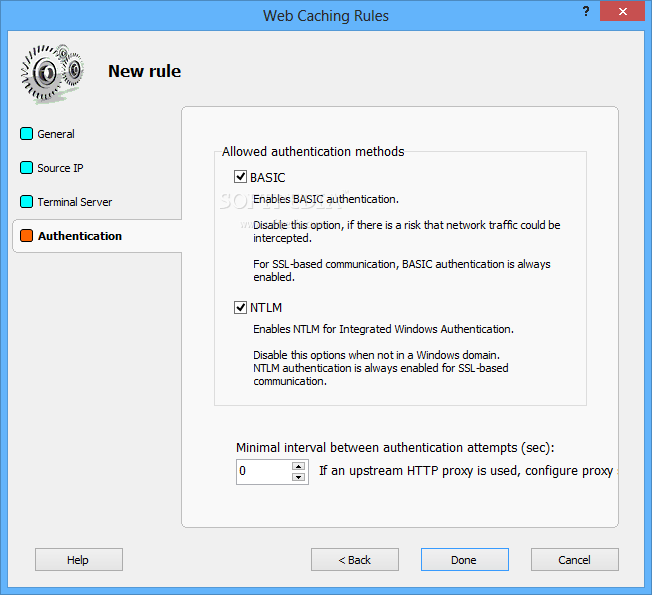
Traffic Inspector proxy server that provides caching and blocks unwanted resources, a secure firewall to protect against network attacks, a system for the dynamic control of speed and sessions, blocking of excessive network activity, diversion and routing of traffic; mail gateway, integration with Active Directory, secure authorization, web server statistics, and remote access. reports.

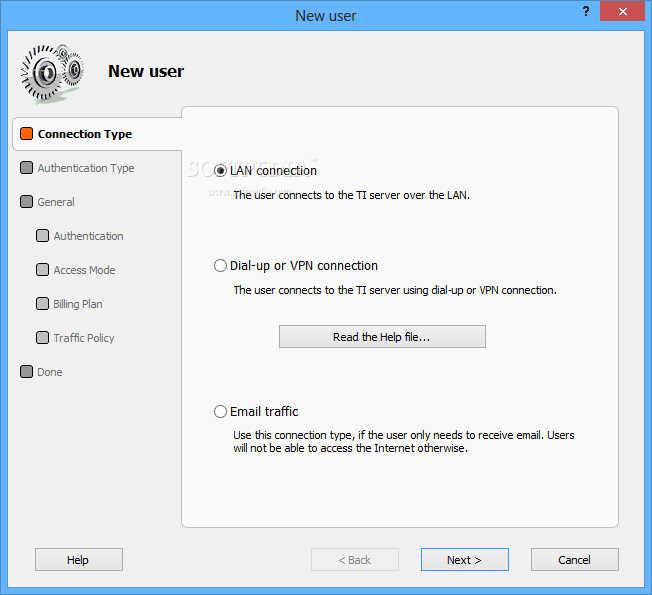
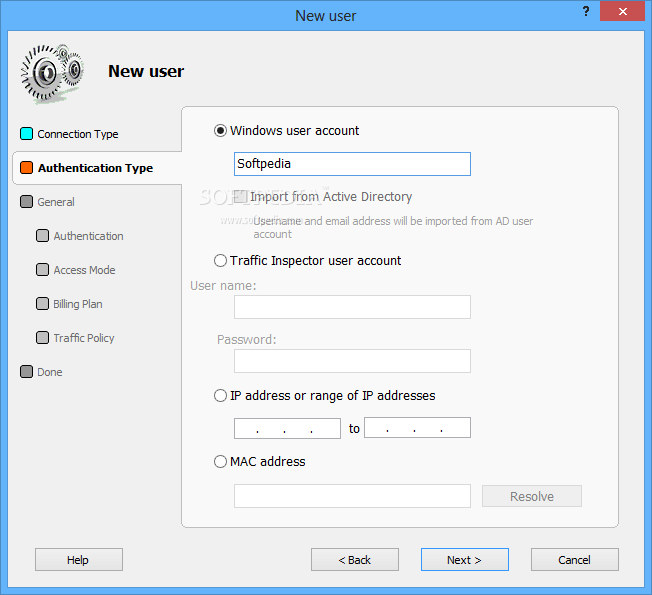
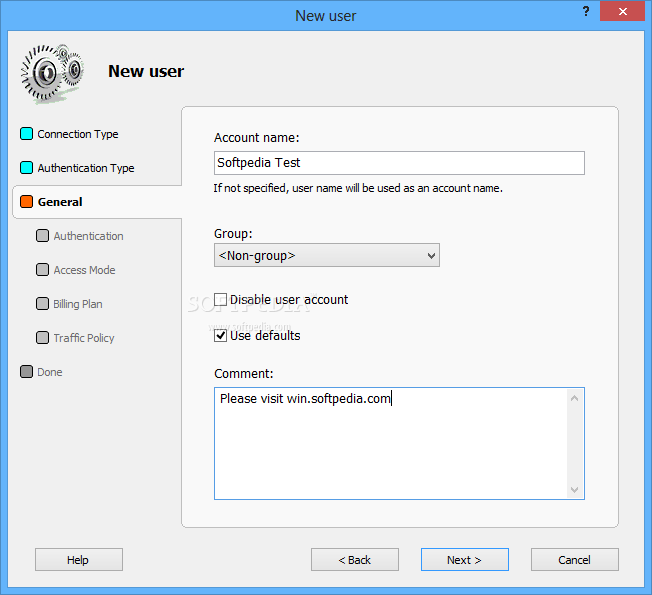
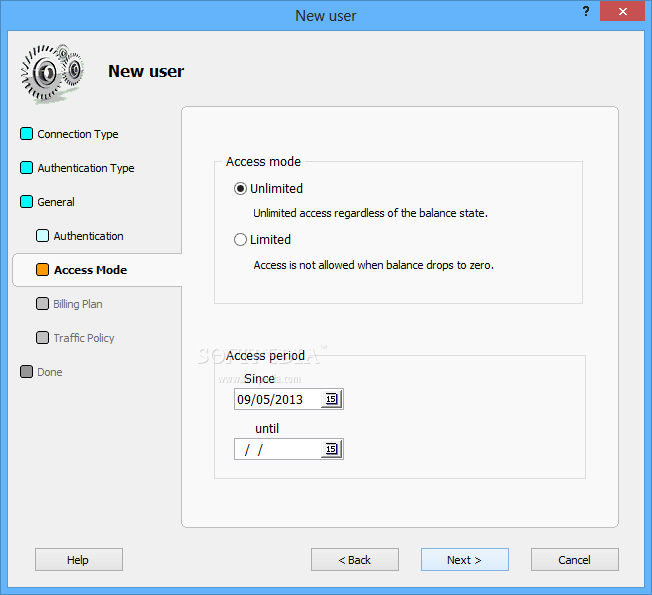
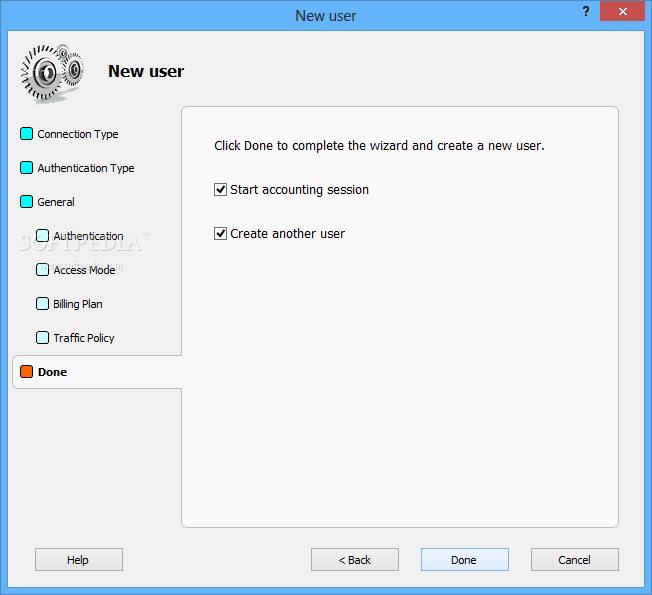
Traffic Inspector was developed to integrate and complement the diversity of network capabilities of OS Microsoft Windows. It will enable you to accomplish the majority of tasks arising when you are connecting to the Internet. Control Internet Access and Traffic Users can work both directly, through NAT, or through the proxy server. A separate account is created for each user and all their actions on the Internet are displayed in simple and understandable reports.

Whats new in this version:

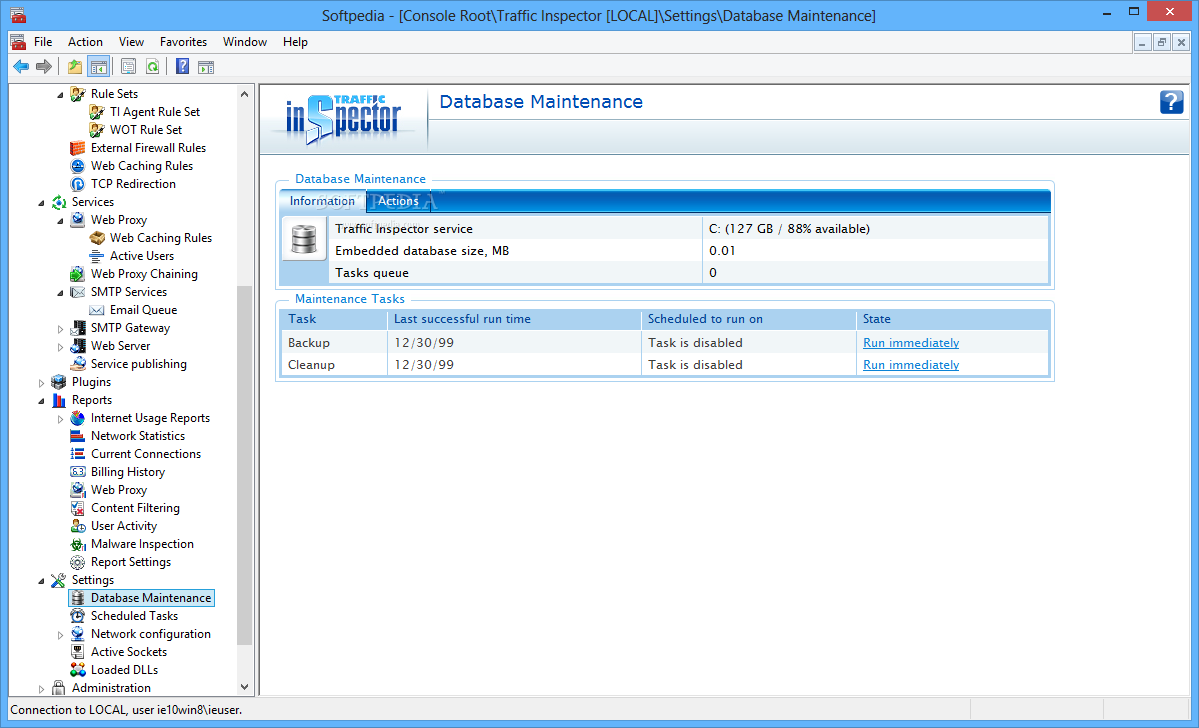
Version 2.0.1.730 has fixed error loading the page for the maintenance console tree node.
screenshots

Traffic Inspector Screenshots

Traffic Inspector screenshot 1 Traffic Inspector screenshot 2 Traffic Inspector screenshot 3 Traffic Inspector screenshot 4 Traffic Inspector screenshot 5 Traffic Inspector screenshot 6 Traffic Inspector screenshot 7 Traffic Inspector screenshot 8 Traffic Inspector screenshot 9 Traffic Inspector screenshot 10 Traffic Inspector screenshot 11 Traffic Inspector screenshot 12 Traffic Inspector screenshot 13 Traffic Inspector screenshot 14 Traffic Inspector screenshot 15 Traffic Inspector screenshot 16 Traffic Inspector screenshot 17 Traffic Inspector screenshot 18 Traffic Inspector screenshot 19 Traffic Inspector screenshot 20 Traffic Inspector screenshot 21 Traffic Inspector screenshot 22 Traffic Inspector screenshot 23 Traffic Inspector screenshot 24 Traffic Inspector screenshot 25 Traffic Inspector screenshot 26 Traffic Inspector screenshot 27
similarSimilar Software
Mobiscope icon
Mobiscope
v 1
non-free
Amonitoring icon
Amonitoring
v 1
non-free
LUPC icon
LUPC
v 4.29
non-free
Disk Watchman icon
Disk Watchman
v 2
non-free
NsideTrack icon
NsideTrack
v 1.2
non-free
DKAppControl icon
DKAppControl
v 2.9
non-free
DesktopGate icon
DesktopGate
v 2.52
non-free
Smart security system icon
Smart security system
v 1
non-free