Works on: Windows 10 | Windows 8.1 | Windows 8 | Windows 7 | Windows XP | Windows 2000 | Windows 2003 | Windows 2008 | Windows Vista | Windows 2012 SHA1 Hash: 650ad298a8a7b9d6158e8e449cf754b3d9f1084b Size: 5.01 MB File Format: exe
Rating: 2.6
out of 5
based on 23 user ratings
Publisher Website: External Link Downloads: 413 License: Demo / Trial Version
TurboCollage is a demo software by SilkenMermaid Technologies and works on Windows 10, Windows 8.1, Windows 8, Windows 7, Windows XP, Windows 2000, Windows 2003, Windows 2008, Windows Vista, Windows 2012.
You can download TurboCollage which is 5.01 MB in size and belongs to the software category Graphic. TurboCollage was released on 2016-05-12 and last updated on our database on 2017-04-28 and is currently at version 6.
Thank you for downloading from SoftPaz! Your download should start any moment now. It would be great if you could rate and share:
Rate this software:
Share in your network:
TurboCollage Description
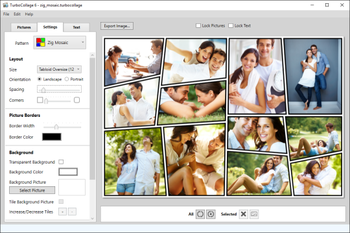
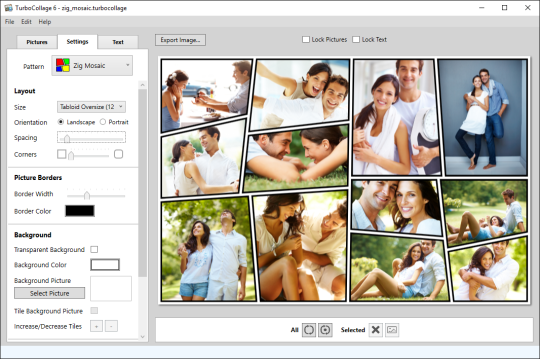
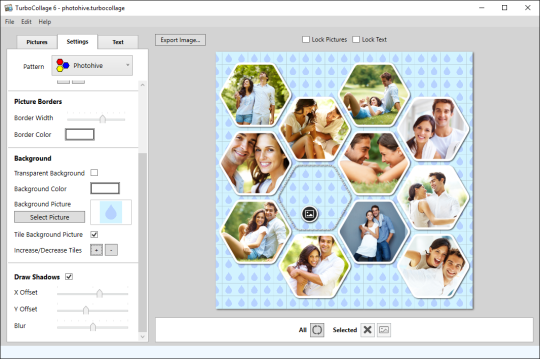
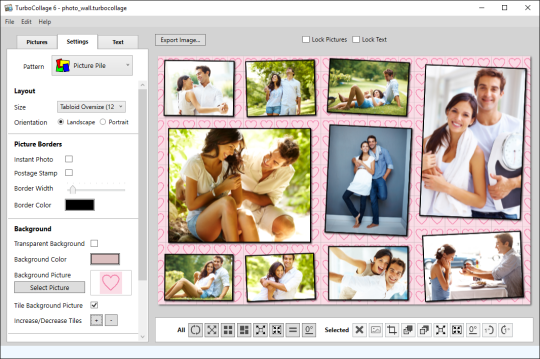
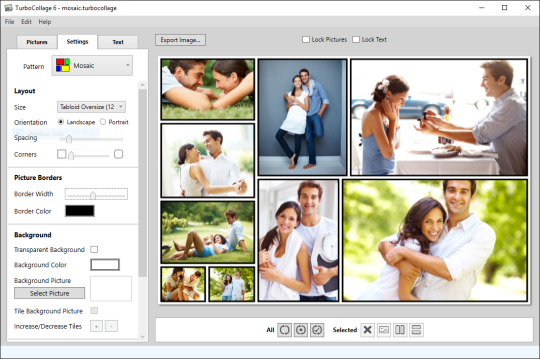
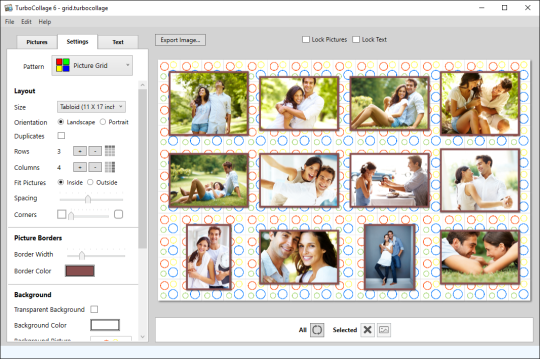
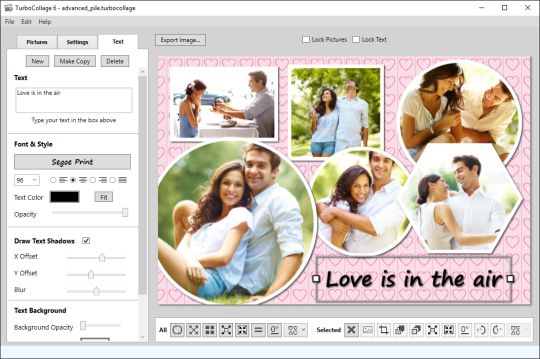
TurboCollage is a full-featured easy-to-use photo collage maker for your Windows PC. Create stunning picture collages on your Windows PC. Setup a collage with a prominent center picture, arrange pictures in a regular grid, create a picture pile, or arrange pictures like a beehive. Tie fond memories together into gorgeous picture mosaics. With an intuitive interface, TurboCollage gives you complete control over your collage design. Professional designers, photographers, bloggers, and photo enthusiasts across the globe use TurboCollage to create photo collages, scrapbooks, contact sheets, design boards, mood boards, reference boards, greeting cards, comp cards, promotional images, event posters, disk covers, photo books, and invitation cards. Ease of use, versatility, and superb performance make TurboCollage the best collage maker for Windows PC.



 Windows XP and above
 View Screenshots(6)
 Comments
 Download




 Similar Software
 Recently Searched
 Software Categories
 Trending Software
 Like Us


