Version: 8.138 Last Updated: 10 Mar 2017 Release: 26 Jul 2012 Category: Antivirus
Rate this software:
1157 downloads
View Screenshots(3)
Comments
Download
Liked it? Tell others:
TurboCrypt Details
Works on: Windows 10 | Windows 8.1 | Windows 8 | Windows 7 | Windows 2012 SHA1 Hash: 7f237d156710f240453900e766bba42b82c58a77 Size: 10.32 MB File Format: msi
Rating: 2.3
out of 5
based on 23 user ratings
Publisher Website: External Link Downloads: 1157 License: Demo / Trial Version
TurboCrypt is a demo software by Pmc Ciphers, Inc. and works on Windows 10, Windows 8.1, Windows 8, Windows 7, Windows 2012.
You can download TurboCrypt which is 10.32 MB in size and belongs to the software category Antivirus. TurboCrypt was released on 2012-07-26 and last updated on our database on 2017-03-10 and is currently at version 8.138.
Thank you for downloading from SoftPaz! Your download should start any moment now. It would be great if you could rate and share:
Rate this software:
Share in your network:
TurboCrypt Description
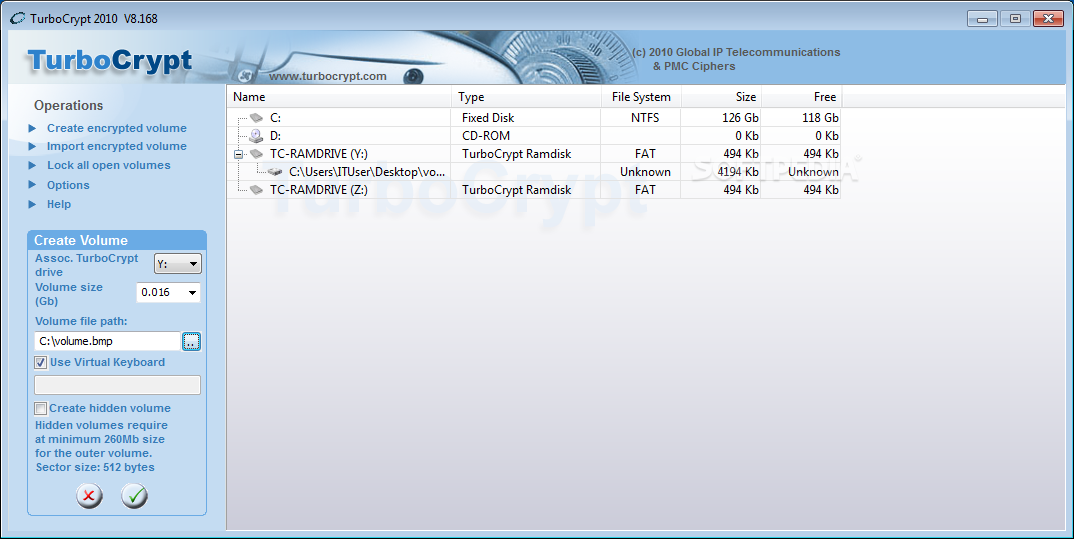
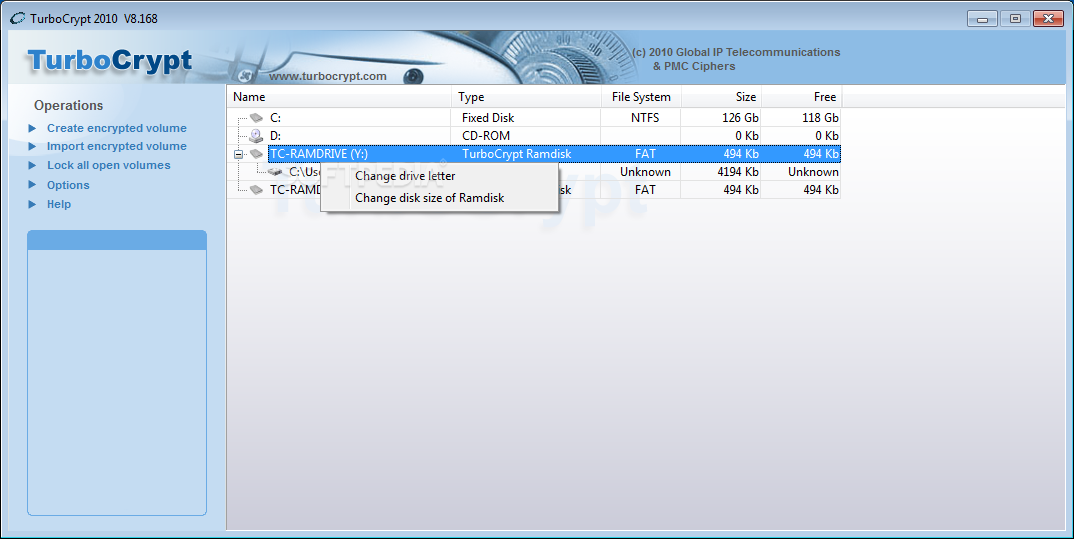
TurboCrypt is the Best encryption software of its kind. Easy to use, TurboCrypt provides uncompromising security. TurboCrypt uses 512 Bit Polymorphic Encryption. Not a single application of PMC's Patented Polymorphic Encryption has ever been cracked. How TurboCrypt Works: TurboCrypt takes a section of your hard drive and creates a 'virtual safe'. Everything stored in this 'virtual safe' is encrypted. When Locked the 'virtual safe' (encrypted partition) is invisible to your computer. Someone will only be able to see that your 'virtual safe' is present, that it exists, when you open the TurboCrypt Control Panel. In the TurboCrypt Control Panel you will see your 'virtual safe' and all other unencrypted drives on your computer. To unlock the 'virtual safe' (encrypted partition) simply click on your 'virtual safe' and enter your password. Your 'virtual safe' will now appear in windows explorer as a separate drive letter, for example your S: drive. You can now access and use files stored in your 'virtual safe' (encrypted drive), just as if they were stored anywhere else on your computer. Use windows explorer to drag and drop files to your Virtual Safe/Encrypted Drive, save documents to your encrypted drive directly from Microsoft Word, Excel or any other similar program. TurboCrypt is perfect for storing Music and movie files. TurbCrypt's On-the-Fly Encryption process allows you to play music and movie files directly from your 'Encrypted Virtual Drive' with no time delay and no degradation in quality. TurboCrypt's uncompromising security combined with its convenient method of use, make it the Best Encryption Software of its kind.
Where to buy?
Last updated price and discount information 9 years agoupdate now



 Windows 7 and above
 View Screenshots(3)
 Comments
 Download





 Similar Software


 Recently Searched
 Software Categories
 Trending Software

 Like Us


