Works on: Windows 10 | Windows 8.1 | Windows 8 | Windows 7 | Windows XP | Windows 2000 | Windows 2003 | Windows 2008 | Windows Vista | Windows 2012 SHA1 Hash: 76af75345e8af7bac5e7a9e625887fa0ef6fba4c Size: 4.35 MB File Format: exe
Rating: 2.2
out of 5
based on 23 user ratings
Publisher Website: External Link Downloads: 120 License: Demo / Trial Version
TxtToSql is a demo software by Withdata Software and works on Windows 10, Windows 8.1, Windows 8, Windows 7, Windows XP, Windows 2000, Windows 2003, Windows 2008, Windows Vista, Windows 2012.
You can download TxtToSql which is 4.35 MB in size and belongs to the software category Databases Tools. TxtToSql was released on 2013-06-07 and last updated on our database on 2017-03-09 and is currently at version 2.4.
Thank you for downloading from SoftPaz! Your download should start any moment now. It would be great if you could rate and share:
Rate this software:
Share in your network:
TxtToSql Description
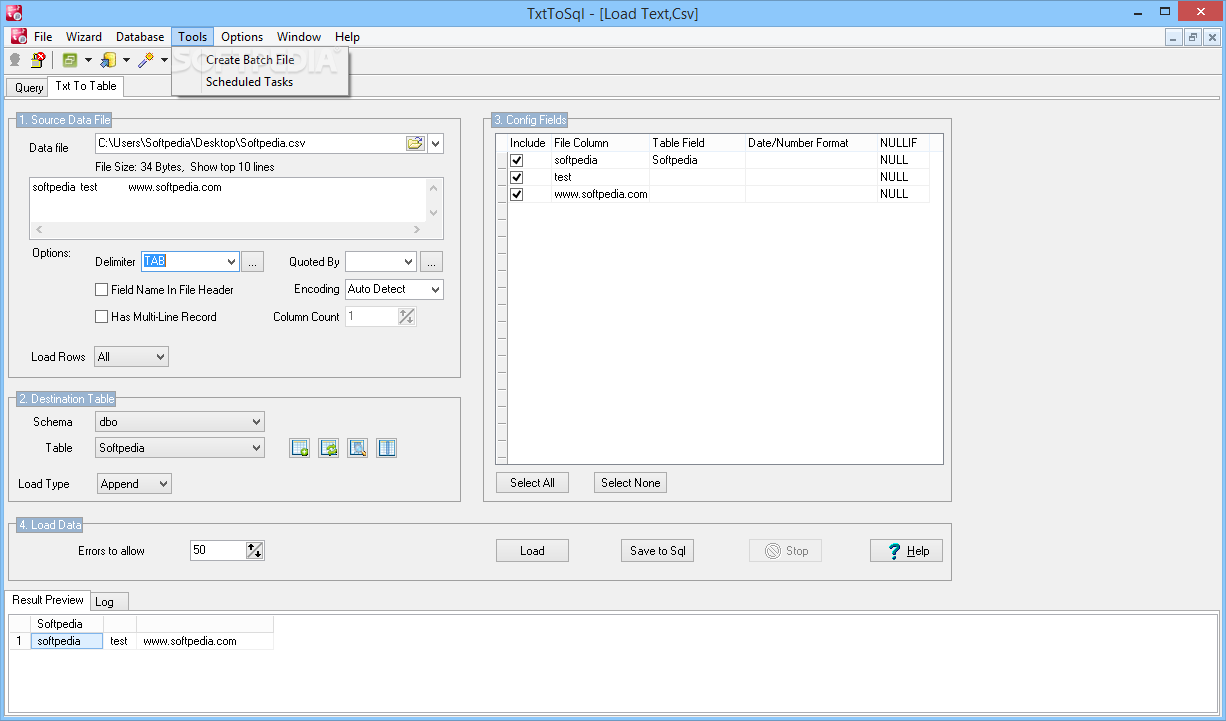
TxtToSql - Import Csv (Txt) to Sql Server easy and quickly. TxtToSql is a tool to import data from Csv (Txt) file to SQL Server.
Main features:
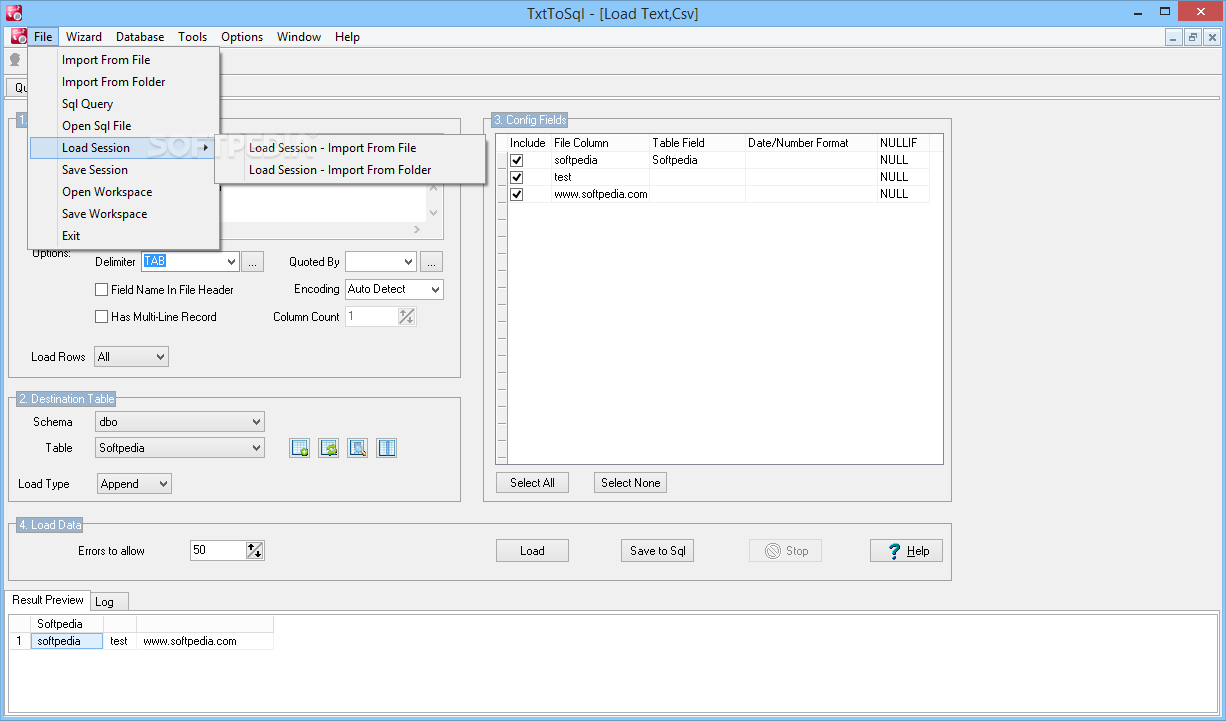
1. Automatic match tables and fields.
2. Batch import multiple files at one time.
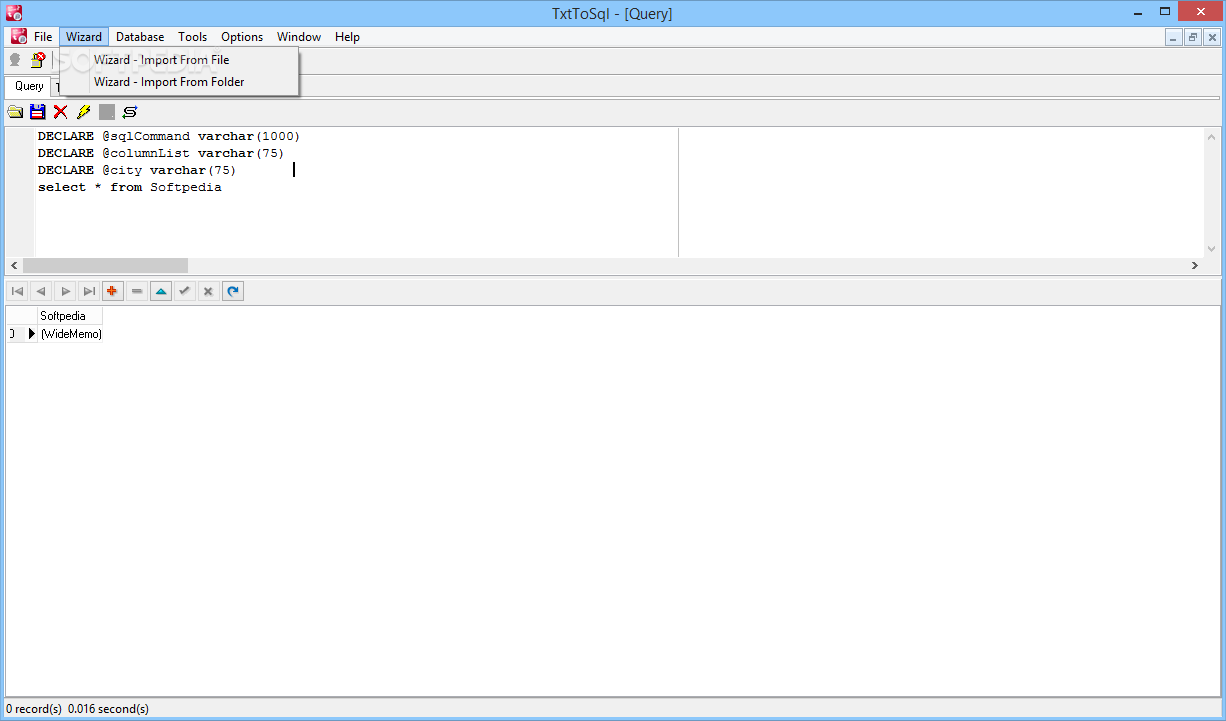
3. Import and see result, immediately.
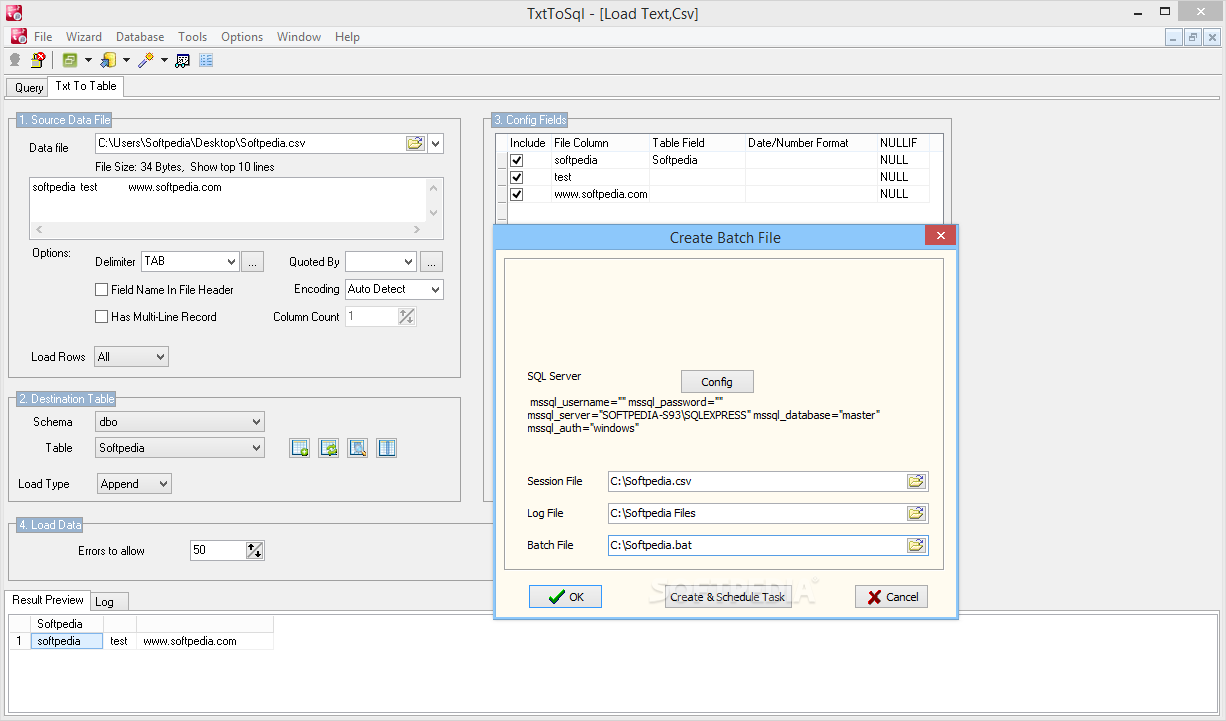
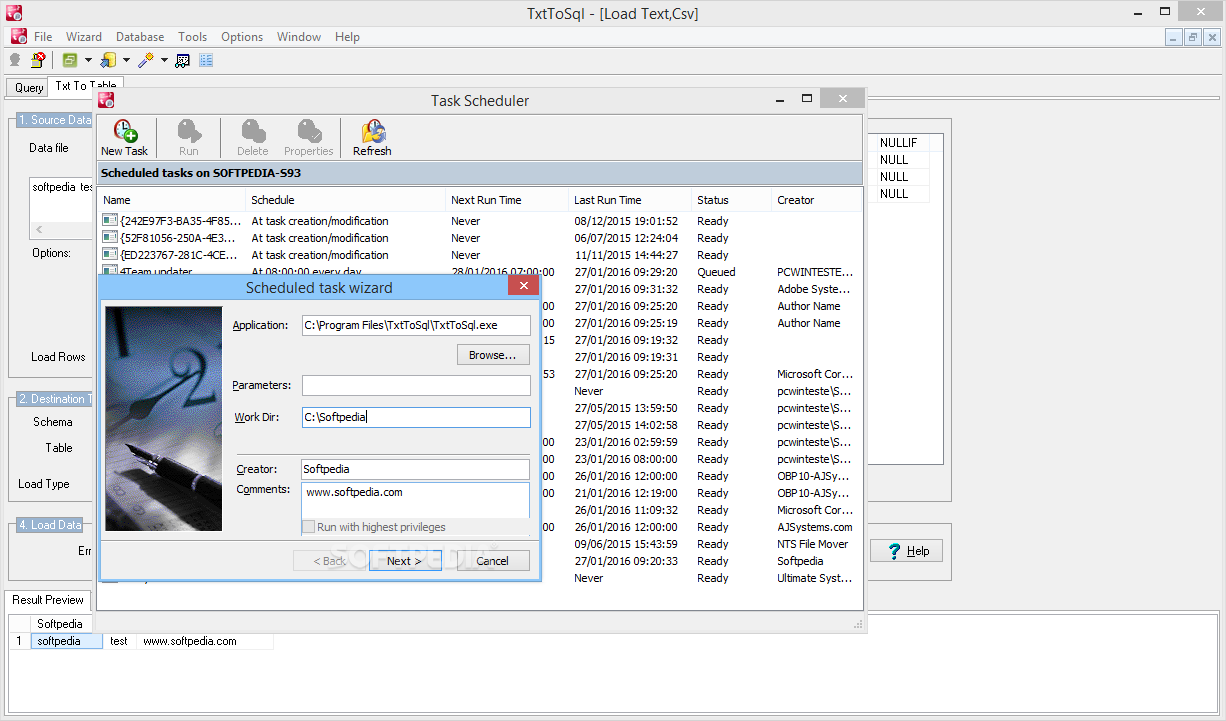
4. Save configuration and run repeatedly, command line, scheduled task.
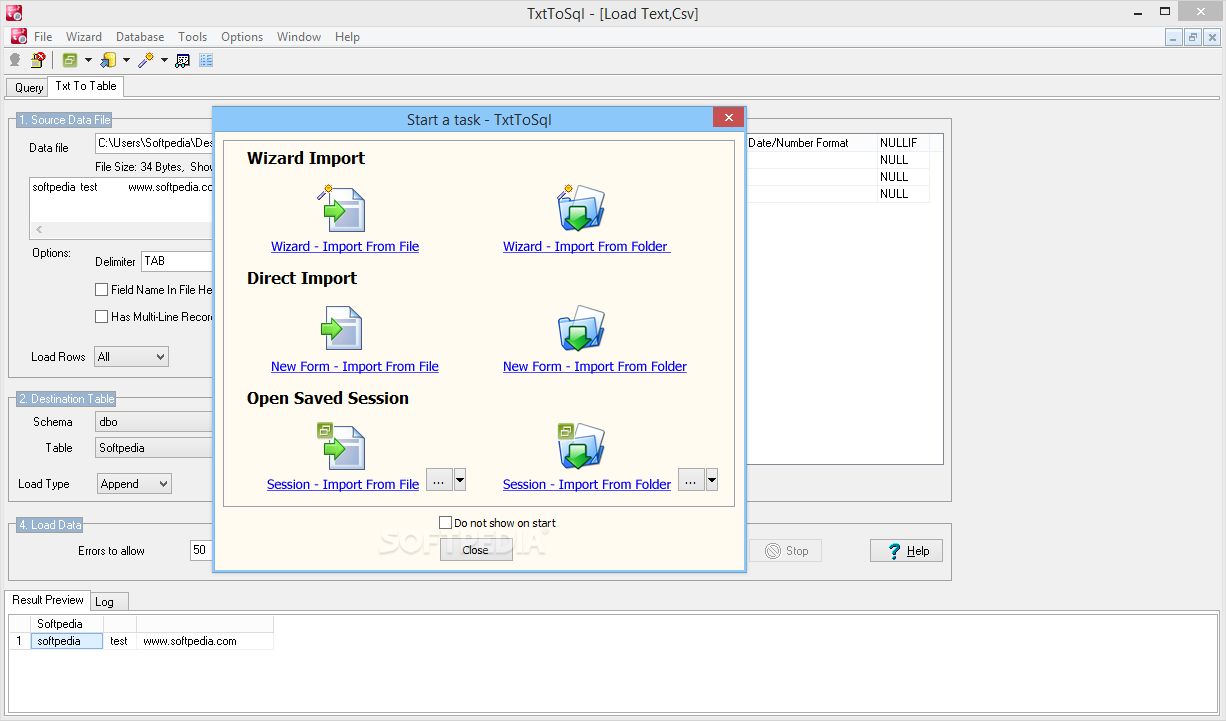
5. Wizard - step by step, or Direct import - efficient.
Where to buy?
Last updated price and discount information 9 years agoupdate now



 Windows XP and above
 View Screenshots(7)
 Comments
 Download





 Similar Software


 Recently Searched
 Software Categories
 Trending Software

 Like Us
