


 Windows NT and above
| Rate this software: | |
| 82 downloads | |
 View Screenshots(1)
 Comments
 Download




UniHex is a utility which helps to input any unicode character (UTF 16) into an application. The unicode characters could be inserted in three different ways. The first way is called hex mode. In this mode the character could be inserted by typing a special key to switch to this mode followed by the 4 hexadecimal digits of the unicode character.
The second way is called command mode. This mode is a helper mode for application working not properly with the other modes. This mode will open an editing window to write into it. It is possible to use the other modes from UniHex to insert characters. The character line will be copied to the clip board and can be inserted into any application with Ctrl+V.
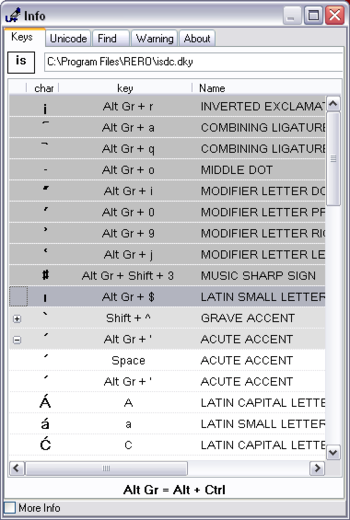
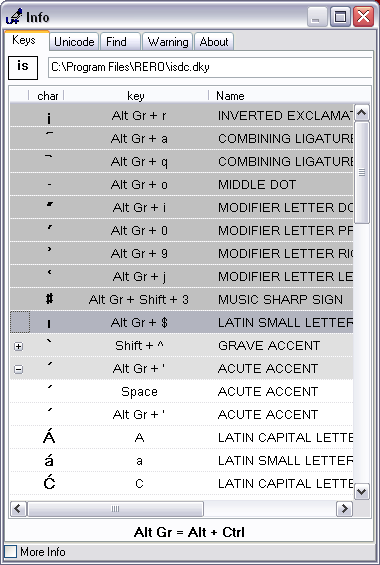
The third mode is called deadkey mode. In this mode the combination of two characters will give the final character. The definition of this keys are stored in a deadkey file.
Whats new in this version:
 Similar Software


 Recently Searched
 Software Categories
 Trending Software


 Like Us

Free Windows software, games, themes and wallpapers with direct download links since 2011.
