


 Windows XP and above
| Rate this software: | |
| 117 downloads | |
 View Screenshots(1)
 Comments
 Download




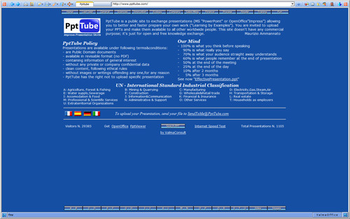
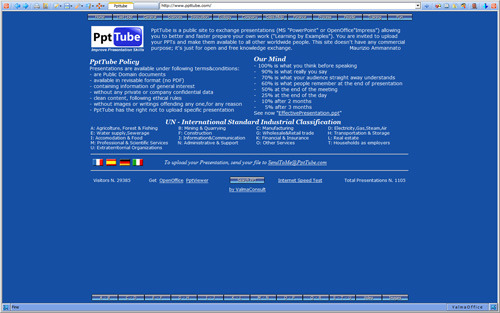
ValmaTravel is a complete Internet Browser program based on MS Internet Explorer engine. Travel means you can set up and Automatic Travel Option which selects all links of current WEB page, randomly navigate to one of found links, waits until time interval expires, extracts again all links from new current WEB page, randomly navigate one of them. In this way you can start a never-ending travel around the infinite WWW pages. Other ValmaTravel options are: transform current HTML pages into most of Office documents like Word, Excel and PowerPoint files; translate current HTML page into Adobe PDF document. With Save As PowerPoint option, ValmaTravel takes a full-screen pictures of selected pages, gives them sequential slide number and attach them to a new PowerPoint presentation file.
 Similar Software


 Recently Searched
 Software Categories
 Trending Software

 Like Us

Free Windows software, games, themes and wallpapers with direct download links since 2011.

