


 Windows XP and above
| Rate this software: | |
| 172 downloads | |
 View Screenshots(1)
 Comments
 Download




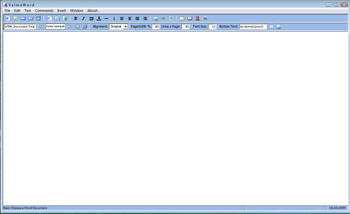
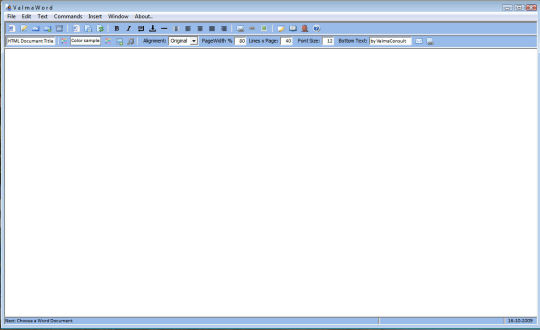
You have available on your PC tons of Word, PDF, RTF and Text documents and you need to have most of them on your personal or business Internet Web Site translated into HTML language. Instead on an unique, not easy to navigate, HTML file you need for sure to have as many HTML pages as your original documents. You may need options to decide how many rows per HTML page your document has to have, to change foreground and background colors, text width, font sizes, background image, background texture, background sound, adding Bold and Italics, break lines and some kind of formatting, HTML link or HTML mail address. You may need nice to see and easy to navigate HTML documents with NEXT, BACK, HOME and END buttons automatically assigned, then to preview result in your local default browser.
You may need a program to automatically create, at the end, an upload directory in your PC to facilitate publishing all things (HTML and multimedia files) to your web site, automating the FTP upload. In your local language. Using this program you should transform your tons of .DOC/.DOCX/.PDF/.RTF/.TXT documents into nice to see HTML documents in a matter of seconds. That is why of ValmaWord. Not to start from HTML white page and try to accommodate your documents into its language, but starting from your documents and adjusting HTML to generate pretty nice Internet pages.
Whats new in this version:
Version 2.0 addÃ?? PDF and RTF source formats, improved navigation, easier localization.
 Similar Software


 Recently Searched
 Software Categories
 Trending Software
 Like Us

Free Windows software, games, themes and wallpapers with direct download links since 2011.


