Works on: Windows 10 | Windows 8.1 | Windows 8 | Windows 7 | Windows XP | Windows 2000 | Windows 2003 | Windows 2008 | Windows 98 | Windows ME | Windows Vista | Windows 2012 SHA1 Hash: ebad01f6658effaa1516ebcff00e5c8e29ac9e8c Size: 1.19 MB File Format: exe
Rating: 2.1
out of 5
based on 23 user ratings
Publisher Website: External Link Downloads: 306 License: Demo / Trial Version
WebPaper is a demo software by Time Distance and works on Windows 10, Windows 8.1, Windows 8, Windows 7, Windows XP, Windows 2000, Windows 2003, Windows 2008, Windows 98, Windows ME, Windows Vista, Windows 2012.
You can download WebPaper which is 1.19 MB in size and belongs to the software category Wallpaper. WebPaper was released on 2006-12-26 and last updated on our database on 2017-04-19 and is currently at version 1.01.
Thank you for downloading from SoftPaz! Your download should start any moment now. It would be great if you could rate and share:
Rate this software:
Share in your network:
WebPaper Description
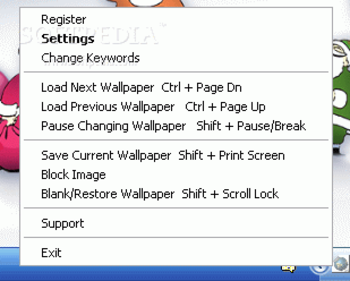
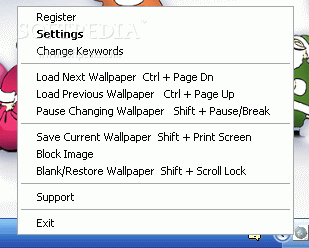
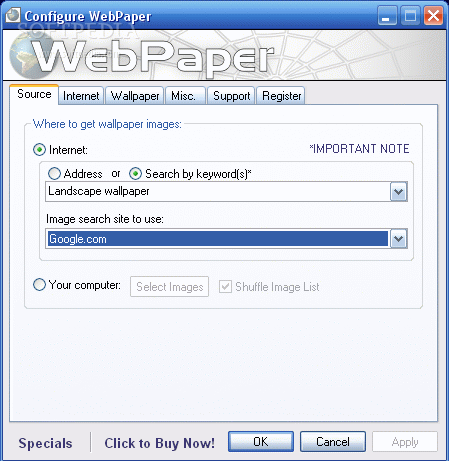
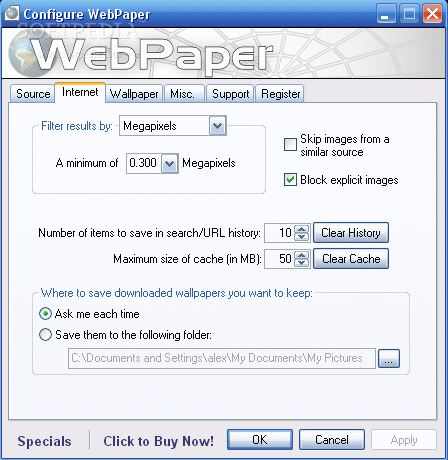
We all have hobbies that we love to pursue; with WebPaper, those hobbies can become your wallpaper. You can set WebPaper so that each morning, you have a new image to greet you as you log onto your computer or you can set it to change as you go through the day. With the content of the internet, or whether you have your own image collection that you love, WebPaper can help you personalise your desktop.
Whats new in this version:
Bug fixes
Where to buy?
Last updated price and discount information 9 years agoupdate now



 Windows 98 and above
 View Screenshots(3)
 Comments
 Download





 Similar Software


 Recently Searched
 Software Categories
 Trending Software
 Like Us


