Works on: Windows 10 | Windows 8.1 | Windows 8 | Windows 7 | Windows XP | Windows 2000 | Windows 2003 | Windows 2008 | Windows Vista | Windows 2012 SHA1 Hash: c31e799b3eea40b2fd00489717691f4cb925f405 Size: 8.59 MB File Format: exe
Rating: 2.0
out of 5
based on 23 user ratings
Downloads: 231 License: Demo / Trial Version
AstoundSound Expander for Windows is a demo software by Genaudio, Inc. and works on Windows 10, Windows 8.1, Windows 8, Windows 7, Windows XP, Windows 2000, Windows 2003, Windows 2008, Windows Vista, Windows 2012.
You can download AstoundSound Expander for Windows which is 8.59 MB in size and belongs to the software category Audio Editors Convertors Mixers. AstoundSound Expander for Windows was released on 2011-08-24 and last updated on our database on 2017-02-15 and is currently at version 3.
Thank you for downloading from SoftPaz! Your download should start any moment now. It would be great if you could rate and share:
Rate this software:
Share in your network:
AstoundSound Expander for Windows Description
The AstoundSound Expander is a software application that processes all audio on your PC. It takes stereo audio as input and produces a significantly wider stereo image, while preserving center information (e.g. vocals or center staged instruments), in real time. The result is a wider, fuller and richer listening experience that can be heard while playing music, movies or games. Hear it. Believe it.
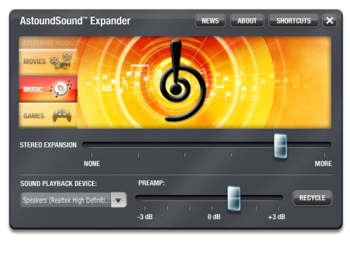
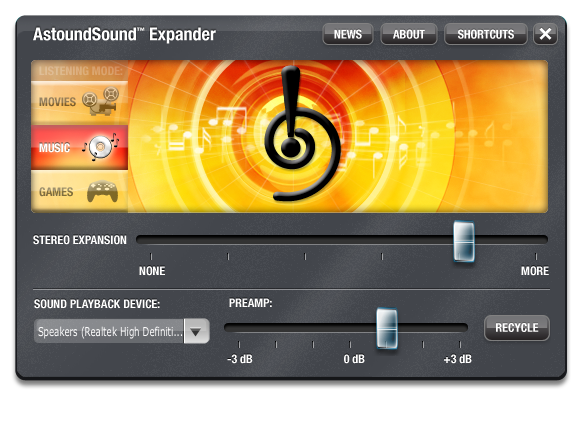
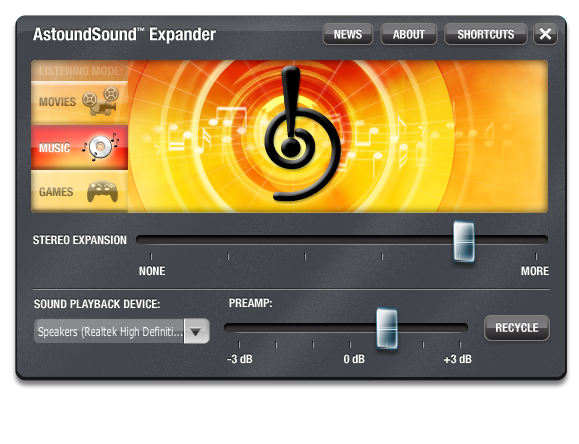
After installing the software, the AstoundSound Expander automatically starts when you begin playing audio. Controlling AstoundSound is simple and intuitive. Use the Desktop icon to view AstoundSound Expander. Once running you can close AstoundSound Expander to the System Tray (lower-right portion of the Windows Task Bar), then click on our System Tray icon to open the view.
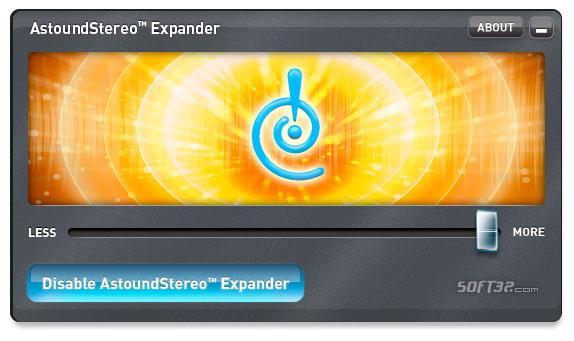
The stereo expansion slider is the primary control that increases or decreases the amount of stereo expansion. The lowest setting on the slider will bypass expansion processing.
Other controls include:
- Preamp allows input gain adjustment for improved audio levels
- Audio output device selection
- Listening modes optimize AstoundSound for Music, Movies and Games
- Hot Keys providing quick and easy control of AstoundSound Expander
You can hear the AstoundSound effect through your computer's built-in stereo speakers, headphones, or external stereo speakers connected to your computer. Another great way to hear AstoundSound is to connect the line-out (headphone) jack of your computer to an available input on your home stereo receiver.
Where to buy?
Last updated price and discount information 6 years agoupdate now



 Windows XP and above
 View Screenshots(3)
 Comments
 Download





 Similar Software


 Recently Searched
 Software Categories
 Trending Software
 Like Us


