Works on: Windows 10 | Windows 8.1 | Windows 8 | Windows 7 | Windows XP | Windows 2000 | Windows 2003 | Windows 2008 | Windows Vista | Windows 2012 SHA1 Hash: eca8b2c679f019f0ad9182fa22e08ef5aa176303 Size: 1.01 MB File Format: exe
Rating: 2.1
out of 5
based on 23 user ratings
Publisher Website: External Link Downloads: 202 License: Demo / Trial Version
CtrlView is a demo software by Alexandre Matveev and works on Windows 10, Windows 8.1, Windows 8, Windows 7, Windows XP, Windows 2000, Windows 2003, Windows 2008, Windows Vista, Windows 2012.
You can download CtrlView which is 1.01 MB in size and belongs to the software category Graphic. CtrlView was released on 2007-07-04 and last updated on our database on 2017-02-19 and is currently at version 3.3.
Thank you for downloading from SoftPaz! Your download should start any moment now. It would be great if you could rate and share:
Rate this software:
Share in your network:
CtrlView Description
CtrlView is an uncomplicated program that enables you to view 2D or 3D vector file formats in a user-friendly environment. It integrates several features which can be figured out even by users with minimal experience in such tools.
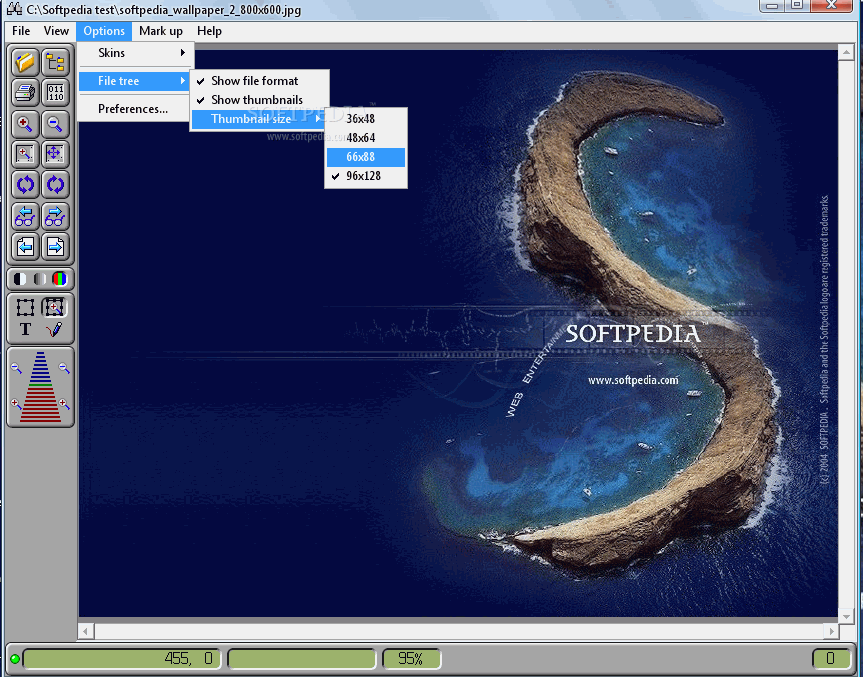
The app's UI is made from a common window whose format resembles the one of a standard graphic editing tool. You can open a file or folder with multiple vector items, in order to save them to other file types, such as BMP, JPG, PCX, PNG, TIFF and XPM.
CtrlView supplies a wide range of utilities that let you print information, switch to binary viewing mode, zoom in and out, rotate the pictures, go to the next or previous page, as well as apply a monochrome, color mode or grayscale filter, and copy the current item to the Clipboard.
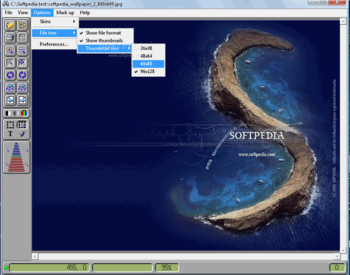
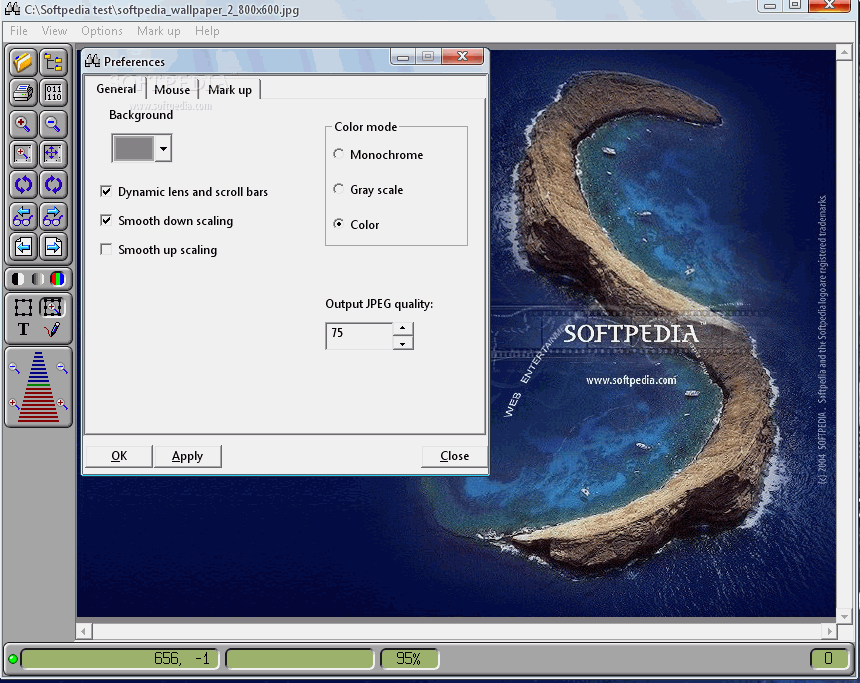
In the Options menu you can select another skin for the interface, customize the thumbnail size in the folder tree, alter the default background color, enable smooth up scaling, adjust the output JPEG quality and select the mouse mode (zoom window, auto zoom, text mark-up, pen mark-up), just to name a few of CtrlView's features.
The app is backed by a help file, has a good response time, supports some basic keyboard shortcuts and uses a pretty low amount of CPU and system memory, so it's low-demanding on the computer's overall performance. No error dialogs have been shown in our testing and CtrlView did not hang or crash.
Thanks to its intuitive layout, users can seamlessly find their way around the tool. However, CtrlView has not been updated for a pretty long while, and this can be clearly seen by analyzing the GUI's appearance.
Where to buy?
Last updated price and discount information 9 years agoupdate now



 Windows XP and above
 View Screenshots(2)
 Comments
 Download





 Similar Software


 Recently Searched
 Software Categories
 Trending Software


 Like Us


