Works on: Windows 10 | Windows 8.1 | Windows 8 | Windows 7 | Windows XP | Windows 2000 | Windows 2003 | Windows 2008 | Windows Vista | Windows 2012 SHA1 Hash: 518ce1478e4c5b27982cb9dabd658be5c3162d18 Size: 8.9 MB File Format: exe
Rating: 2.5
out of 5
based on 23 user ratings
Publisher Website: External Link Downloads: 148 License: Demo / Trial Version
Data Quik is a demo software by Accessory Software and works on Windows 10, Windows 8.1, Windows 8, Windows 7, Windows XP, Windows 2000, Windows 2003, Windows 2008, Windows Vista, Windows 2012.
You can download Data Quik which is 8.9 MB in size and belongs to the software category Databases Tools. Data Quik was released on 2012-06-20 and last updated on our database on 2017-03-05 and is currently at version 6.9.
Thank you for downloading from SoftPaz! Your download should start any moment now. It would be great if you could rate and share:
Rate this software:
Share in your network:
Data Quik Description
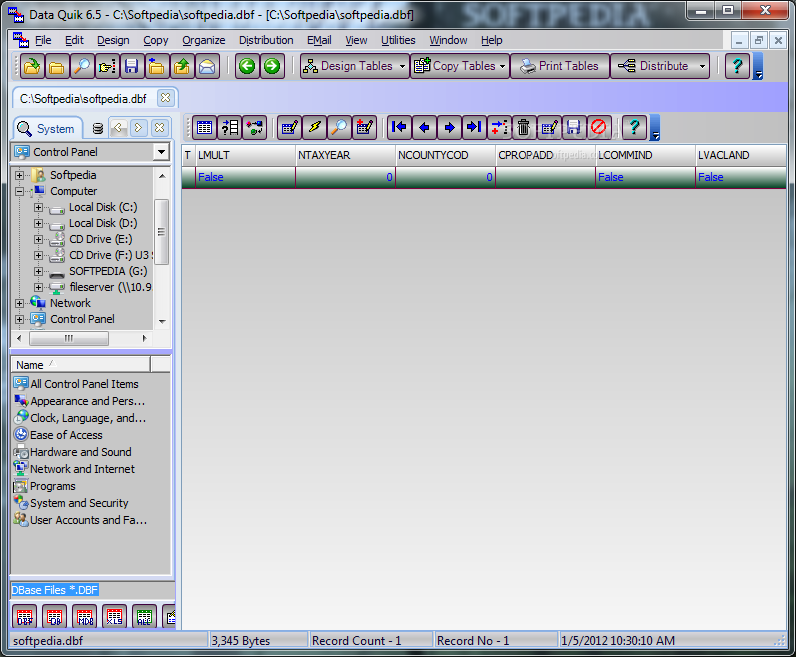
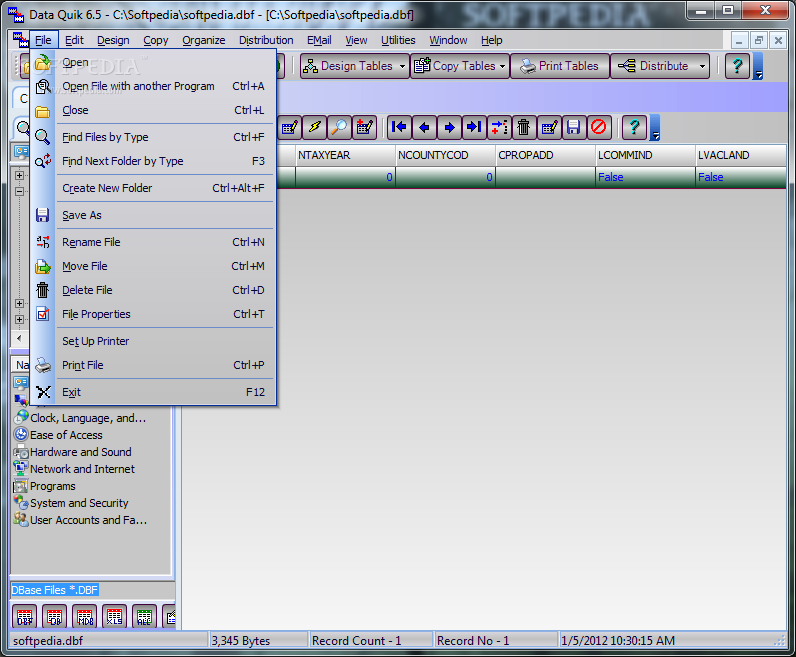
Find, Copy, Create, Edit, Convert, Query, Print, Email DBase, Paradox, Access, Excel, and Text Files. Convert DBase, Paradox, Access, and Excel Files.Exchange Data between Database Files, using the entire file or selected Records and Fields. Data Quik-The Database Copy Utility is an add on Database utility that performs the following functions:
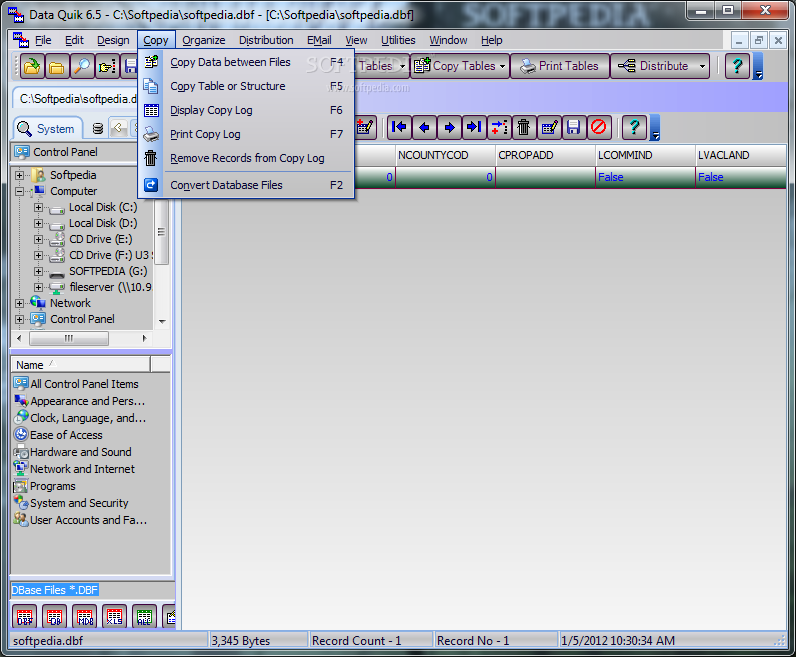
1. Copy Data between DBase, Paradox, Access, and Excel Files.
2. Select File and Fields to copy from and File and Fields to copy to.
3. Copied data is always appended for safety.
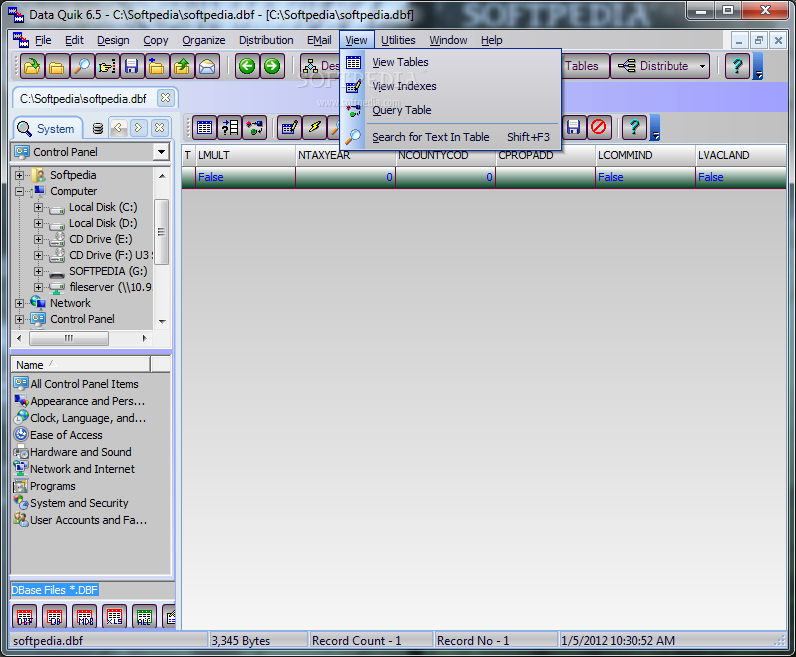
4. Excellent Database File browsing available to quickly view Tables.
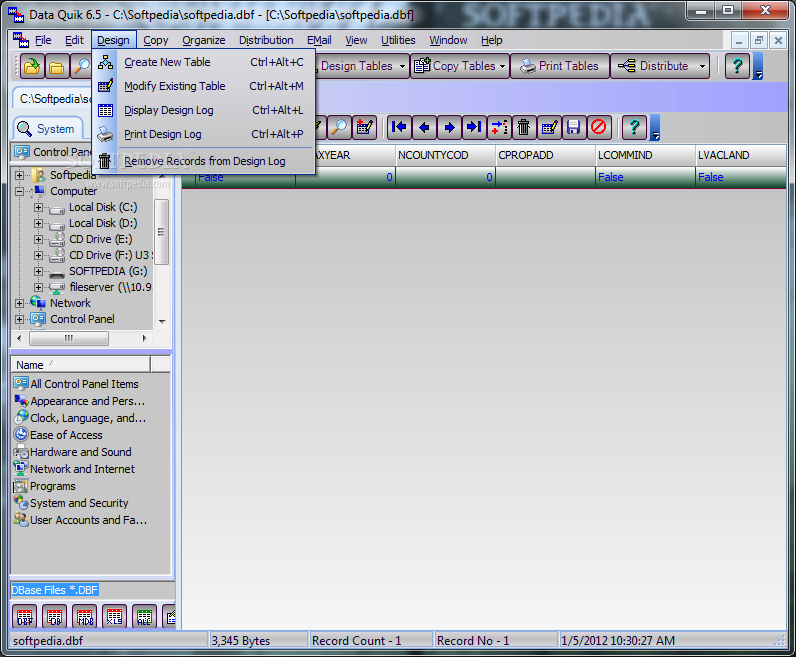
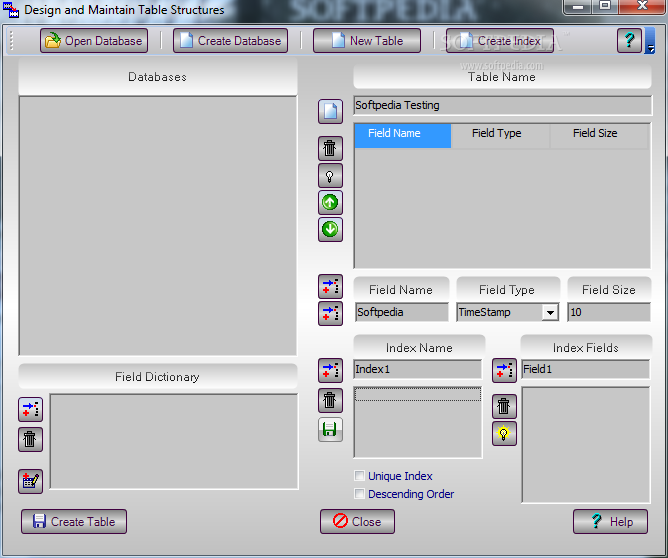
5. Design and Create DBase, Access and Paradox Files using Data Quik.
6. Edit and Add Data Records for supported Database Tables.
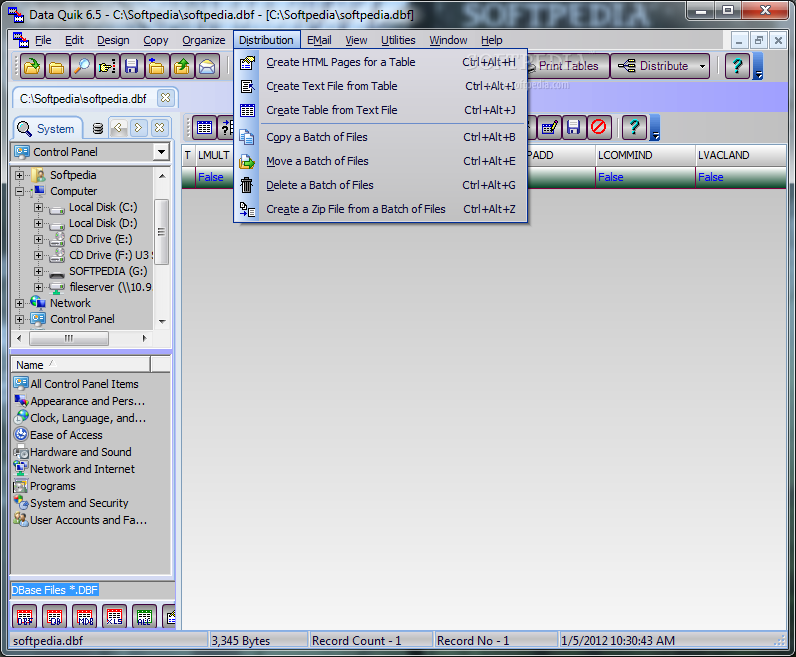
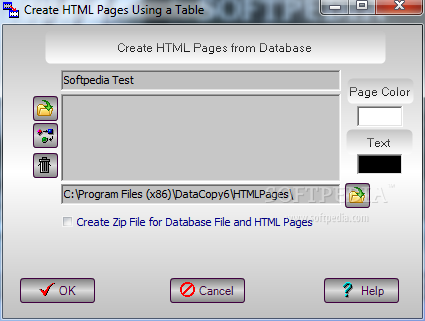
7. Create HTML Pages of Table Data for selected Fields and Records.
8. Run a query on the file to be copied to select specific records to copy, print, v or create HTML Pages.
9. Save Database files with a new name and disk location.
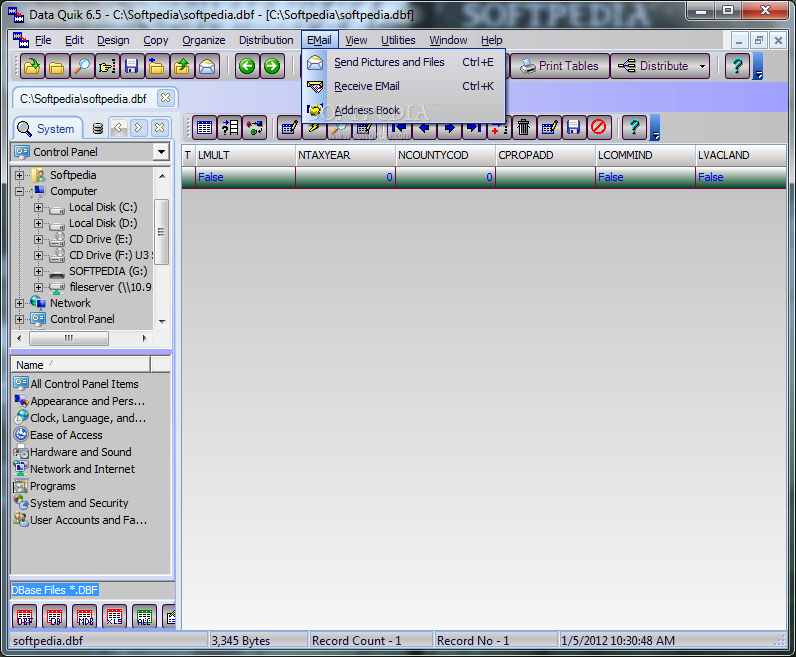
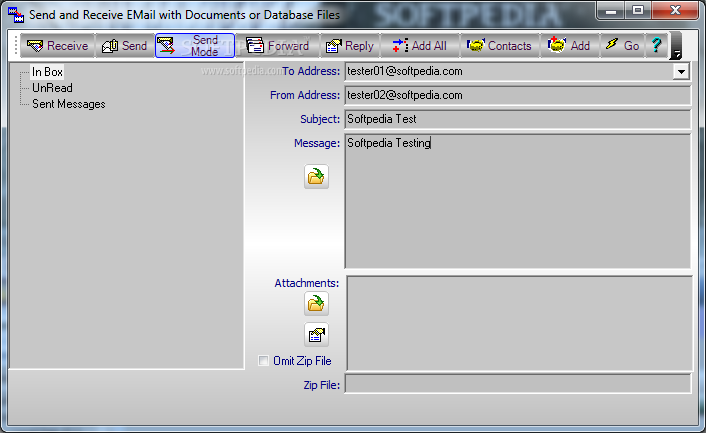
10. Send and Receive Database Files over the Internet using MAPI E-Mail Component.
11. Copy DBF, DB, MDB, and XLS Files to Text File, and Text to DBF,DB,MDB, or XLS.
12. Copy file format without transfering data between DBase, Paradox,Access Files, and Excel Files.
13. Create and Delete Database files with indexes to the recycle bin or tables within Access, or Excel files.
14. Find Files using the Device/Disk/Folder/File Explorer.
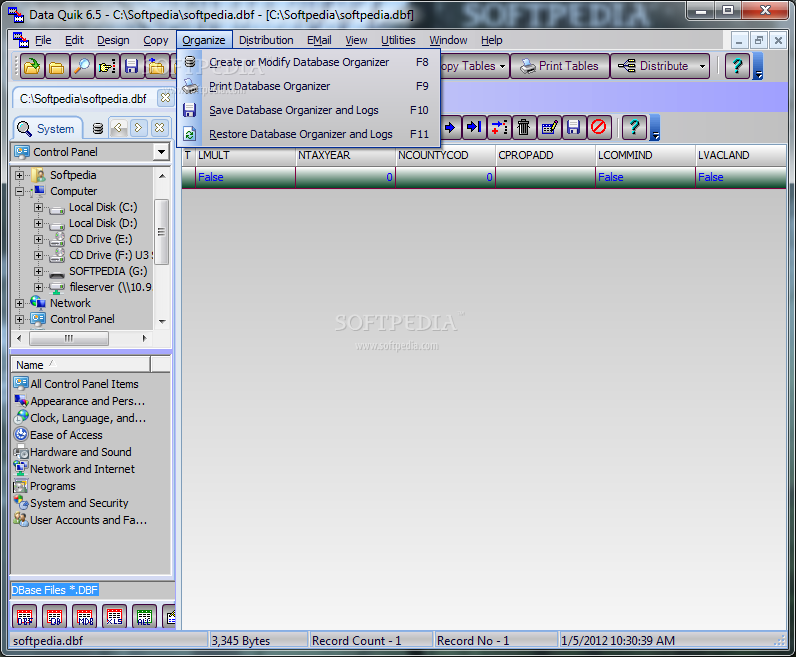
15. Organize your files across a network in a table for quick Access to Database, Document or Spread Sheet Files.
16. Audit Trails for Creating and Copying Database Files.
17. Convert DBF, DB, MDB, and XLS File Formats.
18. File Supported : DBF, DB, MDB, XLS, TXT, LST, WRI, DOC, HTM, HTML, ASP, PDF.
19. The Database File Copier Program was fully tested for use under Windows XP, and Windows Vista with Pentium Class microprocessors.
20. Must have 100 Megabytes of disk space, best to have at least 128 Mb of RAM, and Pentium microprocessor.
Where to buy?
Last updated price and discount information 9 years agoupdate now



 Windows XP and above
 View Screenshots(13)
 Comments
 Download





 Similar Software


 Recently Searched
 Software Categories
 Trending Software
 Like Us
