Works on: Windows 10 | Windows 8.1 | Windows 8 | Windows 7 | Windows XP | Windows 2000 | Windows 2003 | Windows 2008 | Windows Vista | Windows 2012 SHA1 Hash: a71e53064dc718319d81775dc8cf9cdedb9f86c0 Size: 7.15 MB File Format: zip
Rating: 2.3
out of 5
based on 23 user ratings
Downloads: 1187 License: Free
DI Viewer is a free software by Geoprobe Systems and works on Windows 10, Windows 8.1, Windows 8, Windows 7, Windows XP, Windows 2000, Windows 2003, Windows 2008, Windows Vista, Windows 2012.
You can download DI Viewer which is 7.15 MB in size and belongs to the software category Digital Album. DI Viewer was released on 2013-07-12 and last updated on our database on 2017-04-26 and is currently at version 1.7.
Thank you for downloading from SoftPaz! Your download should start any moment now. It would be great if you could rate and share:
Rate this software:
Share in your network:
DI Viewer Description
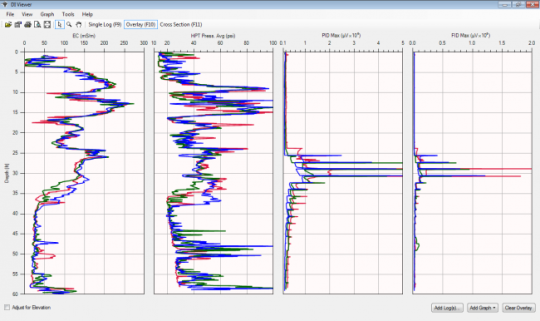
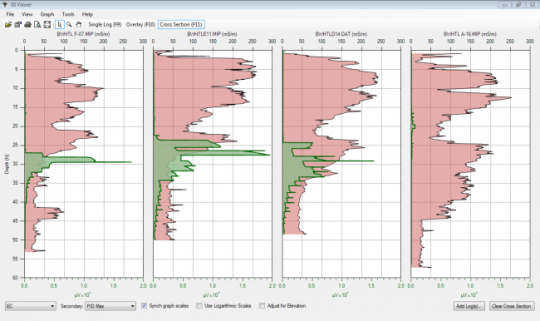
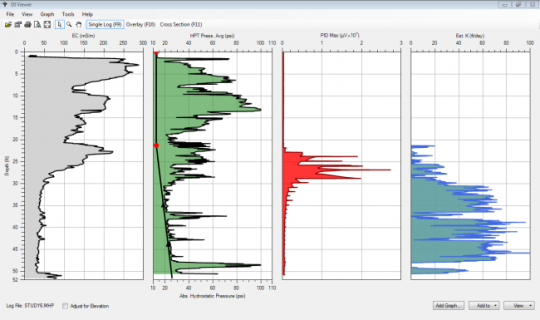
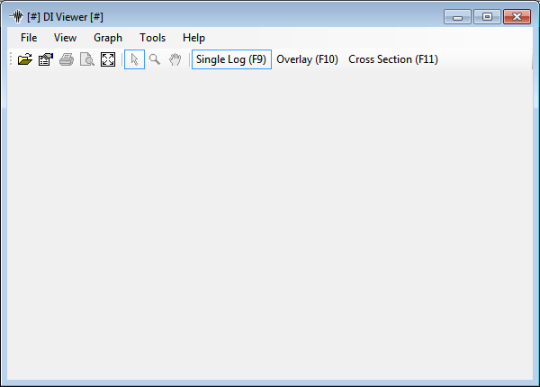
DI Viewer is a "Display Log" utility program to allow rapid viewing, comparison, printing, and export of Geoprobe DI logs. Supported log types include EC, HPT, MIP, MiHpt, and HPT-GW. Automatically opens and displays all types of Geoprobe DI Logs. It can be used by field operators to QC finish logs in the field and consultants, regulators, and site owners to compare logs and develop site models. Can display multiple logs in either cross section or overlay formats. It includes post logging calculation algorithms including estimated hydraulic conductivity (K) and hydrostatic profile of HPT logs. It allows printing and exporting of log graphics to other applications.



 Windows XP and above
 View Screenshots(4)
 Comments
 Download




 Similar Software


 Recently Searched
 Software Categories
 Trending Software


 Like Us
