Works on: Windows 10 | Windows 8.1 | Windows 8 | Windows 7 | Windows XP | Windows 2000 | Windows 2003 | Windows 2008 | Windows Vista | Windows 2012 SHA1 Hash: d26e79249908edbc2531cd43f00b0904c39e1649 Size: 5.84 MB File Format: exe
Rating: 2.1
out of 5
based on 23 user ratings
Downloads: 271 License: Free
iCoolPlayer is a free software by Nguyen Nhat Dung and works on Windows 10, Windows 8.1, Windows 8, Windows 7, Windows XP, Windows 2000, Windows 2003, Windows 2008, Windows Vista, Windows 2012.
You can download iCoolPlayer which is 5.84 MB in size and belongs to the software category Audio. iCoolPlayer was released on 2007-12-14 and last updated on our database on 2017-02-20 and is currently at version 1.
Thank you for downloading from SoftPaz! Your download should start any moment now. It would be great if you could rate and share:
Rate this software:
Share in your network:
iCoolPlayer Description
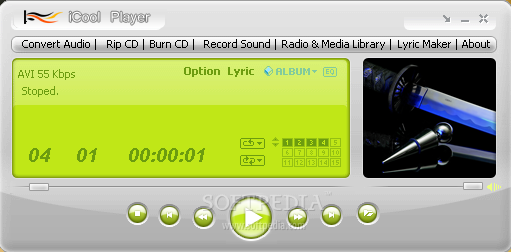
iCoolPlayer is a simple-to-use and attractive media player, which has pretty resourceful options and offers support for the most popular audio and video formats, such as MP3, OGG, WAV, AVI, FLV, WMV and MPG. It addresses all types of users who are looking for an alternate media player.
The interface of the program is eye-catching and intuitive. Media files can be loaded using either the file browser or drag-and-drop method; videos are played in a separate panel.
Aside from standard media control functions (e.g. seek position, volume adjustment), you can create playlists, enable repeat or shuffle mode, switch to full screen mode, configure an equalizer, increase the play speed, and change the channel mode.
iCoolPlayer features a wide range of options and configurable settings, meeting the requirements of picky users: you can apply sound effects (e.g. chorus, flanger), as well as change the screen size and aspect ratio, among others.
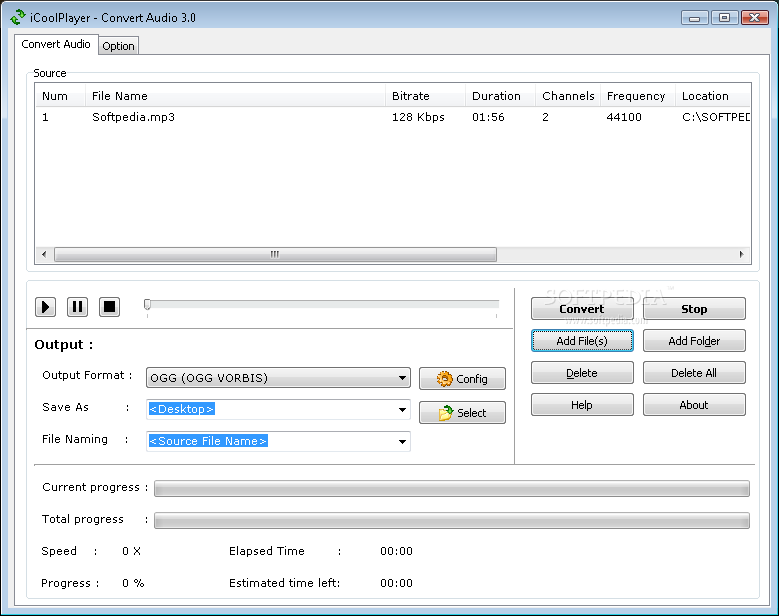
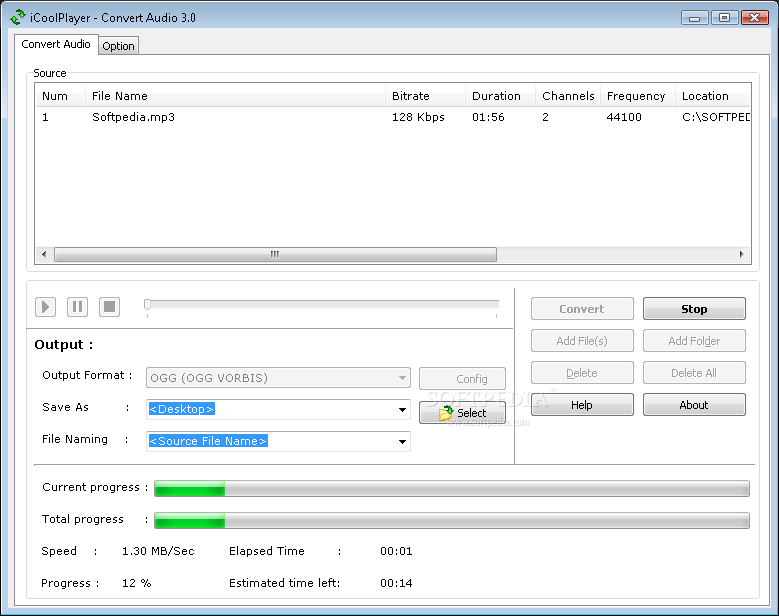
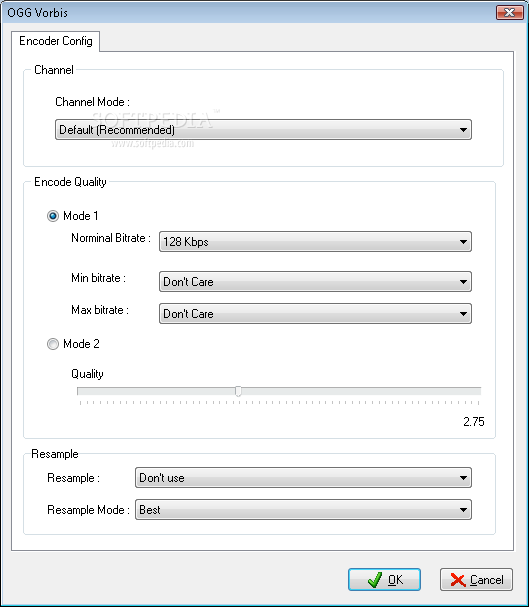
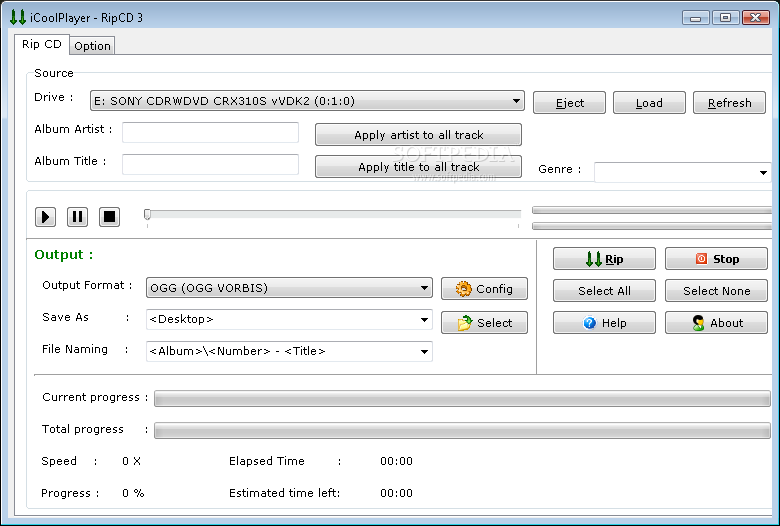
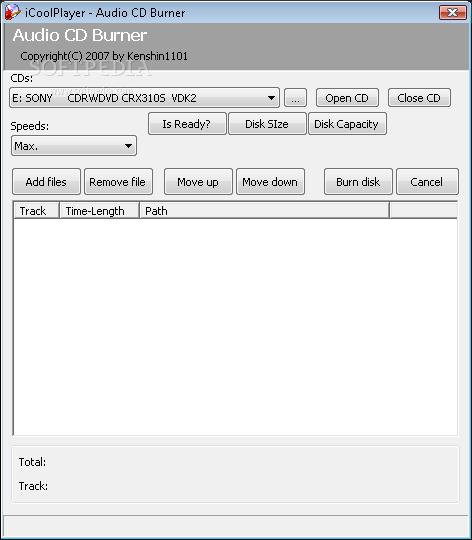
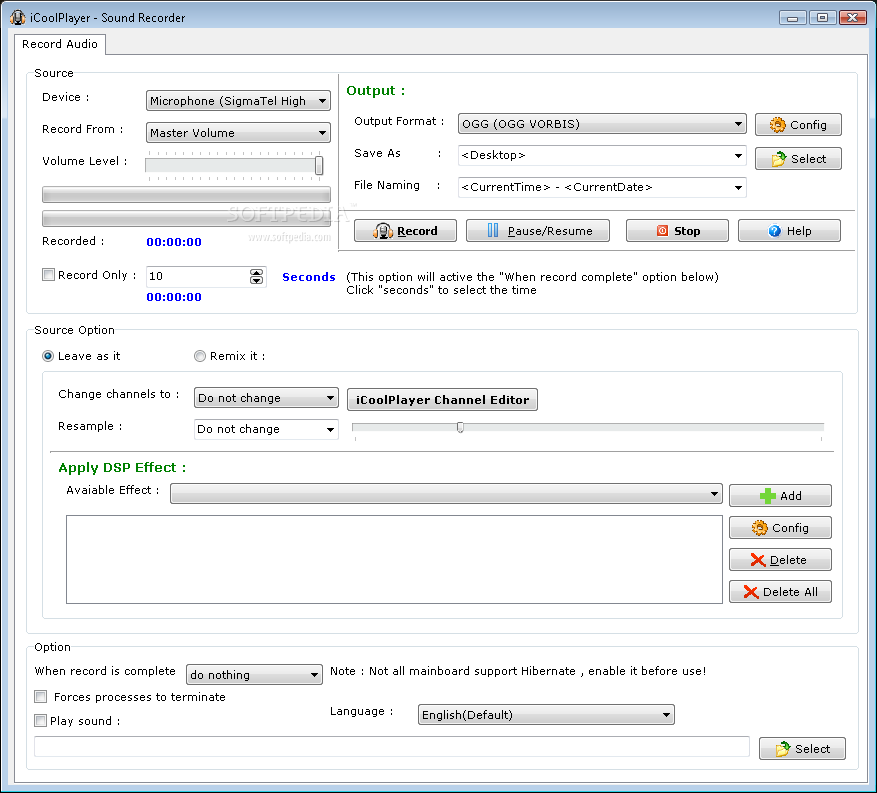
The program supports additional modules which facilitate file type conversion (e.g. AAC, AC3, FLAC), CD ripping and burning, sound recording, a lyrics maker, and a radio and media library.
It uses a very low quantity of CPU and RAM, thus it doesn't burden the computer's overall performance. The app has a good response time and works well, without causing the OS to hang, crash or pop up error dialogs. Thanks to its intuitive layout, yet rich features, iCoolPlayer should please the entire audience.



 Windows 2000 and above
 View Screenshots(7)
 Comments
 Download




 Similar Software


 Recently Searched
 Software Categories
 Trending Software

 Like Us


