Version: 5.4 Last Updated: 26 Apr 2017 Release: 08 Dec 2013 Category: Multimedia > Video
Rate this software:
174 downloads
View Screenshots(12)
Comments
Download
Liked it? Tell others:
Leawo FLV Converter Details
Works on: Windows 10 | Windows 8.1 | Windows 8 | Windows 7 | Windows XP | Windows 2000 | Windows 2003 | Windows 2008 | Windows 98 | Windows ME | Windows NT | Windows Vista | Windows 2012 SHA1 Hash: 07d46cfae32f8d59ccbd4a1441f5d789a94fec68 Size: 38.3 MB File Format: exe
Rating: 2.0
out of 5
based on 23 user ratings
Publisher Website: External Link Downloads: 174 License: Demo / Trial Version
Leawo FLV Converter is a demo software by Leawo Software and works on Windows 10, Windows 8.1, Windows 8, Windows 7, Windows XP, Windows 2000, Windows 2003, Windows 2008, Windows 98, Windows ME, Windows NT, Windows Vista, Windows 2012.
You can download Leawo FLV Converter which is 38.3 MB in size and belongs to the software category Video. Leawo FLV Converter was released on 2013-12-08 and last updated on our database on 2017-04-26 and is currently at version 5.4.
Thank you for downloading from SoftPaz! Your download should start any moment now. It would be great if you could rate and share:
Rate this software:
Share in your network:
Leawo FLV Converter Description
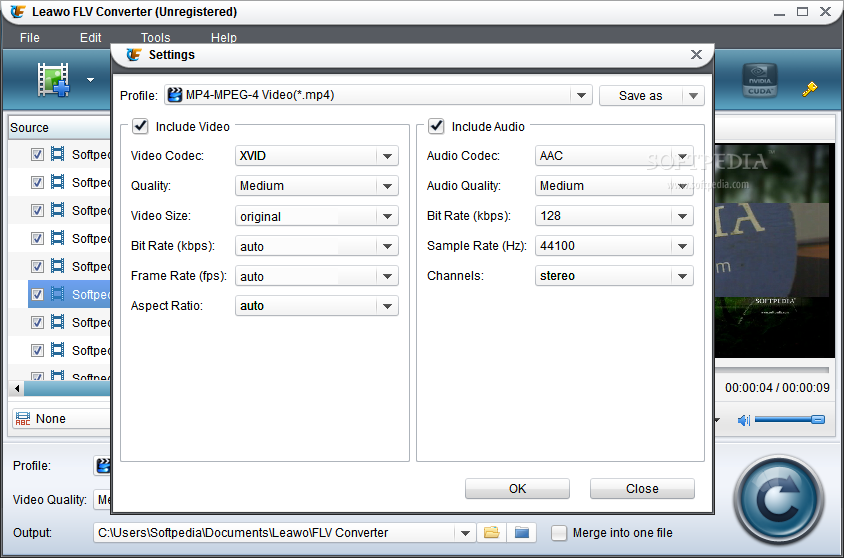
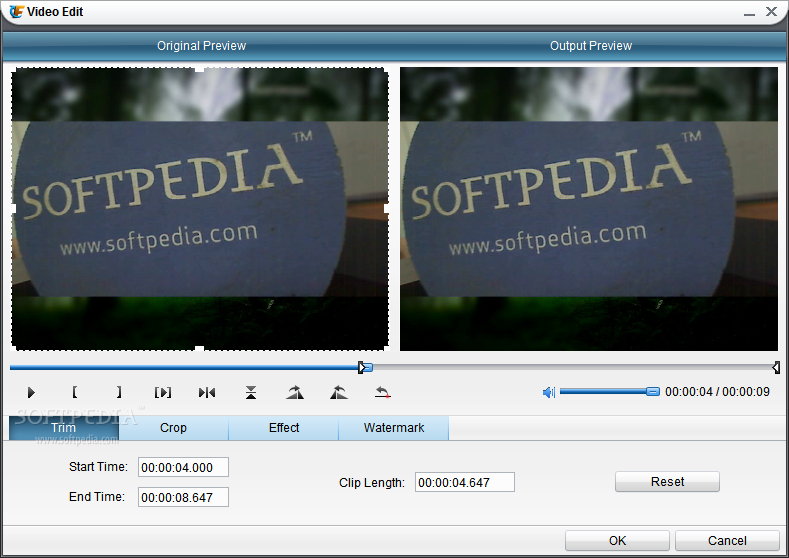
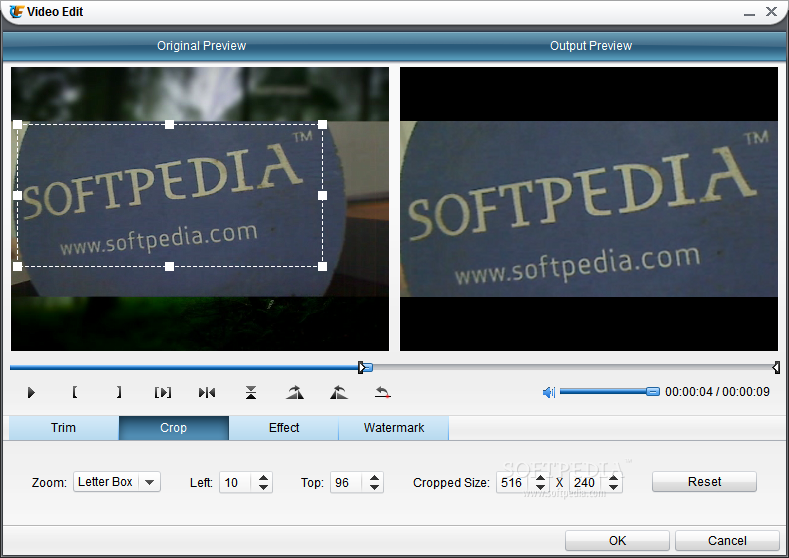
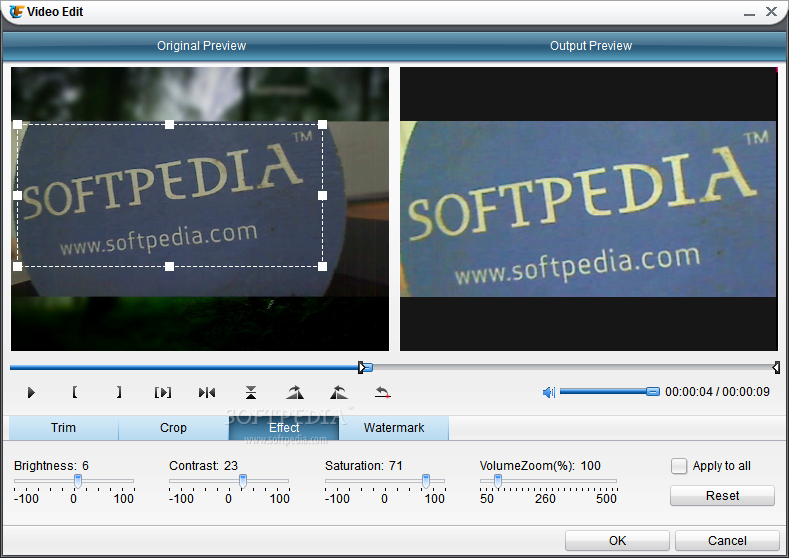
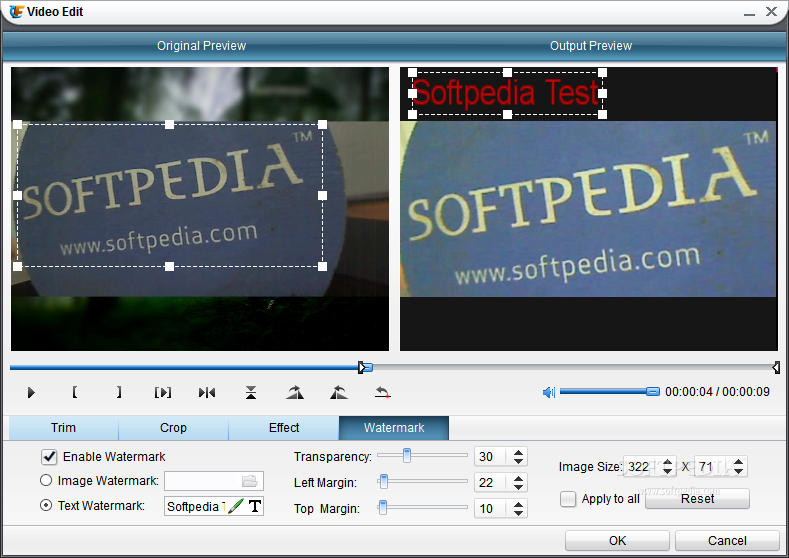
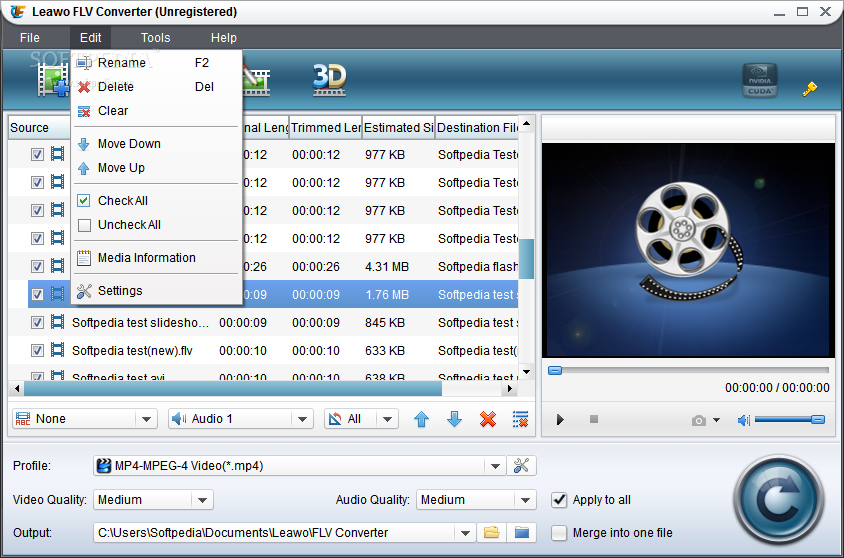
Leawo FLV Converter (FLV to Video Converter) is designed to convert FLV to video in almost any formats. It can convert FLV to AVI, FLV to MOV, FLV to 3GP, FLV to MP4, FLV to MPG, FLV to WMV, FLV to MP3, and so on for video and audio enjoying on iPod, iPhone, PSP, Zune, cell phone, and other MP4 and MP3 players. This FLV Converter also allows you making edits for the outputs, video trimming and cropping, watermark and text adding.Key features of Leawo FLV Converter: 1. Convert FLV to AVI, FLV to MP4, FLV to 3GP, FLV to MPEG, FLV to DVD. 2. Convert FLV to video in almost any formats.3. Convert FLV to audio in all popular formats.4. Accept all FLV conversion, including YouTube, Yahoo, Google, MySpace, iFilm, Dailymotion, Metacafe.5. Process a list of files in a time, supporting batch conversion.6. Add watermark to protect the video from using without permission.7. Add text to get caption or commercial promotion for your video.8. Trim the video to get the exact duration you want.9. Crop the video to remove the margins around the video.10. Adjust the effect-get a better video effect. 11. Capture screenshot to enrich picture database.12. Leawo YouTube Download enables to download FLV offline to your computer.13. Fast conversion speed and excellent output quality.
Whats new in this version:
Where to buy?
Last updated price and discount information 9 years agoupdate now



 Windows NT and above
 View Screenshots(12)
 Comments
 Download





 Similar Software


 Recently Searched
 Software Categories
 Trending Software

 Like Us


