Version: 1 Last Updated: 08 Mar 2017 Release: 21 Oct 2014 Category: Multimedia > Graphic
Rate this software:
196 downloads
View Screenshots(8)
Comments
Download
Liked it? Tell others:
PhotoGun Details
Works on: Windows 10 | Windows 8.1 | Windows 8 | Windows 7 | Windows 2012 SHA1 Hash: 027933127ee088d282c86762c9421bff86924877 Size: 15.11 MB File Format: exe
Rating: 1.9
out of 5
based on 23 user ratings
Publisher Website: External Link Downloads: 196 License: Demo / Trial Version
PhotoGun is a demo software by Neonway and works on Windows 10, Windows 8.1, Windows 8, Windows 7, Windows 2012.
You can download PhotoGun which is 15.11 MB in size and belongs to the software category Graphic. PhotoGun was released on 2014-10-21 and last updated on our database on 2017-03-08 and is currently at version 1.
Thank you for downloading from SoftPaz! Your download should start any moment now. It would be great if you could rate and share:
Rate this software:
Share in your network:
PhotoGun Description
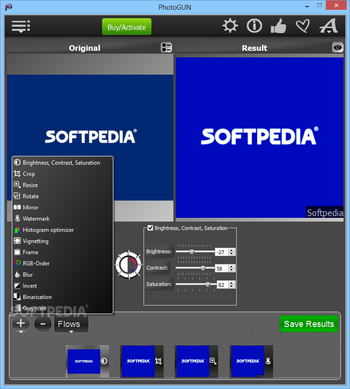
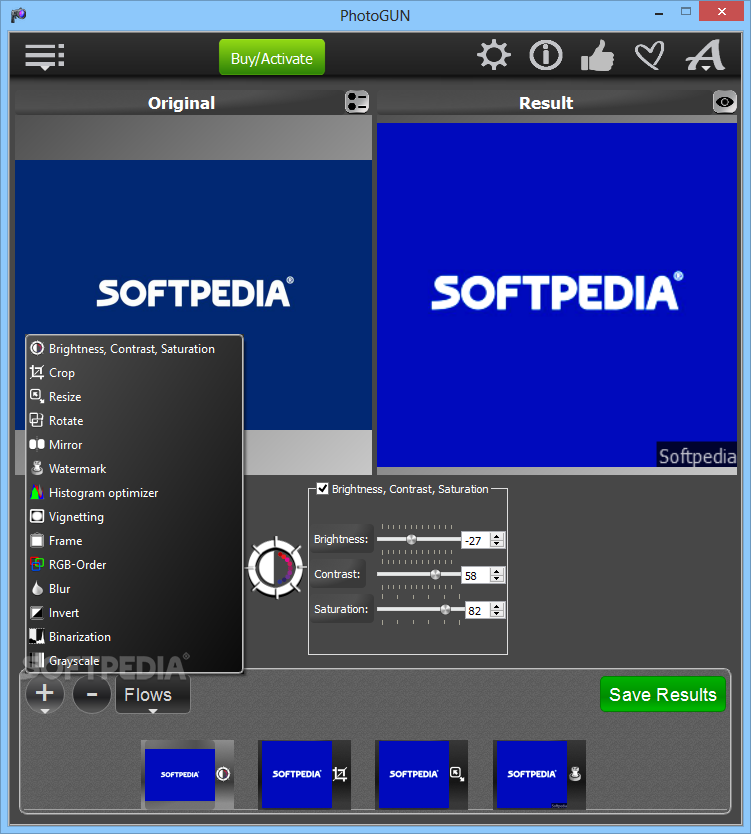
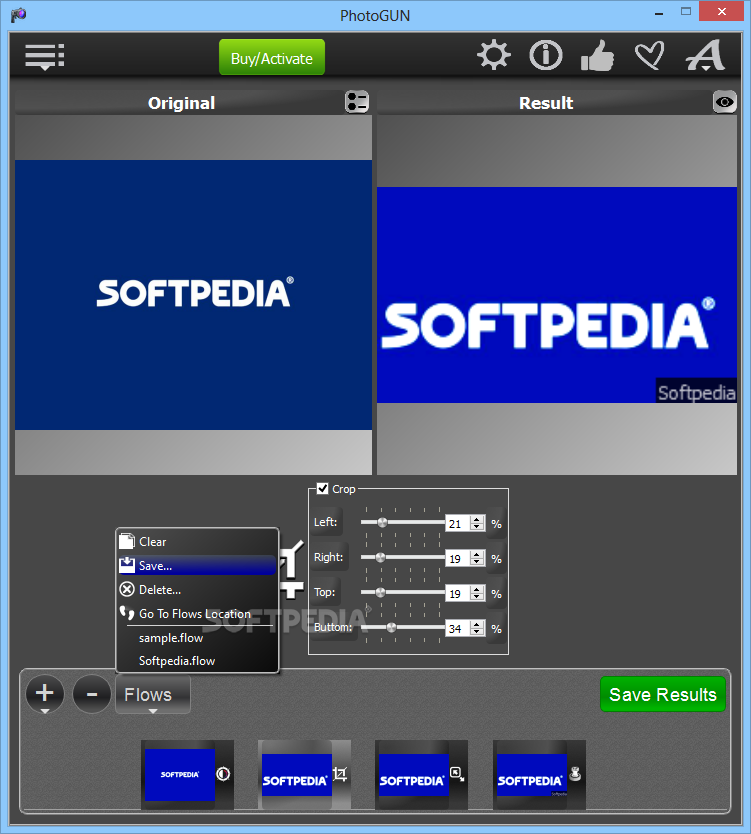
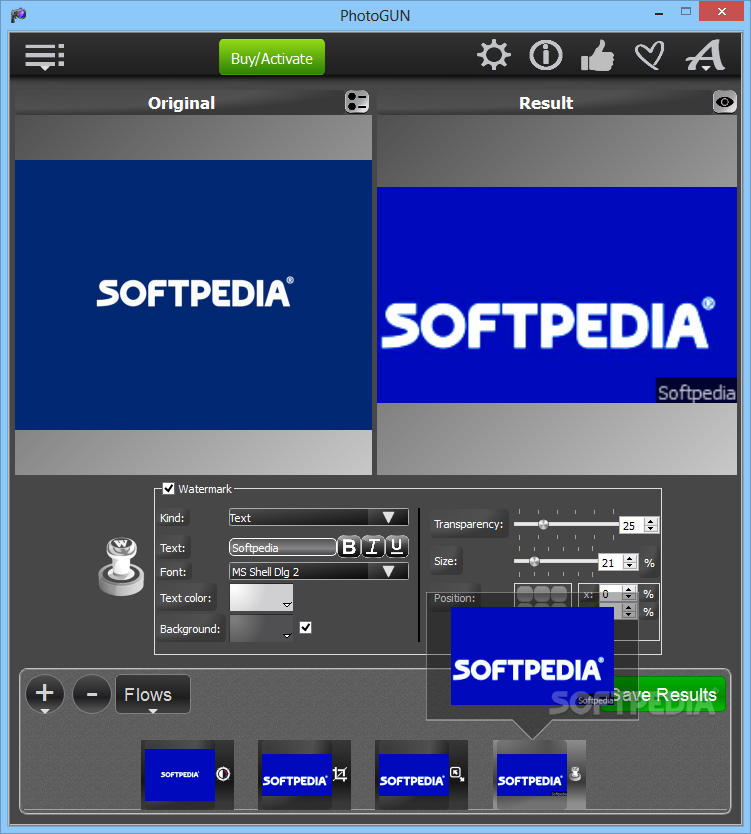
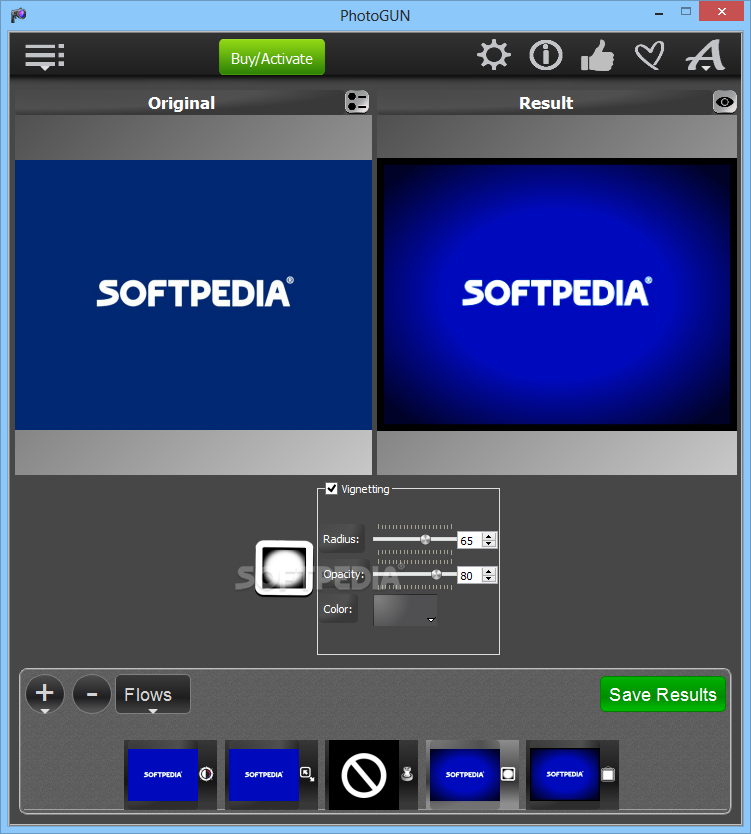
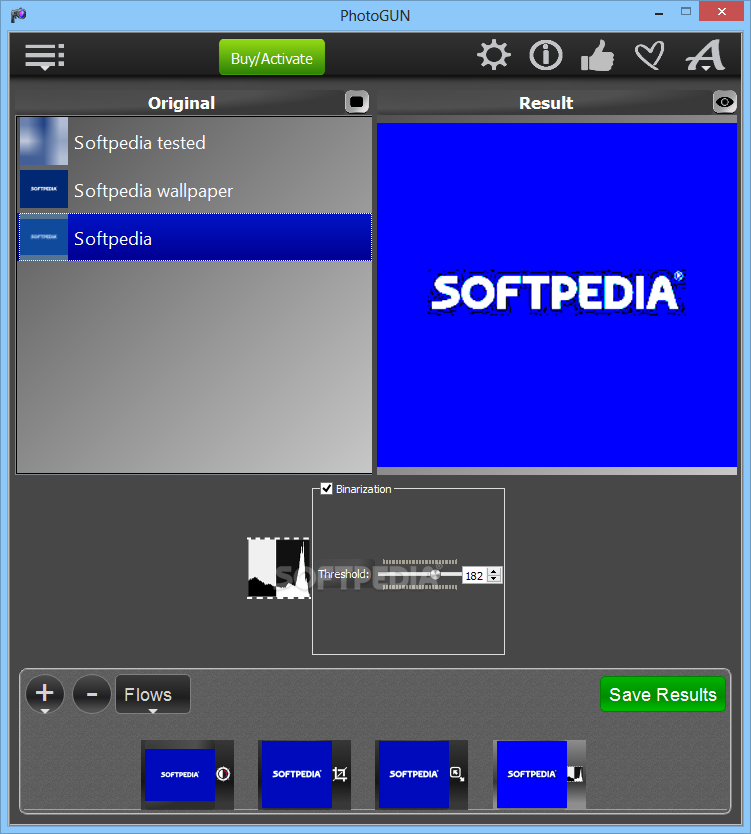
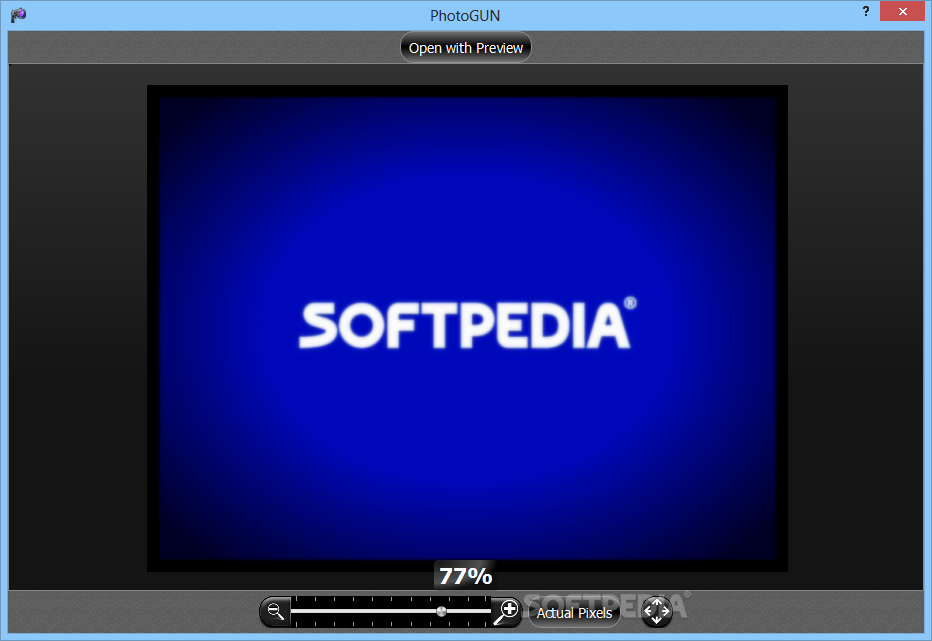
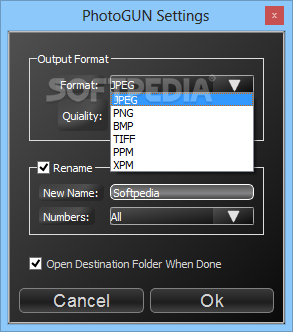
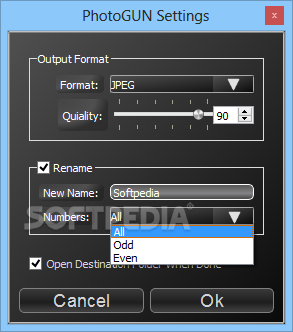
PhotoGUN - No more time consuming, repetitive work! Simply drag and drop a picture, a hundred or thousands of photos, to the drop-window and select operations you want to apply to them. You can perform the following operations: - Resize photos to make them more suitable for emails, blogs, websites, social networks, your personal use or for your business; - Adjust brightness, contrast and saturation to enhance the light and color balance; - Add professional touches to your photos and apply -Vignetting-, a creative effect, to draw attention to the center of the frame; - Add watermark to prevent unauthorized use and/or copyright text or company logo with a customizable transparency level and other parameters. You can also use this operation to merge your photos; - Crop to cut away unneeded image parts; - Rotate to change the image angle; - Mirror to flip the image vertically and horizontally; - Blur to hide some of the details of your photos (different levels of blurring available); - Add Borders for a decorative look using different frame thicknesses and colors; - Swap the RGB-channels; - Apply the Histogram optimization to automatically improve photos taken under similar conditions; - Binarize the images, using the threshold value and produce the monochromatic results; - Grayscale to convert color images into black-and-white ones - Invert the photos; - Convert the file formats into/from JPEG, PNG, TIFF, BMP, XPM, PPM, including the full range quality compression of JPEG ranging from 1% to 100%; - Give new names to your photos; - Change the order of operations to achieve the best result; - Save the operation flows as presets, if you will need them over and over again; - Preview all images at each stage of the applied operations by clicking the eye symbol on the flow thumbnails, in real-time and with retina-ready graphics. We hope you will have as much fun using PhotoGUN as we had creating it for you!
Where to buy?
Last updated price and discount information 9 years agoupdate now



 Windows 7 and above
 View Screenshots(8)
 Comments
 Download





 Similar Software


 Recently Searched
 Software Categories
 Trending Software


 Like Us


