Works on: Windows 10 | Windows 8.1 | Windows 8 | Windows 7 | Windows 2012 SHA1 Hash: 1e3c96fedd12f48c77b94317bd961a7f1f294d71 Size: 998.54 KB File Format: zip
Rating: 1.9
out of 5
based on 23 user ratings
Downloads: 199 License: Free
Process History is a free software by Jan Stetka and works on Windows 10, Windows 8.1, Windows 8, Windows 7, Windows 2012.
You can download Process History which is 998.54 KB in size and belongs to the software category Hard Disk and CD DVD BluRay Utilities. Process History was released on 2013-05-15 and last updated on our database on 2017-04-25 and is currently at version 1.
Thank you for downloading from SoftPaz! Your download should start any moment now. It would be great if you could rate and share:
Rate this software:
Share in your network:
Process History Description
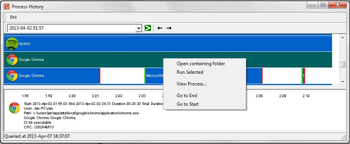
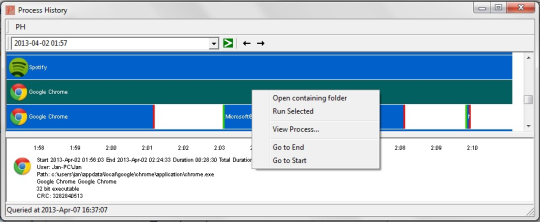
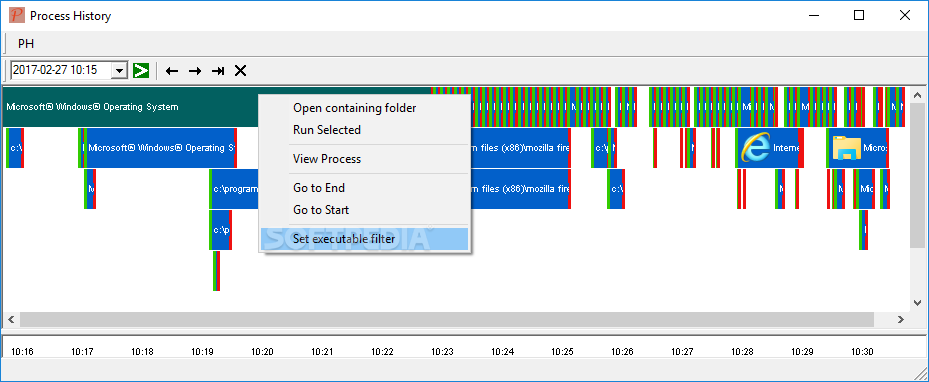
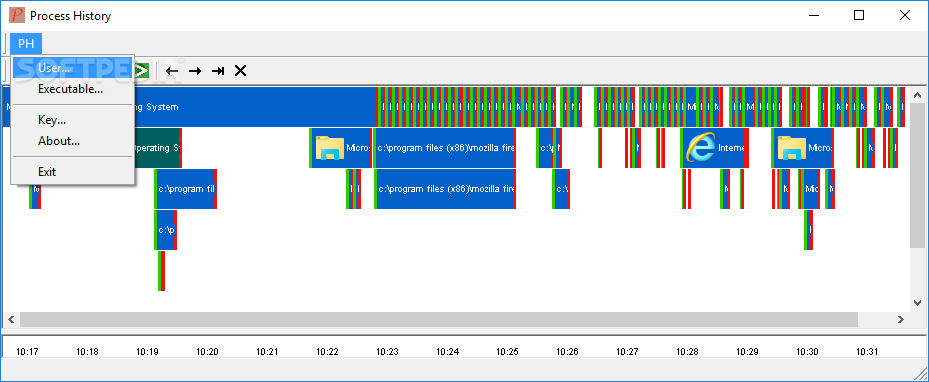
Process History (64-bit) is a unique, fast, and reliable reporting of processes that have run on your Windows computer. The program is able to display the activity for specific times you can choose from the drop-down list. It can run in the background whilst you get on with your work as normal. It created to provide you with a means of checking out details about the applications that run onto your computer. With Process History (64-bit) you can identify unwanted software that may have popped up for a moment and then stopped running, and take steps to prevent. Troubleshoot compatibility issues by monitoring the CRC of new versions of executables, it can be used to show when an executable changed.



 Windows 7 and above
 View Screenshots(4)
 Comments
 Download




 Similar Software


 Recently Searched
 Software Categories
 Trending Software
 Like Us

