Works on: Windows 10 | Windows 8.1 | Windows 8 | Windows 7 | Windows XP | Windows 2000 | Windows 2003 | Windows 2008 | Windows Vista | Windows 2012 SHA1 Hash: d14301554de9c2858c883023e9b570a452eeb624 Size: 5.64 MB File Format: exe
Rating: 2.3
out of 5
based on 23 user ratings
Downloads: 225 License: Free
SafeSquid Personal is a free software by Office Efficiencies and works on Windows 10, Windows 8.1, Windows 8, Windows 7, Windows XP, Windows 2000, Windows 2003, Windows 2008, Windows Vista, Windows 2012.
You can download SafeSquid Personal which is 5.64 MB in size and belongs to the software category Security Related. SafeSquid Personal was released on 2012-02-20 and last updated on our database on 2017-04-23 and is currently at version 3.4.
Thank you for downloading from SoftPaz! Your download should start any moment now. It would be great if you could rate and share:
Rate this software:
Share in your network:
SafeSquid Personal Description
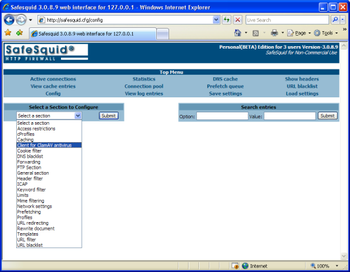
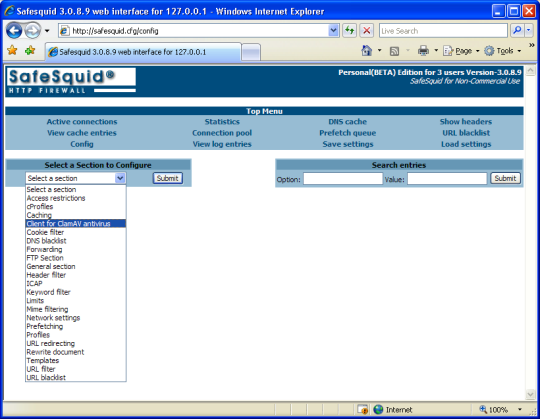
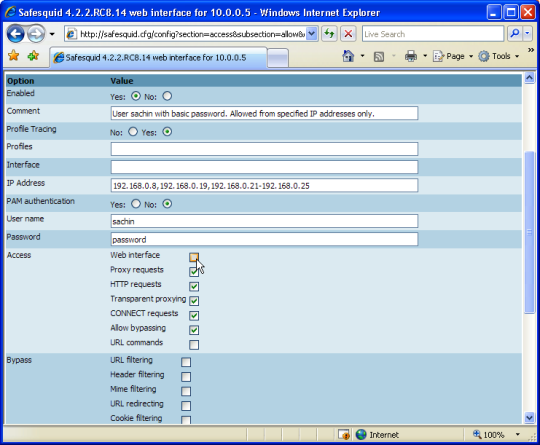
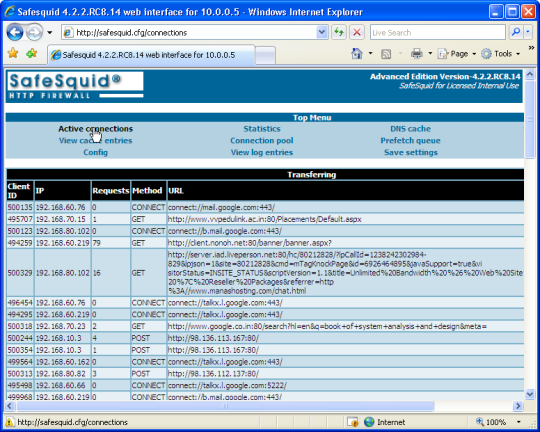
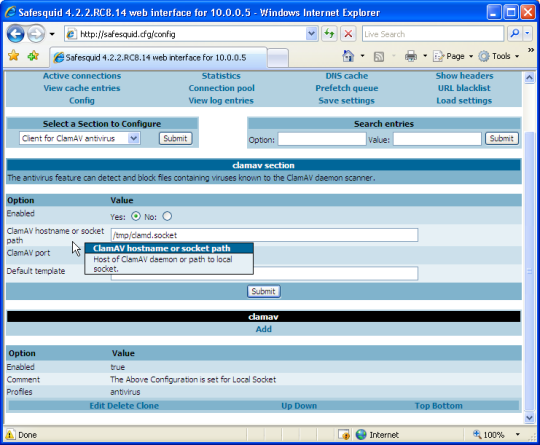
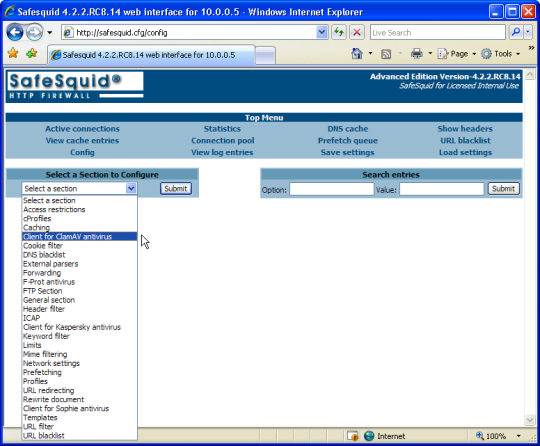
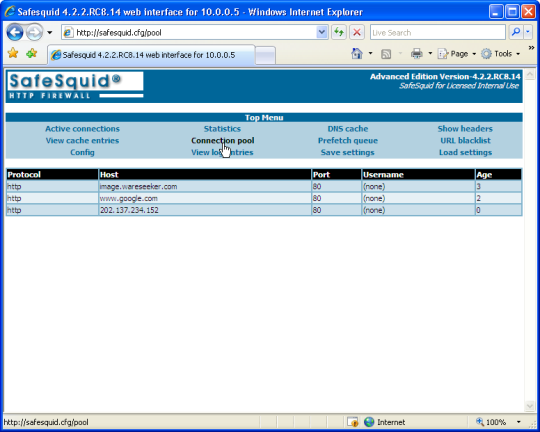
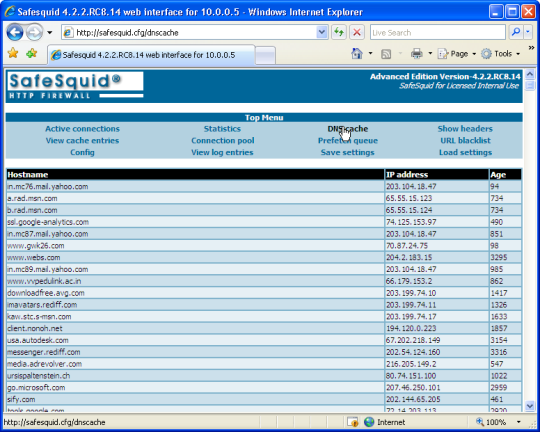
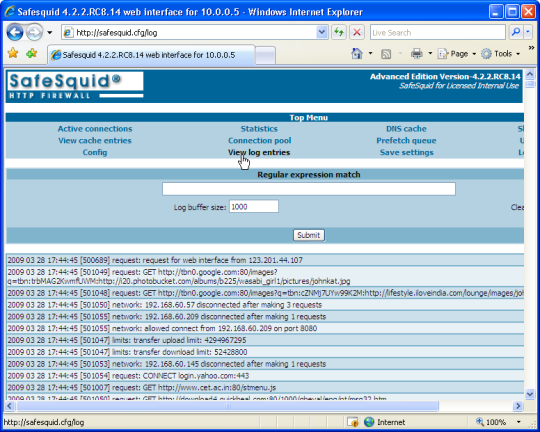
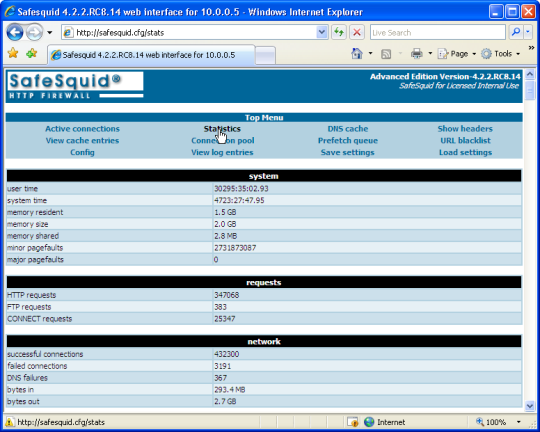
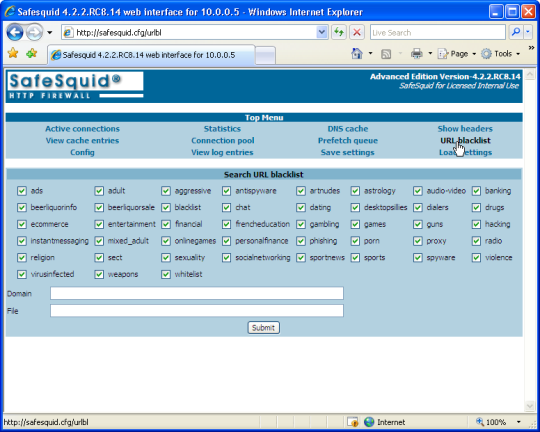
SafeSquid Personal is a Free Web Filter Proxy Server for Windows. SafeSquid Web Filter gives you Total Access Control, Total Content Control & Total Internet Security.SafeSquid Web Filter Proxy has: 1. A browser based interface.2. Worlds biggest set of Content Filtering features.3. Multi-threaded architecture.4. Fast Throughput.5. Intelligent DNS cache.6. Extremely manageable content cache system.7. Pre-fetching to accelarate web access.8. Bandwidth manager.With SafeSquid Web Filter Proxy you can:1. Create unlimited and extremely granular Internet Policies.2. Deal with unlimited number of unique factors depending upon user / network / web-site / mime-type / size / time.3. Create unlimited number of policies for allowing or BLOCKING SPECIFIC CONTENT, like music, ActiveX, JavaScripts, advertisement banners.4. Allow / block websites based on their category, like porn, drugs, hate, social media.5. Block websites based on words and phrases.6. Block porn images.7. Enforce YouTube Safety Mode.8. Enforce SafeSearch on search engine queries.9. Authenticate users from WINDOWS ADS / OpenLDAP servers.10. Throttle speed for low priority users or applications.11. Limit downloads and uploads based on content size or quota.12. Use a variety of anti virus software to scan in-coming content, like ClamAV, Kaspersky, Symantec, DrWeb.13. Display customized messages for blocked content to users.14. Analyze in-depth user usage reports.
Whats new in this version:
A flaw that caused HTTPS transactions to break abnormally was fixed.



 Windows 2000 and above
 View Screenshots(10)
 Comments
 Download




 Similar Software


 Recently Searched
 Software Categories
 Trending Software


 Like Us
