Works on: Windows 10 | Windows 8.1 | Windows 8 | Windows 7 | Windows XP | Windows 2000 | Windows 2003 | Windows 2008 | Windows Vista | Windows 2012 SHA1 Hash: 9a625dcfb20bb9eb3553dd94a0e0f854990e4e5f Size: 6.7 MB File Format: exe
Rating: 2.4
out of 5
based on 23 user ratings
Publisher Website: External Link Downloads: 89 License: Demo / Trial Version
Silicon Slate Software is a demo software by Silicon Slate Software and works on Windows 10, Windows 8.1, Windows 8, Windows 7, Windows XP, Windows 2000, Windows 2003, Windows 2008, Windows Vista, Windows 2012.
You can download Silicon Slate Software which is 6.7 MB in size and belongs to the software category Home and Education. Silicon Slate Software was released on 2007-05-15 and last updated on our database on 2017-03-09 and is currently at version 1.402.
Thank you for downloading from SoftPaz! Your download should start any moment now. It would be great if you could rate and share:
Rate this software:
Share in your network:
Silicon Slate Software Description
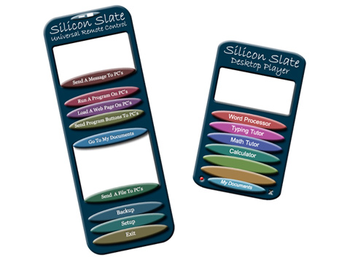
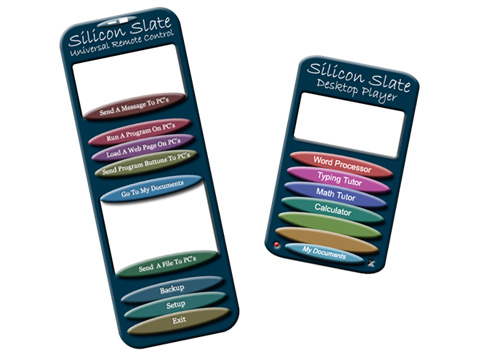
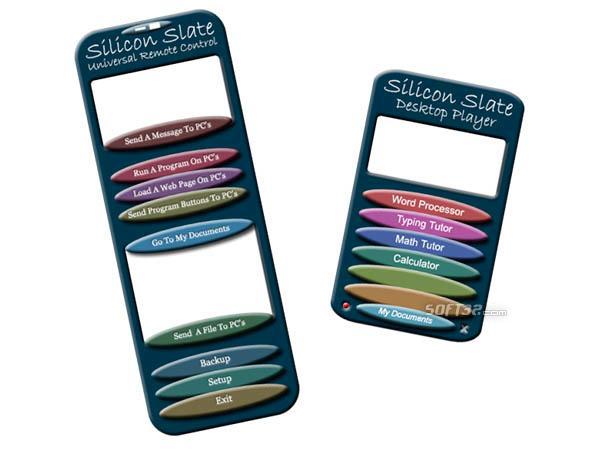
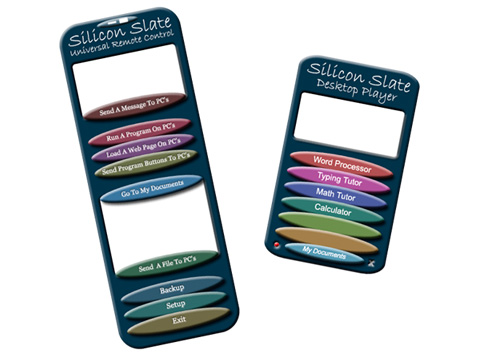
Silicon Slate Software is like having a remote control for your computer class or lab. With Silicon Slate Software you can, for example, start a program or web page on all of the PC's in your class with a double click of your mouse.
Silicon Slate Software is computer class management and computer lab management software designed to simplify many of the everyday tasks you perform in your computer class or computer lab.
For example, you have 20 second graders that you want to use a spelling program installed on the computers in your classroom. You can either go to each PC and run the program before the class starts or you can try to explain to your students how to start the program when they arrive. Either choice can end up consuming a considerable amount of class time. With Silicon Slate Software you simply click the "Run A Program On PC's" button on the Universal Remote (the teachers program) and then double click on the programs description. The spelling program will immediately start on all of the PC's in your class.
Internet access in class can be an area of concern. Often common misspellings of web page addresses are used for nefarious purposes. Using Silicon Slate Software you can load one or more web pages on all of the PC's in your class or lab without your students needing to type in anything.
Different classes have different requirements. You can set up program launch buttons on the Desktop Players (the software that runs on the student PC's) for a particular class, then easily change those program launch buttons for another class with a few mouse clicks.
Often there is a need to distribute files to students. With Silicon Slate Software you can send a file to the My Documents folder of every PC's in your class. The file can then be worked on by your students or copied to a students USB flash drive.
Download Silicon Slate Software now. See how it can help you in your computer lab or computer class.
Where to buy?
Last updated price and discount information 9 years agoupdate now



 Windows XP and above
 View Screenshots(3)
 Comments
 Download





 Similar Software


 Recently Searched
 Software Categories
 Trending Software
 Like Us


