


 Windows XP and above
| Rate this software: | |
| 231 downloads | |
 View Screenshots(1)
 Comments
 Download




Performance Monitoring for Compute, Memory, Network Fabric, and Storage:
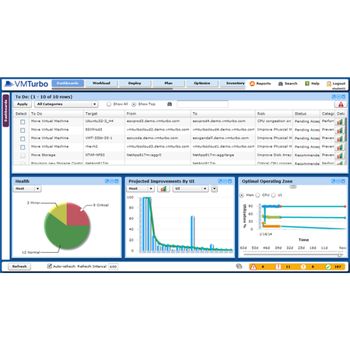
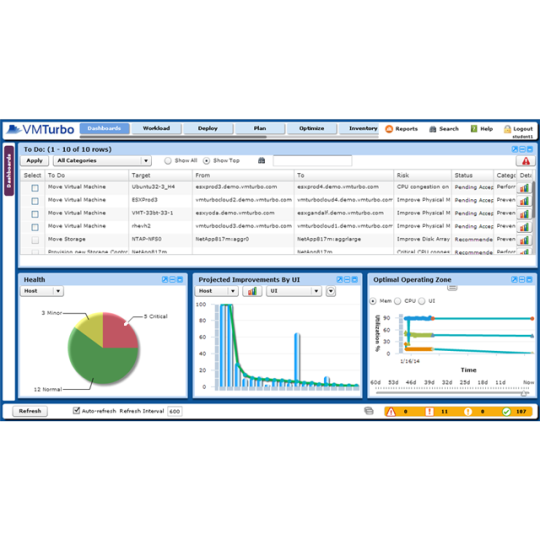
Host and VM heat map: heads up display for average and peak utilization of Mem and CPU
CPU Ready Queue: rank hosts by queue length and reallocate vCPUs or relocate VMs to relieve congestion
Storage Dashboard: rank data stores by raw average sustained IOPS, total storage used, and available capacity. Evaluate the suitability of datastores versus applied workloads to make allocation decisions or plan for workload growth.
Built in Efficiency Recommendations - Like Hiring a Maid for your Datacenter:
VM Over/Under Provisioning considers the peaks of actual VM resource demands to provide meaningful right-sizing recommendations. Tailor recommendations with configure thresholds and specific time ranges for each VM.
Storage Wasted Allocations provides immediate visibility into data on managed drives not associated with any VM. Quickly free up vast amounts of orphaned or unused storage.
Storage Allocated to Dormant VMs both identifies dormant VMs and enables the reclamation of their disk space.
Whats new in this version:
 Similar Software


 Recently Searched
 Software Categories
 Trending Software
 Like Us

Free Windows software, games, themes and wallpapers with direct download links since 2011.
