Works on: Windows 10 | Windows 8.1 | Windows 8 | Windows 7 | Windows XP | Windows 2000 | Windows 2003 | Windows 2008 | Windows Vista | Windows 2012 SHA1 Hash: 2ad773f604c31ef68a71e27765ac0e1d3ba511f5 Size: 1.06 MB File Format: zip
Rating: 2.2
out of 5
based on 23 user ratings
Downloads: 140 License: Free
WinRoboCopy is a free software by UpWay2Late and works on Windows 10, Windows 8.1, Windows 8, Windows 7, Windows XP, Windows 2000, Windows 2003, Windows 2008, Windows Vista, Windows 2012.
You can download WinRoboCopy which is 1.06 MB in size and belongs to the software category File Management. WinRoboCopy was released on 2012-08-02 and last updated on our database on 2017-04-24 and is currently at version 1.2.
Thank you for downloading from SoftPaz! Your download should start any moment now. It would be great if you could rate and share:
Rate this software:
Share in your network:
WinRoboCopy Description
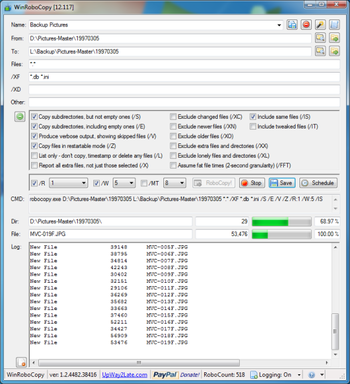
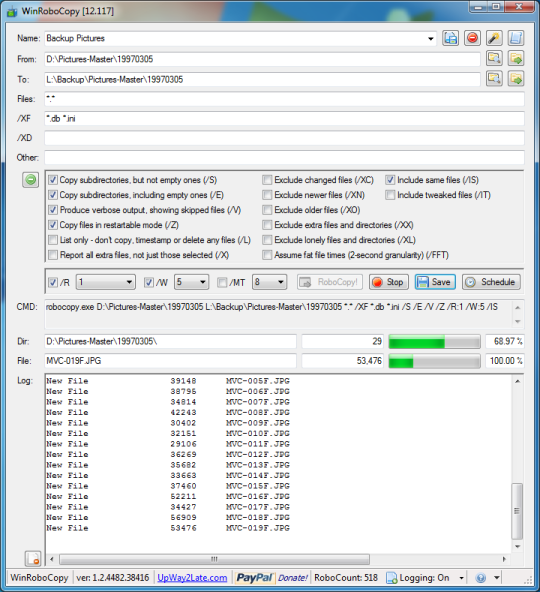
WinRoboCopy is a GUI front end for RoboCopy. RoboCopy is a command line file copy utility for Windows. WinRoboCopy allows the user to easily save and reuse settings for RoboCopy. This is for common jobs like backing up files or deploying files. WinRoboCopy allows the user to specify files and folders by dragging them Windows Explorer. WinRoboCopy allows the user to use the most common RoboCopy settings by clicking check boxes. WinRoboCopy automatically logs all RoboCopy output. WinRoboCopy allows the user to schedule the RoboCopy job for execution at a later date and time.



 Windows XP and above
 View Screenshots(1)
 Comments
 Download




 Similar Software


 Recently Searched
 Software Categories
 Trending Software


 Like Us
